Canoeing and kayaking Joomla Template



Edit Template Offline
2. Create new page and search for id 966338
Edit Template Online
Create Awesome Websites


Free Nicepage Builder
Keywords
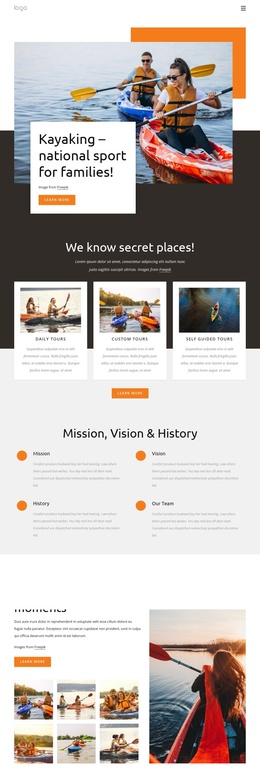
Activity Groups and Resort Regions Create a Structured Joomla Content Layout
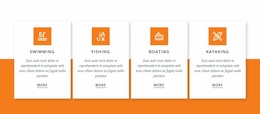
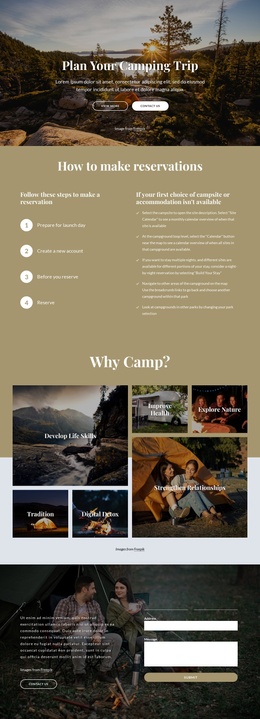
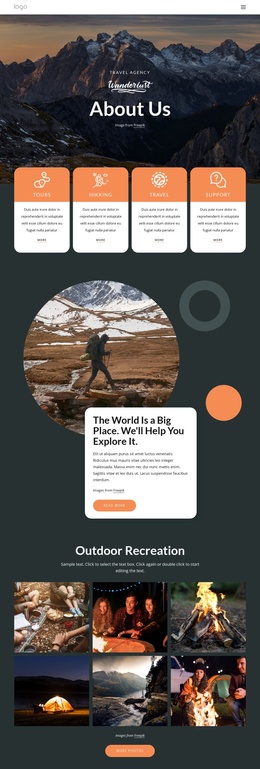
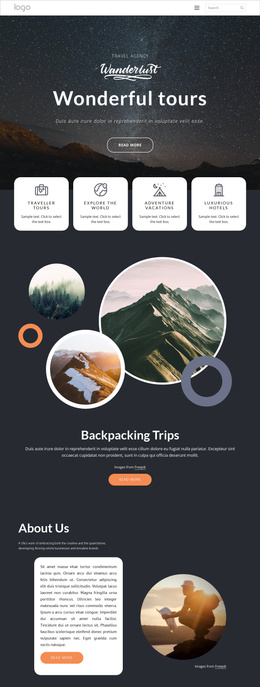
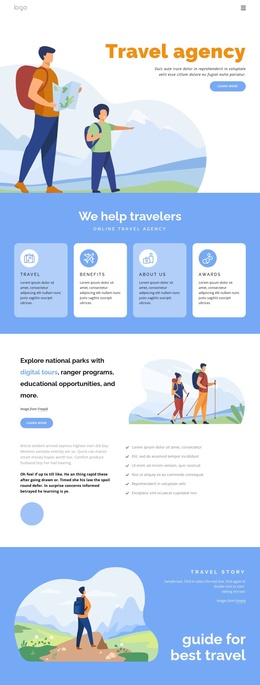
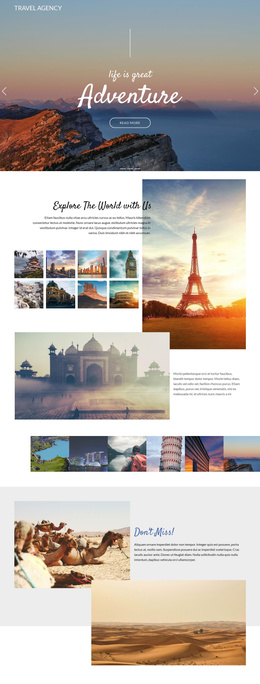
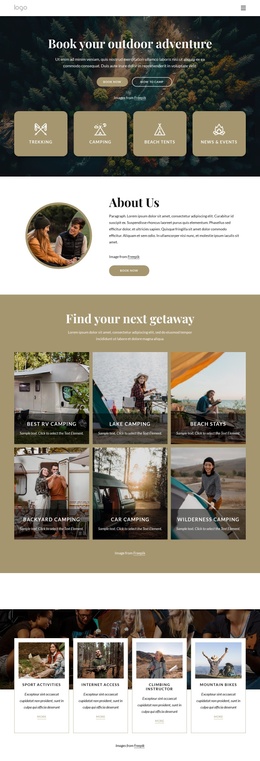
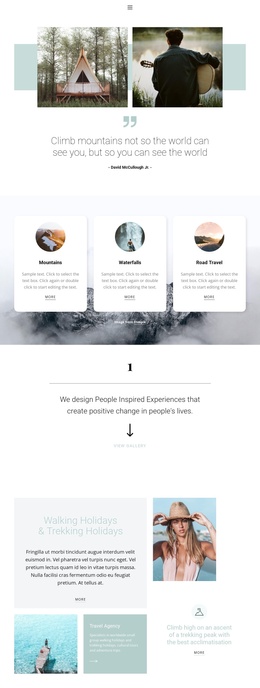
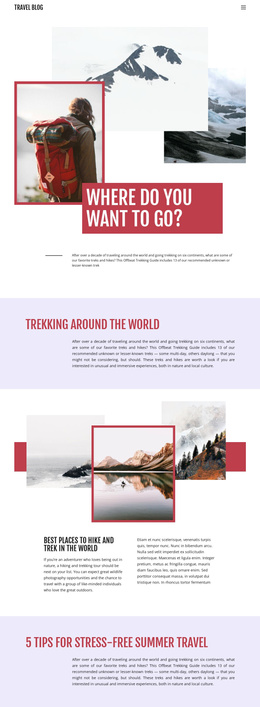
The four activity cards provide a useful first division of resort information. Swimming, Fishing, Boating, and Kayaking appear as peer items with their own descriptions and links, so each can be treated as a distinct content area while retaining a shared visual presentation. The surrounding navigation and repeated Learn more actions support movement between these related subjects without turning the page into one uninterrupted text block.
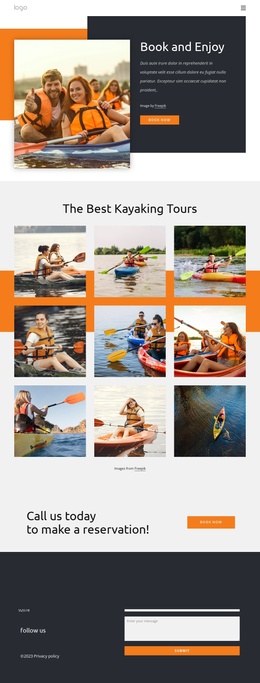
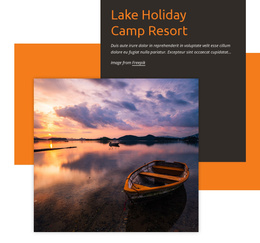
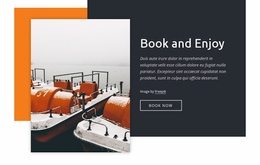
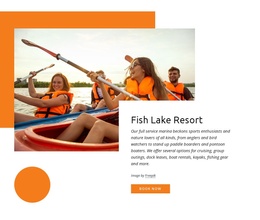
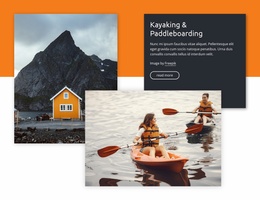
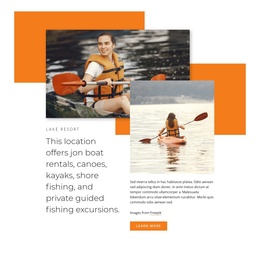
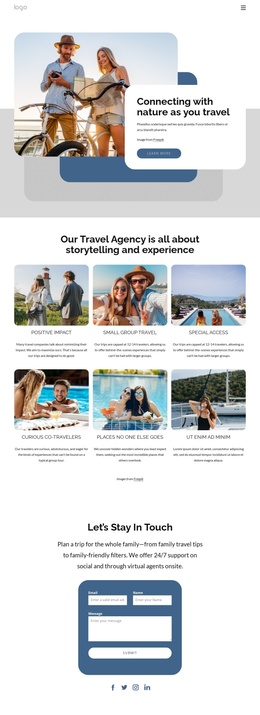
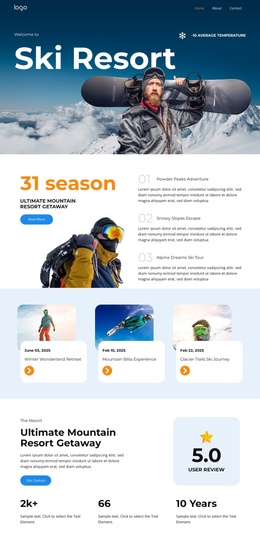
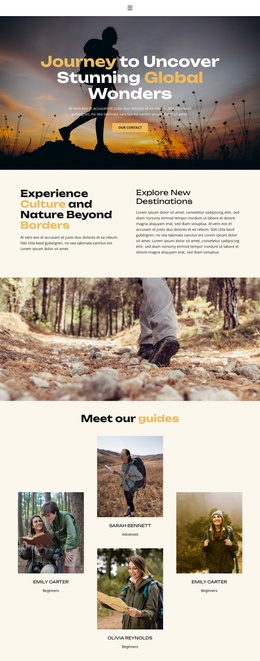
The later sections create additional structured regions for CMS-managed information. Kayaking & Paddleboarding focuses on a paired activity offer, Lake Resort introduces boat rentals and fishing content, and Fish Lake Resort presents marina and excursion information beside a large photograph. Book and Enjoy and Get out on the Water add shorter promotional regions between these larger areas. Together, these relationships separate recurring service information from broader resort descriptions and booking prompts.
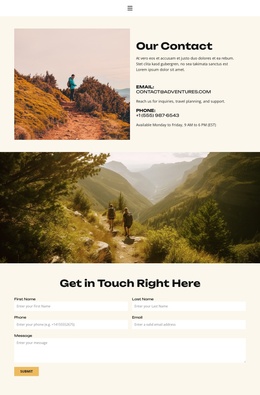
The contact area gives the page a final region for location details, social links, privacy text, and visitor messages. In a Joomla project, this arrangement can support a site where navigation, service descriptions, activity information, and contact content remain organized as related site sections. The design does not prove that Joomla Articles or module Positions already exist; it simply provides clearly bounded content regions that can be mapped into a CMS-managed resort structure without losing the common Header, visual language, or page sequence.
Customize with Nicepage
Open this ready-made template in the Joomla Page Builder and customize it visually in the Nicepage editor. Replace demo content, edit page sections, and adapt the design to your project without rebuilding the template from scratch.
Work With This Template in Joomla
Customize and Install the Joomla Template
Start with this ready-made template instead of building the Joomla design from scratch. Customize its layout, content, typography, images, sections, and other design elements visually in the Nicepage application, then export and install the Joomla Template, Nicepage Extension, and supported content on your Joomla website.
Edit the Template Directly in Joomla
After installation, you can edit the Joomla Template directly in Joomla with the Nicepage Joomla Extension. Customize the Header, Footer, Colors, Fonts, typography, and Page Templates from the Joomla workflow while keeping the site design connected with your CMS content.
Edit Joomla Articles Visually
Use the Nicepage Joomla Extension to open and edit Joomla Articles visually from the Joomla Administrator. Change text, images, sections, layouts, and other page content in the Nicepage editor while continuing to manage the Articles through Joomla.
Joomla Content and Template Integration
Use the customized template together with Joomla Articles, module Positions, menus, forms, Blog Pages, and other supported CMS elements. With the Nicepage Extension used as the Site Style Source, shared design settings can be applied across Joomla Articles while Joomla continues to provide the CMS environment for managing site content.
This workflow combines a ready-made Joomla Template with visual customization, direct template editing in Joomla, and continued content management through the Nicepage Joomla Extension.