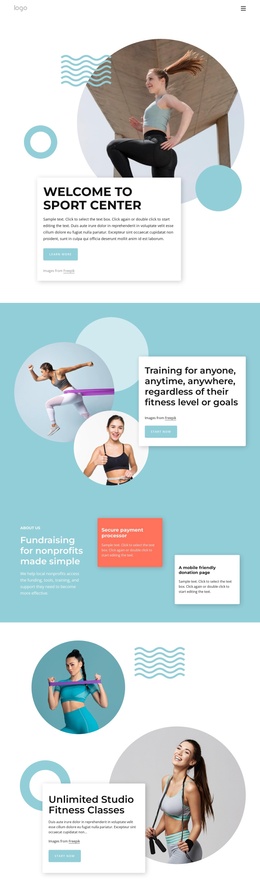
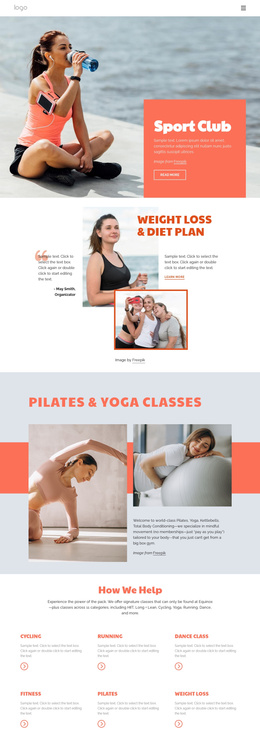
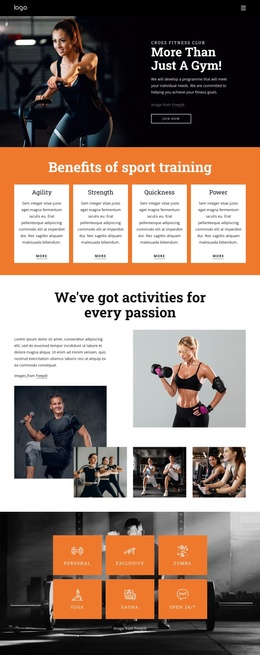
Health benefits of yoga and Pilates Joomla Template


A Structured Benefits Area for a Joomla-Managed Content Region
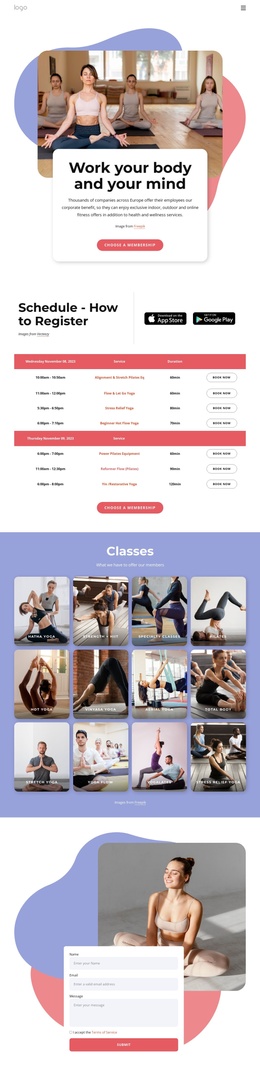
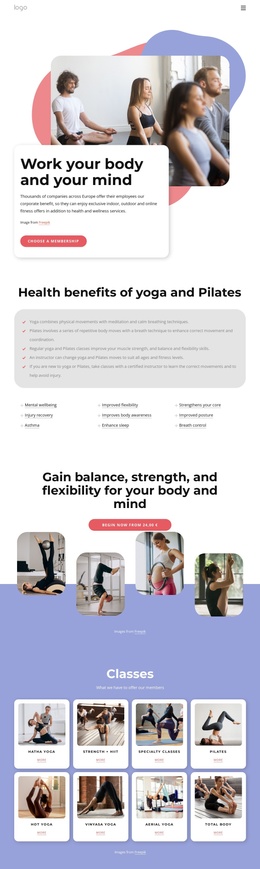
The block separates its educational message into two useful content regions. First, the heading “Health benefits of yoga and Pilates” introduces a rounded light-gray panel with five checklist statements. Those statements cover calm breathing and meditation, repetitive movement and coordination, strength, balance, flexibility, adaptable instruction, and injury avoidance. The check marks give each explanation a clear visual starting point, so the panel can function as a stable informational group rather than an undifferentiated paragraph.
The second region presents nine named benefit topics in three columns of three. Labels such as Mental wellbeing, Injury recovery, Improved flexibility, Enhance sleep, Strengthens your core, Improved posture, and Breath control create a compact index of subjects beneath the explanatory text. Underlines and small plus markers distinguish these topics from the longer checklist statements while preserving a consistent reading path through the section.
Within a Joomla-managed page, this arrangement can serve as a reusable health-information area alongside broader editorial or class-related content. Joomla can provide the surrounding content environment, while the block retains responsibility for presenting the verified yoga and Pilates topics in a consistent visual order. The section does not need to carry the whole page: neighboring content can introduce classes, explain schedules, or provide contact details, leaving this block focused on education and topic discovery.
Customize with Nicepage
Open this ready-made template in the Joomla Page Builder and customize it visually in the Nicepage editor. Replace demo content, edit page sections, and adapt the design to your project without rebuilding the template from scratch.
Edit Template Offline
2. Create a new page or select existing
3. Click Add new block, search for id 6037092 and click enter
Edit Template Online
Create Awesome Websites


Free Nicepage Builder
Keywords
Work With This Template in Joomla
Customize and Install the Joomla Template
Start with this ready-made template instead of building the Joomla design from scratch. Customize its layout, content, typography, images, sections, and other design elements visually in the Nicepage application, then export and install the Joomla Template, Nicepage Extension, and supported content on your Joomla website.
Edit the Template Directly in Joomla
After installation, you can edit the Joomla Template directly in Joomla with the Nicepage Joomla Extension. Customize the Header, Footer, Colors, Fonts, typography, and Page Templates from the Joomla workflow while keeping the site design connected with your CMS content.
Edit Joomla Articles Visually
Use the Nicepage Joomla Extension to open and edit Joomla Articles visually from the Joomla Administrator. Change text, images, sections, layouts, and other page content in the Nicepage editor while continuing to manage the Articles through Joomla.
Joomla Content and Template Integration
Use the customized template together with Joomla Articles, module Positions, menus, forms, Blog Pages, and other supported CMS elements. With the Nicepage Extension used as the Site Style Source, shared design settings can be applied across Joomla Articles while Joomla continues to provide the CMS environment for managing site content.
This workflow combines a ready-made Joomla Template with visual customization, direct template editing in Joomla, and continued content management through the Nicepage Joomla Extension.