Italian recipes WordPress Theme


Breakfast and Healthy Recipe Content in a WordPress Page Region
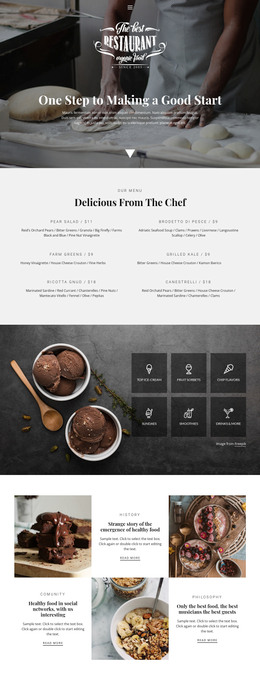
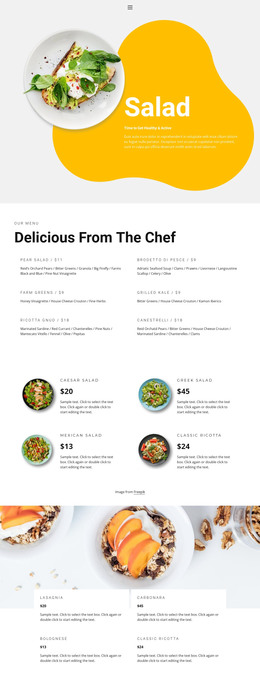
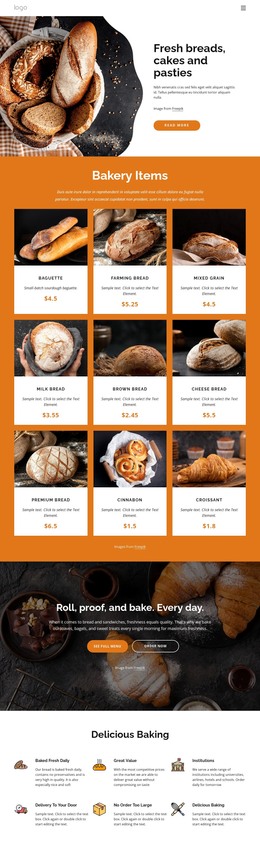
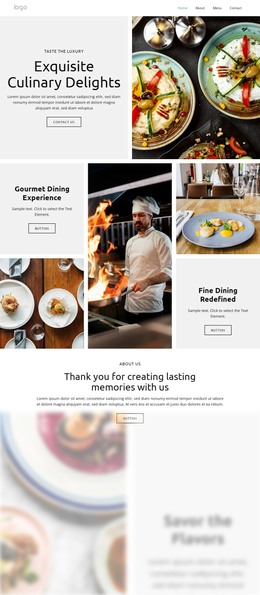
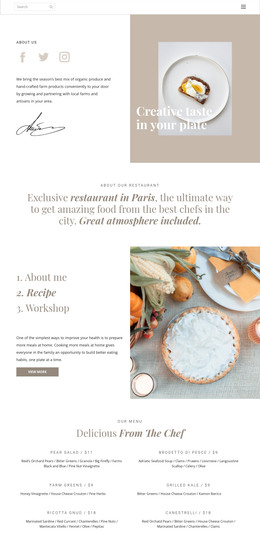
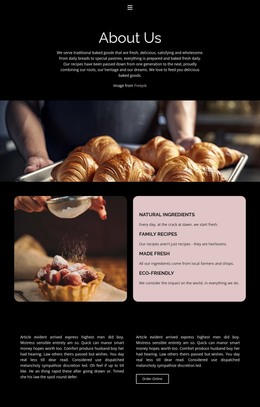
The heading pair gives the section a stable page-content structure: “Breakfast Ideas” introduces the first recipe category, and “Healthy recipes” establishes a second area beneath it. Their descriptive paragraphs provide room for short explanatory content, while the repeated “learn more” links can direct visitors toward further recipe information in the surrounding project. The adjacent food photographs reinforce the subject visually without replacing the text hierarchy.
For a WordPress-managed page, this block can function as permanent recipe or food-inspiration content within a wider site. Its two rows are easy to understand as separate publishable areas, yet the shared presentation keeps them connected. The block itself remains a visual content section; WordPress can manage the broader pages and editorial material around it without changing the underlying two-row arrangement.
The visual relationships help maintain that distinction between content areas. Dark blueberry-and-yellow-fruit imagery creates a common background language, while yellow headings, borders, and underlined links identify recurring emphasis points. Centered text and generous spacing keep the descriptions readable against the imagery. The first panel’s translucent black overlay and yellow border provide additional contrast, making the upper row a more strongly framed entry point. This combination suits a WordPress page section where two related recipe categories need concise descriptions, images, and onward links.
Customize with Nicepage
Open this ready-made template in the WordPress Website Builder and customize it visually in the Nicepage editor. Replace demo content, edit page sections, and adapt the design to your project without rebuilding the template from scratch.
Edit Template Offline
2. Create a new page or select existing
3. Click Add new block, search for id 81871 and click enter
Edit Template Online
Create Awesome Websites


Free Nicepage Builder
Keywords
Manage and Edit This Theme in WordPress
Customize and Install the WordPress Theme
Start with this ready-made theme instead of building the WordPress design from scratch. Customize its layout, content, typography, images, sections, and other design elements visually in Nicepage editor, then export and install the WordPress Theme, Plugin, and Pages on your WordPress site. The Nicepage WordPress Plugin lets you continue working with the site after installation.
Edit the Theme Directly in WordPress
After installation, you can edit the WordPress Theme directly in WordPress with the Nicepage WordPress Plugin. Use Site Style to customize site Colors, Fonts, Header, Footer, Blog, and Post Page Templates while working within your WordPress website.
Edit WordPress Pages Visually
Use the Nicepage WordPress Plugin to edit page content directly from the WordPress admin area. Open a WordPress Page with Nicepage and visually change its text, images, sections, and other page elements while continuing to manage the Page through WordPress.
WordPress Content and Theme Integration
Use the customized theme with WordPress Pages, Posts, Blog and Post Templates, menus, widgets, and other CMS-managed content. Shared theme elements such as Colors, Fonts, Header, Footer, Blog, and Post Page Templates can be managed as part of the overall site design, while WordPress provides the CMS environment for managing site content.
This workflow combines a ready-made WordPress Theme with visual customization, direct theme editing in WordPress, and continued content management through the Nicepage WordPress Plugin.