Adventures on the ocean WordPress Theme


A Centered Vision Section for Stable WordPress Page Content
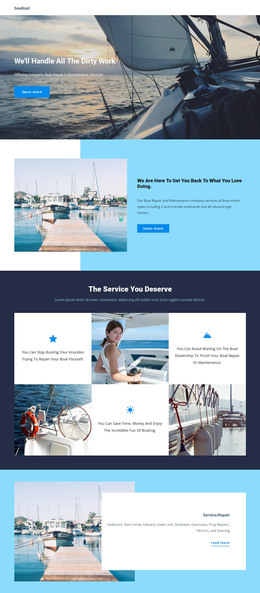
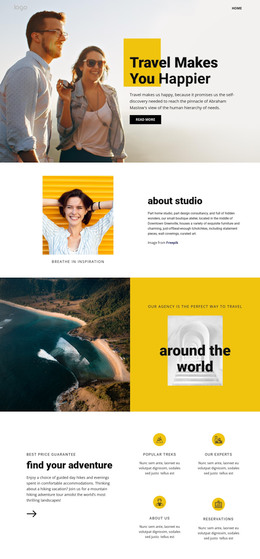
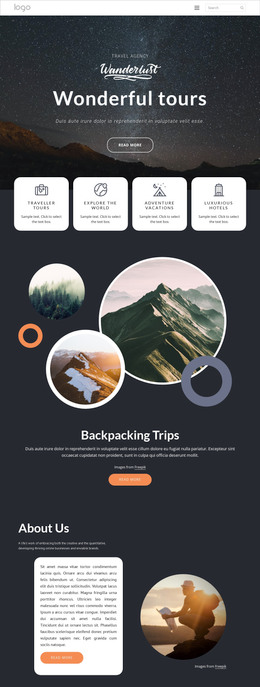
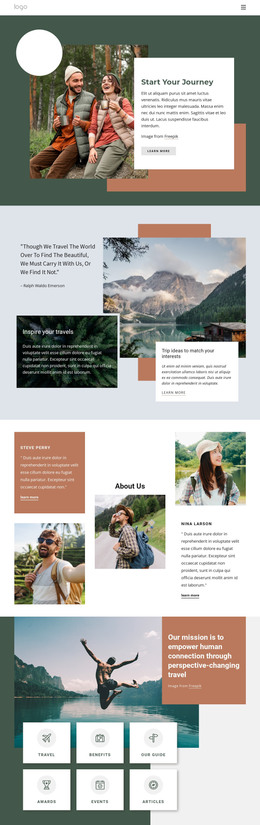
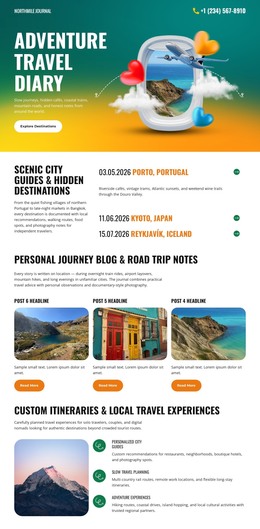
The boats-on-water photograph establishes the visual subject before the reader reaches the centered text panel. “A Vision for Creativity” supplies the main statement, the “travel agency” eyebrow label gives the section a short identifying cue, and the paragraph adds a fuller description beneath them. This image-first sequence makes the block suitable for presenting a brand story or introductory explanation without requiring several repeated cards or competing calls to action.
In a WordPress-managed page, the section can function as a stable content area surrounded by other page material. Its role is defined by the relationship between one prominent image and one explanatory text group: the photograph creates atmosphere, the heading frames the idea, and the paragraph provides the detail. The pale blue-gray shape behind the image reinforces that focal point, while the centered alignment and open spacing help the section remain visually distinct when placed between neighboring blocks.
The displayed copy mentions Downtown Greenville and lists furniture, wall coverings, curated art, lighting, and tabletop decor. These are sample content details within the section, so the final page can replace them while retaining the same content model. For a WordPress-oriented project, that makes the block useful as a reusable vision, about, or introduction region whose visual structure remains consistent as the surrounding site content develops.
Customize with Nicepage
Open this ready-made template in the WordPress Website Builder and customize it visually in the Nicepage editor. Replace demo content, edit page sections, and adapt the design to your project without rebuilding the template from scratch.
Edit Template Offline
2. Create a new page or select existing
3. Click Add new block, search for id 79501 and click enter
Edit Template Online
Create Awesome Websites


Free Nicepage Builder
Keywords
Manage and Edit This Theme in WordPress
Customize and Install the WordPress Theme
Start with this ready-made theme instead of building the WordPress design from scratch. Customize its layout, content, typography, images, sections, and other design elements visually in Nicepage editor, then export and install the WordPress Theme, Plugin, and Pages on your WordPress site. The Nicepage WordPress Plugin lets you continue working with the site after installation.
Edit the Theme Directly in WordPress
After installation, you can edit the WordPress Theme directly in WordPress with the Nicepage WordPress Plugin. Use Site Style to customize site Colors, Fonts, Header, Footer, Blog, and Post Page Templates while working within your WordPress website.
Edit WordPress Pages Visually
Use the Nicepage WordPress Plugin to edit page content directly from the WordPress admin area. Open a WordPress Page with Nicepage and visually change its text, images, sections, and other page elements while continuing to manage the Page through WordPress.
WordPress Content and Theme Integration
Use the customized theme with WordPress Pages, Posts, Blog and Post Templates, menus, widgets, and other CMS-managed content. Shared theme elements such as Colors, Fonts, Header, Footer, Blog, and Post Page Templates can be managed as part of the overall site design, while WordPress provides the CMS environment for managing site content.
This workflow combines a ready-made WordPress Theme with visual customization, direct theme editing in WordPress, and continued content management through the Nicepage WordPress Plugin.