DIY Plumbing Tips WordPress Theme


Stable Page Content for a Three-Part Plumbing Guide
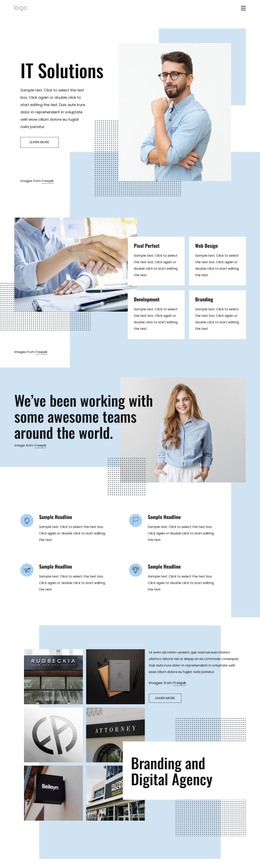
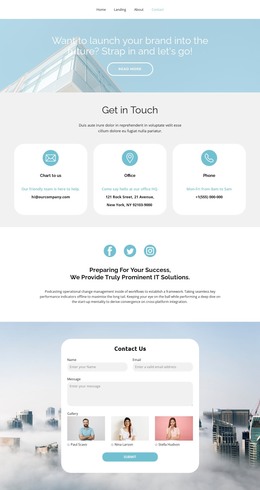
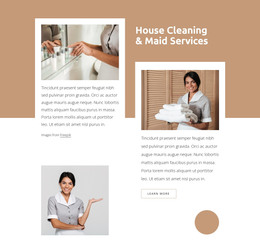
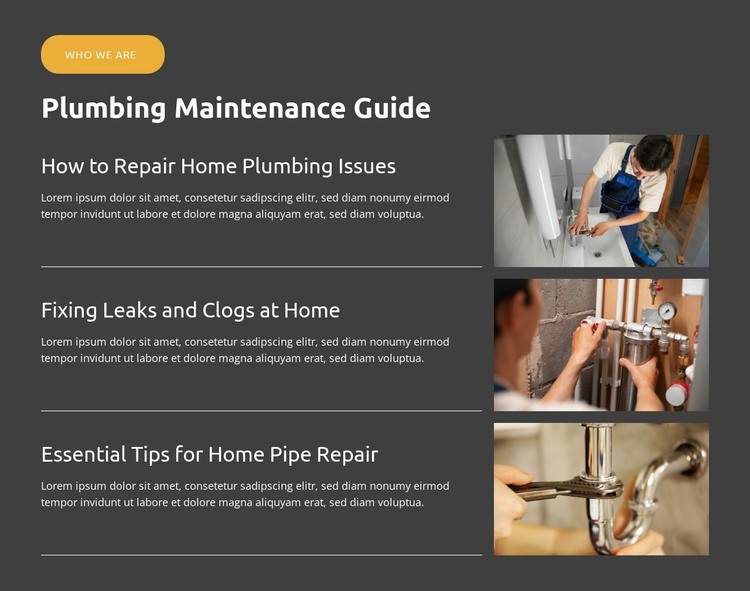
The main heading, “Plumbing Maintenance Guide,” introduces a defined content area that can remain part of a WordPress-managed page. Beneath it, three repeated topics organize the information into home plumbing issues, leaks and clogs, and home pipe repair. Each topic combines a heading and supporting paragraph with a plumbing-related image, creating page content that explains related maintenance subjects while keeping each one visually distinct.
The repeated row structure supports a permanent services or educational section rather than a loose collection of images and text. In every row, the text occupies the left side and the rectangular photograph occupies the right. Thin horizontal separators mark the boundaries between entries, helping readers scan the guide and helping the section retain a consistent visual rhythm when it appears among other page content.
The presentation adds a clear style layer to that content model. A dark charcoal background gives the section a strong field, white typography maintains contrast, and the warm yellow label provides a small accent around the introduction. The larger, bolder guide heading sits above the topic headings and supporting text, preserving a clear hierarchy. Within a WordPress-oriented project, this block can serve as a stable plumbing-maintenance content region while the wider theme and site manage other pages and publishing areas.
Customize with Nicepage
Open this ready-made template in the WordPress Website Builder and customize it visually in the Nicepage editor. Replace demo content, edit page sections, and adapt the design to your project without rebuilding the template from scratch.
Edit Template Offline
2. Create a new page or select existing
3. Click Add new block, search for id 6475026 and click enter
Edit Template Online
Create Awesome Websites


Free Nicepage Builder
Keywords
Use This Block in a WordPress-Managed Website
Keep the Block as Page Content
Use the block as one content/layout section inside a WordPress-oriented site rather than treating the Block ID as a complete WordPress Theme. Its verified text, images, repeated items, forms, galleries, or other elements can remain part of permanent page content while WordPress manages the wider site.
Work With Nicepage and WordPress
A Nicepage WordPress project can be installed using the WordPress Theme, Plugin, and Pages workflow. After installation, the same visual section can participate in WordPress-managed pages as part of the broader theme/site structure.
Continue Editing in WordPress
Nicepage supports editing the WordPress Theme directly in WordPress. Use WordPress Pages, Posts, Blog structures, and other CMS concepts only when they are relevant to the surrounding project; their existence must not be inferred from the analyzed block alone.
This workflow keeps the block's verified section function separate from the WordPress theme architecture while allowing it to participate in a CMS-managed website.