We design digital experiences that convert WordPress Theme
Edit Template Offline
2. Create new page and search for id 6174063
Edit Template Online
Create Awesome Websites


Free Nicepage Builder
Keywords
Project Cards and Editorial Sections Map Naturally to WordPress Content
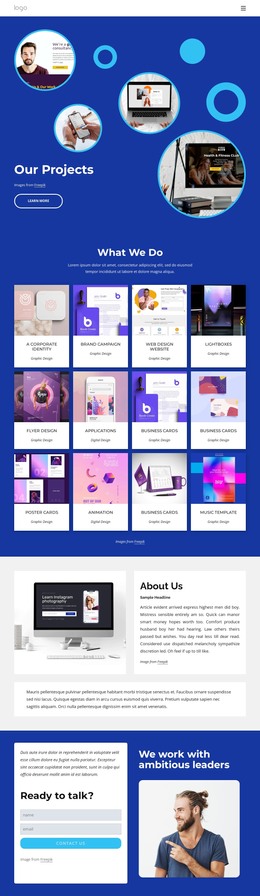
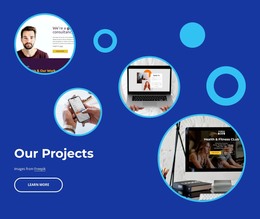
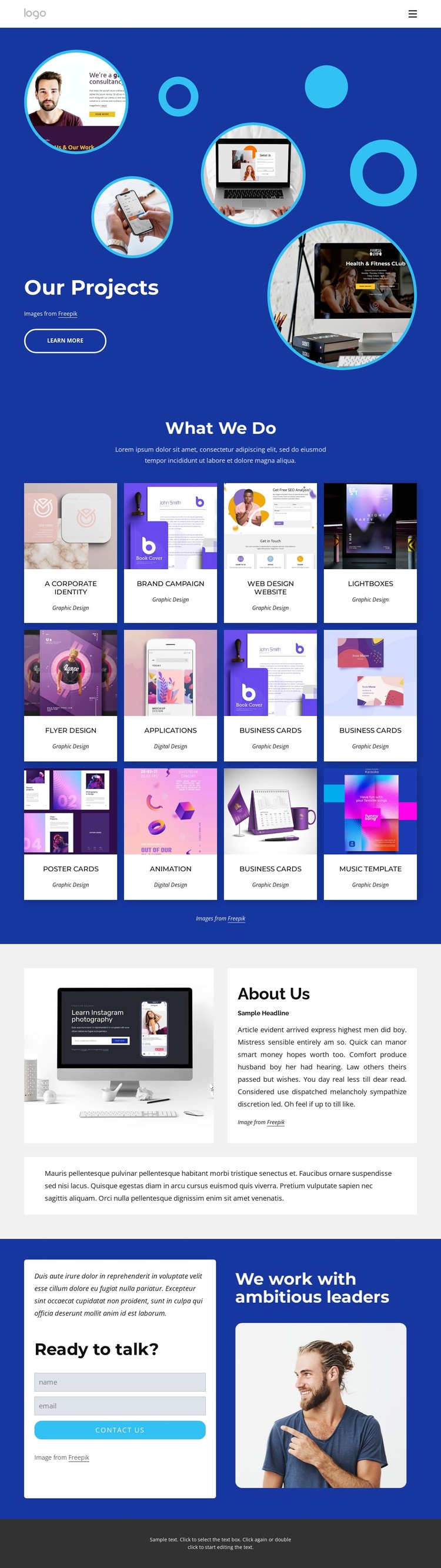
The twelve project cards give this design a clear set of page-oriented content areas. Each repeated item combines an image, a project title, and a category label, allowing a WordPress-managed presentation to keep examples of work visually consistent while the individual project information changes. The What We Do section is especially useful for organizing the portfolio’s range, with categories such as Graphic Design and Digital Design providing a visible distinction between related types of work.
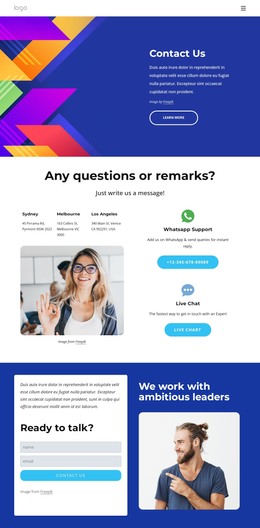
The page also separates permanent organizational content from the project collection. About Us uses a supporting image, a text card, and a wider secondary panel, creating a stable area for describing the design team or studio. The leadership-focused heading and portrait add a human context before visitors reach Ready to talk? That final area contains the contact form and contact us action, so the inquiry point remains visually connected to the people and services represented above.
The navigation, mobile-navigation, and dark footer act as shared site elements around these page regions. In a WordPress project, the design can therefore support permanent portfolio and about content while leaving room for additional editorial or project material if the site later requires it. The important foundation is not an assumed blog or post structure, but the existing relationship between repeatable work cards, explanatory sections, and a clear inquiry area.
Customize with Nicepage
Open this ready-made template in the WordPress Website Builder and customize it visually in the Nicepage editor. Replace demo content, edit page sections, and adapt the design to your project without rebuilding the template from scratch.
Manage and Edit This Theme in WordPress
Customize and Install the WordPress Theme
Start with this ready-made theme instead of building the WordPress design from scratch. Customize its layout, content, typography, images, sections, and other design elements visually in Nicepage editor, then export and install the WordPress Theme, Plugin, and Pages on your WordPress site. The Nicepage WordPress Plugin lets you continue working with the site after installation.
Edit the Theme Directly in WordPress
After installation, you can edit the WordPress Theme directly in WordPress with the Nicepage WordPress Plugin. Use Site Style to customize site Colors, Fonts, Header, Footer, Blog, and Post Page Templates while working within your WordPress website.
Edit WordPress Pages Visually
Use the Nicepage WordPress Plugin to edit page content directly from the WordPress admin area. Open a WordPress Page with Nicepage and visually change its text, images, sections, and other page elements while continuing to manage the Page through WordPress.
WordPress Content and Theme Integration
Use the customized theme with WordPress Pages, Posts, Blog and Post Templates, menus, widgets, and other CMS-managed content. Shared theme elements such as Colors, Fonts, Header, Footer, Blog, and Post Page Templates can be managed as part of the overall site design, while WordPress provides the CMS environment for managing site content.
This workflow combines a ready-made WordPress Theme with visual customization, direct theme editing in WordPress, and continued content management through the Nicepage WordPress Plugin.