We create meaningful brands WordPress Theme


Edit Template Offline
2. Create new page and search for id 6000785
Edit Template Online
Create Awesome Websites


Free Nicepage Builder
Keywords
Service Content and Repeated Project Cards Suit Managed Agency Content
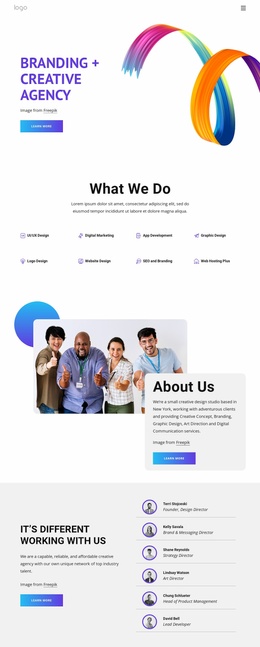
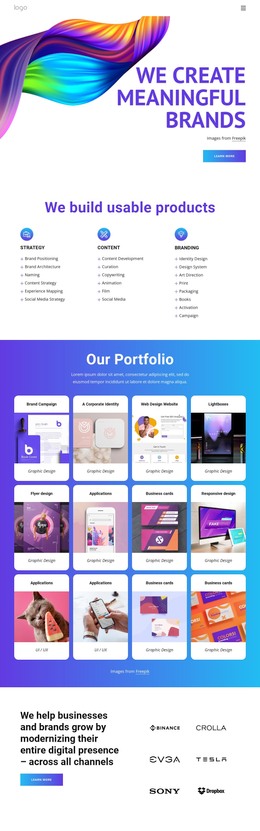
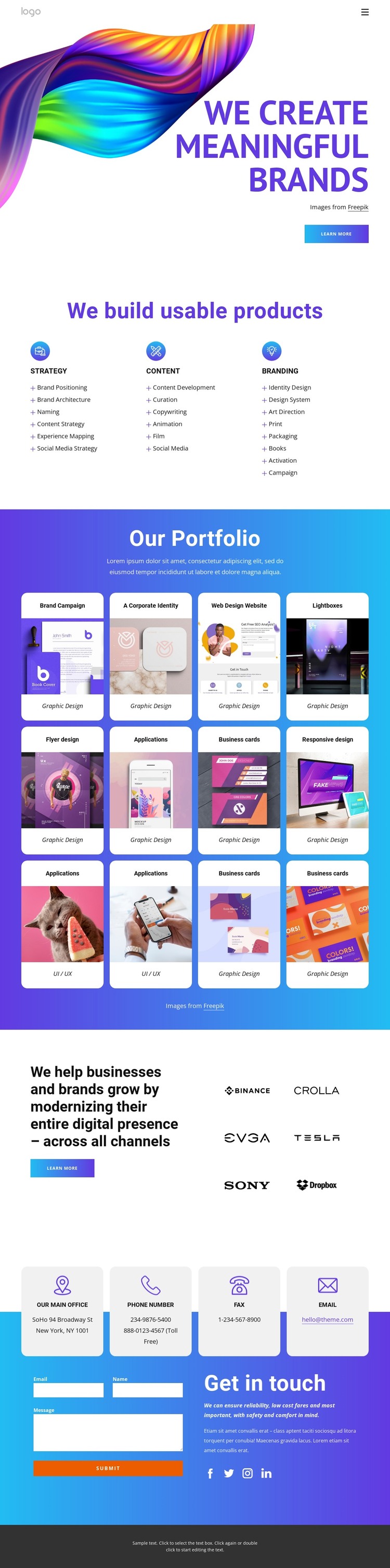
The three service groups give the design clear permanent page content. Strategy, Content, and Branding are separated into peer columns with supporting lists, so an agency can preserve the distinction between its core capabilities while managing the wording and imagery as the project evolves. This page-oriented content forms the stable explanatory layer of the design.
The twelve portfolio cards provide a different kind of content relationship. Their repeated structure pairs project imagery with labels such as Graphic Design and UI / UX, making the gallery suitable for a growing collection of selected work or case-study summaries. The six client marks add a compact brand-proof layer beside the statement about modernizing a digital presence, helping the page connect individual projects with a broader business message. These are useful content areas to maintain separately rather than treating the whole page as one fixed text block.
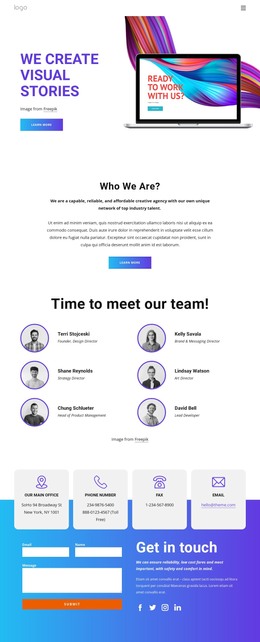
The contact section supplies another persistent site region: four contact-detail cards, an inquiry form, and social links are grouped around the “Get in touch” purpose. In a WordPress-managed project, these page areas can remain visually coordinated while their text, images, and future editorial content are maintained through the site environment. The design does not prove that posts, categories, or other WordPress structures already exist, so the interpretation stays focused on the confirmed page content and its potential to support managed agency publishing.
Customize with Nicepage
Open this ready-made template in the WordPress Website Builder and customize it visually in the Nicepage editor. Replace demo content, edit page sections, and adapt the design to your project without rebuilding the template from scratch.
Manage and Edit This Theme in WordPress
Customize and Install the WordPress Theme
Start with this ready-made theme instead of building the WordPress design from scratch. Customize its layout, content, typography, images, sections, and other design elements visually in Nicepage editor, then export and install the WordPress Theme, Plugin, and Pages on your WordPress site. The Nicepage WordPress Plugin lets you continue working with the site after installation.
Edit the Theme Directly in WordPress
After installation, you can edit the WordPress Theme directly in WordPress with the Nicepage WordPress Plugin. Use Site Style to customize site Colors, Fonts, Header, Footer, Blog, and Post Page Templates while working within your WordPress website.
Edit WordPress Pages Visually
Use the Nicepage WordPress Plugin to edit page content directly from the WordPress admin area. Open a WordPress Page with Nicepage and visually change its text, images, sections, and other page elements while continuing to manage the Page through WordPress.
WordPress Content and Theme Integration
Use the customized theme with WordPress Pages, Posts, Blog and Post Templates, menus, widgets, and other CMS-managed content. Shared theme elements such as Colors, Fonts, Header, Footer, Blog, and Post Page Templates can be managed as part of the overall site design, while WordPress provides the CMS environment for managing site content.
This workflow combines a ready-made WordPress Theme with visual customization, direct theme editing in WordPress, and continued content management through the Nicepage WordPress Plugin.