We create visual stories WordPress Theme


Edit Template Offline
2. Create new page and search for id 6001923
Edit Template Online
Create Awesome Websites


Free Nicepage Builder
Keywords
Role-based team content gives the agency theme a clear editorial structure
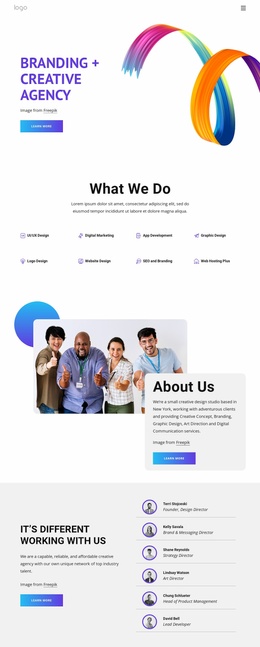
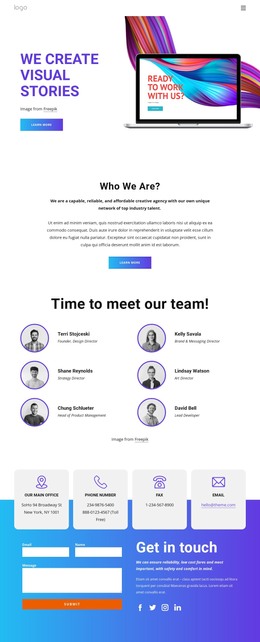
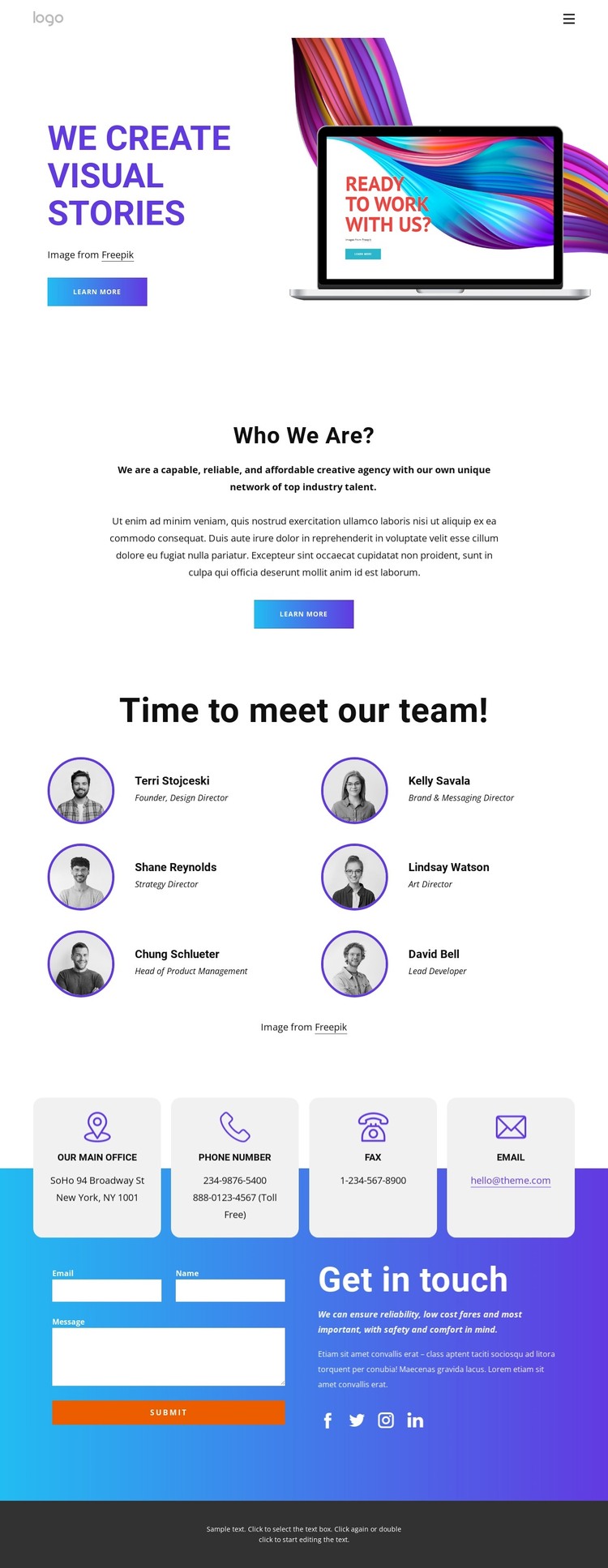
The six-profile team section is the most useful content center for a WordPress interpretation of this design. Circular portraits, names, and role labels create a repeatable presentation for people-focused content, while the supplied roles connect the group to design, brand and messaging, strategy, art direction, product management, and development. That structure can support permanent agency information while leaving room for content that changes as the team or service offering evolves.
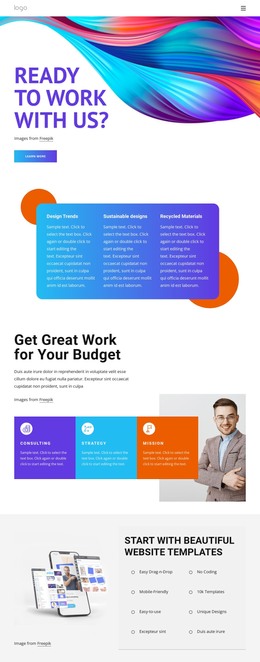
The opening sections provide page-oriented context around that recurring content. “We create visual stories” appears beside a large laptop image and a Learn more button, establishing the agency’s visual message. The centered “Who We Are?” block can hold the organization’s explanatory copy, keeping the page introduction separate from the more structured team information. Together, these areas create a theme direction that is based on people and creative capabilities rather than on a generic corporate layout.
The contact region adds a practical destination for visitors who have reviewed the agency information. Four contact cards present office and communication categories, while the inquiry form, Submit action, and Facebook, Twitter, Instagram, and LinkedIn icons support different follow-up paths. The purple, blue, and orange gradient gives these contact elements a distinct visual treatment. In a WordPress project, the design can therefore organize permanent page content and repeatable team information within one recognizable theme character, without claiming that specific WordPress posts or pages already exist.
Customize with Nicepage
Open this ready-made template in the WordPress Website Builder and customize it visually in the Nicepage editor. Replace demo content, edit page sections, and adapt the design to your project without rebuilding the template from scratch.
Manage and Edit This Theme in WordPress
Customize and Install the WordPress Theme
Start with this ready-made theme instead of building the WordPress design from scratch. Customize its layout, content, typography, images, sections, and other design elements visually in Nicepage editor, then export and install the WordPress Theme, Plugin, and Pages on your WordPress site. The Nicepage WordPress Plugin lets you continue working with the site after installation.
Edit the Theme Directly in WordPress
After installation, you can edit the WordPress Theme directly in WordPress with the Nicepage WordPress Plugin. Use Site Style to customize site Colors, Fonts, Header, Footer, Blog, and Post Page Templates while working within your WordPress website.
Edit WordPress Pages Visually
Use the Nicepage WordPress Plugin to edit page content directly from the WordPress admin area. Open a WordPress Page with Nicepage and visually change its text, images, sections, and other page elements while continuing to manage the Page through WordPress.
WordPress Content and Theme Integration
Use the customized theme with WordPress Pages, Posts, Blog and Post Templates, menus, widgets, and other CMS-managed content. Shared theme elements such as Colors, Fonts, Header, Footer, Blog, and Post Page Templates can be managed as part of the overall site design, while WordPress provides the CMS environment for managing site content.
This workflow combines a ready-made WordPress Theme with visual customization, direct theme editing in WordPress, and continued content management through the Nicepage WordPress Plugin.