Digital branding agency WordPress Theme



Edit Template Offline
2. Create new page and search for id 1590777
Edit Template Online
Create Awesome Websites


Free Nicepage Builder
Keywords
Capability Cards and Contact Content Fit Page-Oriented Publishing
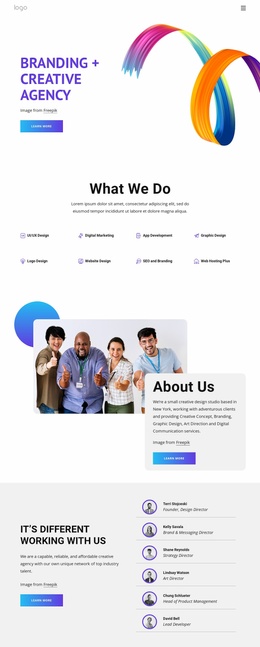
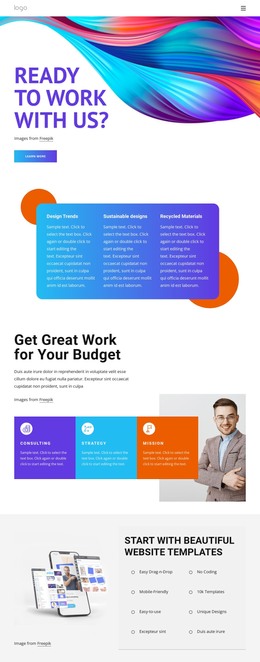
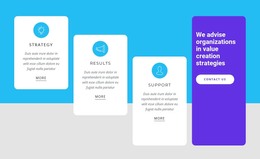
The three theme cards give the design a useful starting point for permanent page content because each one names a distinct area—Design Trends, Sustainable designs, and Recycled Materials—without requiring the visitor to decode a dense block of text. The following budget-focused section deepens that structure with Consulting, Strategy, and Mission cards, allowing service and capability information to remain visually grouped while the accompanying copy and portrait provide context.
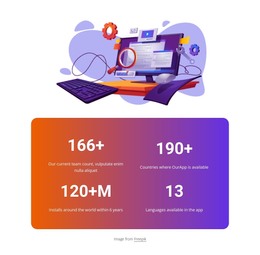
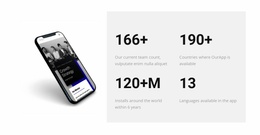
The Business Solutions section offers another page-oriented content area through Easy to Use Tools and Special Discounts. Its numbered presentation differs from the larger card groups, which can help separate concise benefit information from broader service descriptions. The Digital Art & Design Studio section adds a visual feature area built around abstract artwork and contrasting text cards. The four large metric values and the portrait-and-quotation block can support credibility-oriented content, but their sample numbers and displayed attribution should be treated as replaceable template material rather than verified organizational claims.
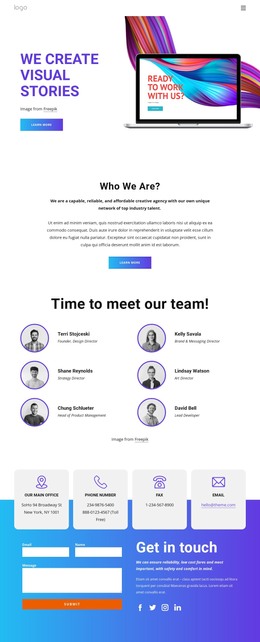
The closing contact-channel cards and inquiry form create a natural permanent contact area, with the Submit action making the communication purpose visible. In a WordPress-managed project, these page sections can form the core content direction while additional editorial or project information is added around them. The important point is the relationship between page content and theme character: capability cards, visual proof, quotation content, and contact information remain connected through the same energetic gradients, rounded forms, and bold headings.
Customize with Nicepage
Open this ready-made template in the WordPress Website Builder and customize it visually in the Nicepage editor. Replace demo content, edit page sections, and adapt the design to your project without rebuilding the template from scratch.
Manage and Edit This Theme in WordPress
Customize and Install the WordPress Theme
Start with this ready-made theme instead of building the WordPress design from scratch. Customize its layout, content, typography, images, sections, and other design elements visually in Nicepage editor, then export and install the WordPress Theme, Plugin, and Pages on your WordPress site. The Nicepage WordPress Plugin lets you continue working with the site after installation.
Edit the Theme Directly in WordPress
After installation, you can edit the WordPress Theme directly in WordPress with the Nicepage WordPress Plugin. Use Site Style to customize site Colors, Fonts, Header, Footer, Blog, and Post Page Templates while working within your WordPress website.
Edit WordPress Pages Visually
Use the Nicepage WordPress Plugin to edit page content directly from the WordPress admin area. Open a WordPress Page with Nicepage and visually change its text, images, sections, and other page elements while continuing to manage the Page through WordPress.
WordPress Content and Theme Integration
Use the customized theme with WordPress Pages, Posts, Blog and Post Templates, menus, widgets, and other CMS-managed content. Shared theme elements such as Colors, Fonts, Header, Footer, Blog, and Post Page Templates can be managed as part of the overall site design, while WordPress provides the CMS environment for managing site content.
This workflow combines a ready-made WordPress Theme with visual customization, direct theme editing in WordPress, and continued content management through the Nicepage WordPress Plugin.