We help you achieve product driven growth WordPress Theme


A compact service overview for WordPress-managed page content
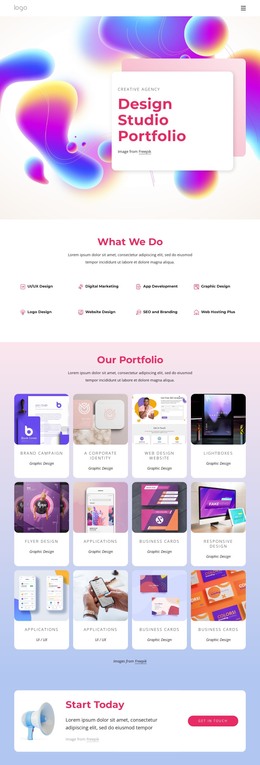
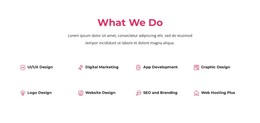
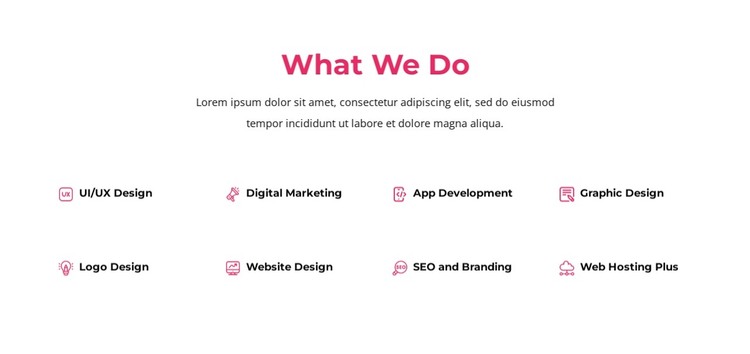
The eight-item grid reads as a stable services overview that can sit within WordPress-managed page content. Its centered “What We Do” heading introduces the subject, and the supporting paragraph creates a short context-setting area before the repeated service labels. The arrangement is especially suited to a page that needs a concise capability summary before visitors encounter fuller descriptions, case studies, or another related content section.
UI/UX Design, Digital Marketing, App Development, and Graphic Design form one part of the offering, followed by Logo Design, Website Design, SEO and Branding, and Web Hosting Plus. The labels remain short, so the two rows of four can present the range without overwhelming the section. Each service uses the same magenta icon-and-label relationship, allowing the content to feel like one organized group even though the capabilities differ.
Within a WordPress-oriented project, this block can function as reusable visual content for a services page or another permanent page area. It does not need to carry the site's complete theme or CMS structure; the surrounding project can manage other pages and content separately. The white background, rounded containers, centered typography, and even spacing make the section easy to position between neighboring page areas while preserving a distinct, recognizable services pattern.
Customize with Nicepage
Open this ready-made template in the WordPress Website Builder and customize it visually in the Nicepage editor. Replace demo content, edit page sections, and adapt the design to your project without rebuilding the template from scratch.
Edit Template Offline
2. Create a new page or select existing
3. Click Add new block, search for id 5866042 and click enter
Edit Template Online
Create Awesome Websites


Free Nicepage Builder
Keywords
Manage and Edit This Theme in WordPress
Customize and Install the WordPress Theme
Start with this ready-made theme instead of building the WordPress design from scratch. Customize its layout, content, typography, images, sections, and other design elements visually in Nicepage editor, then export and install the WordPress Theme, Plugin, and Pages on your WordPress site. The Nicepage WordPress Plugin lets you continue working with the site after installation.
Edit the Theme Directly in WordPress
After installation, you can edit the WordPress Theme directly in WordPress with the Nicepage WordPress Plugin. Use Site Style to customize site Colors, Fonts, Header, Footer, Blog, and Post Page Templates while working within your WordPress website.
Edit WordPress Pages Visually
Use the Nicepage WordPress Plugin to edit page content directly from the WordPress admin area. Open a WordPress Page with Nicepage and visually change its text, images, sections, and other page elements while continuing to manage the Page through WordPress.
WordPress Content and Theme Integration
Use the customized theme with WordPress Pages, Posts, Blog and Post Templates, menus, widgets, and other CMS-managed content. Shared theme elements such as Colors, Fonts, Header, Footer, Blog, and Post Page Templates can be managed as part of the overall site design, while WordPress provides the CMS environment for managing site content.
This workflow combines a ready-made WordPress Theme with visual customization, direct theme editing in WordPress, and continued content management through the Nicepage WordPress Plugin.