Local, authentic, adventure WordPress Theme


A Stable Destination Story for WordPress Page Content
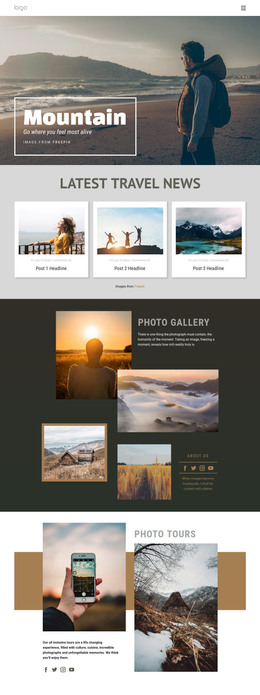
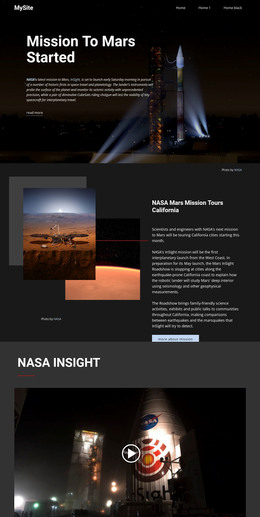
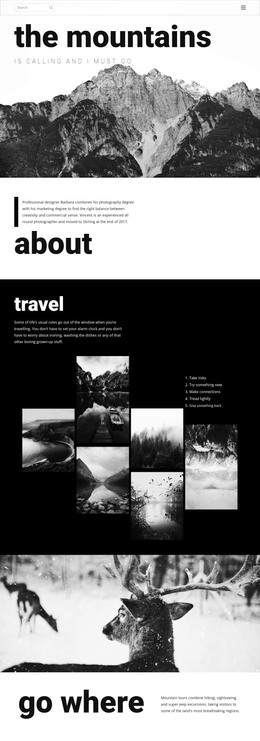
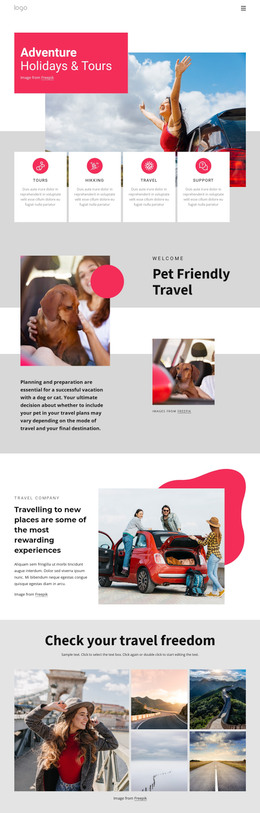
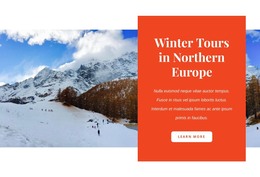
The heading and supporting paragraphs give this section the character of lasting destination content rather than a short promotional message. The copy introduces the Rockies through summer drives, views from the continental divide, winter solitude, fresh mountain air, skiing, snowshoeing, and wildlife viewing. Those details are arranged around a visual sequence: a broad mountain landscape establishes place, an overlapping hiker portrait brings the outdoor experience closer, and the white card presents the heading with the winter-focused text.
Within a WordPress-managed page, the block can act as a stable travel or destination section while the wider project adds other page content around it. It could introduce a region before more detailed information about routes, lodging, itineraries, or activities, but the section itself remains focused on its own mountain narrative. The clear split between summer and winter material also makes the content easy to recognize as one subject with two seasonal perspectives.
The visual treatment supports that page-content role without depending on a CMS-specific component inside the section. Rectangular image and card shapes, generous whitespace, left-aligned supporting text, and the pale blue setting keep the content readable while preserving the layered outdoor atmosphere. In a WordPress-oriented project, this makes the block a reusable visual area for a permanent page, with the surrounding site responsible for navigation and other content types.
Customize with Nicepage
Open this ready-made template in the WordPress Website Builder and customize it visually in the Nicepage editor. Replace demo content, edit page sections, and adapt the design to your project without rebuilding the template from scratch.
Edit Template Offline
2. Create a new page or select existing
3. Click Add new block, search for id 58349 and click enter
Edit Template Online
Create Awesome Websites


Free Nicepage Builder
Keywords
Manage and Edit This Theme in WordPress
Customize and Install the WordPress Theme
Start with this ready-made theme instead of building the WordPress design from scratch. Customize its layout, content, typography, images, sections, and other design elements visually in Nicepage editor, then export and install the WordPress Theme, Plugin, and Pages on your WordPress site. The Nicepage WordPress Plugin lets you continue working with the site after installation.
Edit the Theme Directly in WordPress
After installation, you can edit the WordPress Theme directly in WordPress with the Nicepage WordPress Plugin. Use Site Style to customize site Colors, Fonts, Header, Footer, Blog, and Post Page Templates while working within your WordPress website.
Edit WordPress Pages Visually
Use the Nicepage WordPress Plugin to edit page content directly from the WordPress admin area. Open a WordPress Page with Nicepage and visually change its text, images, sections, and other page elements while continuing to manage the Page through WordPress.
WordPress Content and Theme Integration
Use the customized theme with WordPress Pages, Posts, Blog and Post Templates, menus, widgets, and other CMS-managed content. Shared theme elements such as Colors, Fonts, Header, Footer, Blog, and Post Page Templates can be managed as part of the overall site design, while WordPress provides the CMS environment for managing site content.
This workflow combines a ready-made WordPress Theme with visual customization, direct theme editing in WordPress, and continued content management through the Nicepage WordPress Plugin.