Problem Solving Team WordPress Theme


Edit Template Offline
2. Create new page and search for id 5622399
Edit Template Online
Create Awesome Websites


Free Nicepage Builder
Keywords
Profile content and inquiry fields suit a WordPress-managed team page
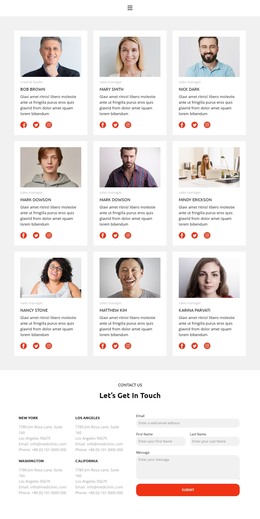
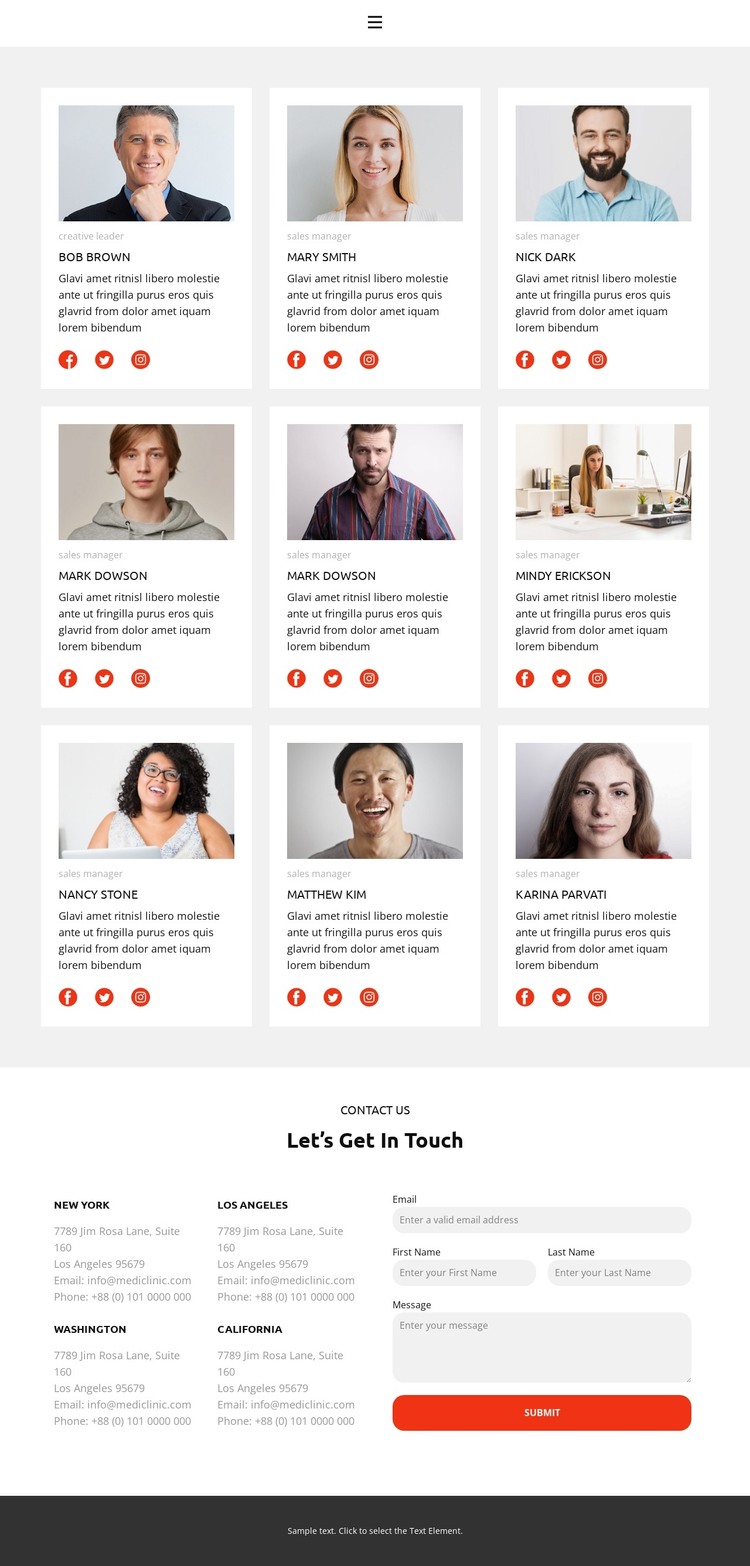
The repeated profile grid gives the design a strong page-oriented content area for presenting people. Nine cards share the same arrangement of portrait, role, sample name, description, and social links, so the visual system can remain consistent as team information is maintained or expanded. This is different from a page built mainly around one long narrative: the card pattern separates individual profiles while keeping them visibly related.
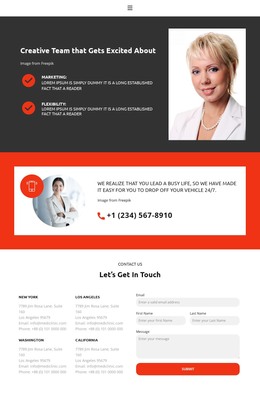
The contact section provides a second, distinct content role. Four location labels are grouped in one column, while the adjacent form uses email, first name, last name, and message inputs before the Submit action. On a WordPress-managed site, these permanent team and contact areas can sit within the same theme direction, with the compact menu linking Home, Gallery, Team, and Contact. The design supports page content interpretation without proving that blog posts, categories, or other WordPress structures already exist.
The light profile cards, muted gray backgrounds, dark text, and red-orange controls also give the page a recognizable visual frame for organizational content. Sample names, roles, descriptions, locations, and contact values should be replaced with verified project information. The key value is the relationship between repeatable profile presentation, site navigation, and a defined inquiry area.
Customize with Nicepage
Open this ready-made template in the WordPress Website Builder and customize it visually in the Nicepage editor. Replace demo content, edit page sections, and adapt the design to your project without rebuilding the template from scratch.
Manage and Edit This Theme in WordPress
Customize and Install the WordPress Theme
Start with this ready-made theme instead of building the WordPress design from scratch. Customize its layout, content, typography, images, sections, and other design elements visually in Nicepage editor, then export and install the WordPress Theme, Plugin, and Pages on your WordPress site. The Nicepage WordPress Plugin lets you continue working with the site after installation.
Edit the Theme Directly in WordPress
After installation, you can edit the WordPress Theme directly in WordPress with the Nicepage WordPress Plugin. Use Site Style to customize site Colors, Fonts, Header, Footer, Blog, and Post Page Templates while working within your WordPress website.
Edit WordPress Pages Visually
Use the Nicepage WordPress Plugin to edit page content directly from the WordPress admin area. Open a WordPress Page with Nicepage and visually change its text, images, sections, and other page elements while continuing to manage the Page through WordPress.
WordPress Content and Theme Integration
Use the customized theme with WordPress Pages, Posts, Blog and Post Templates, menus, widgets, and other CMS-managed content. Shared theme elements such as Colors, Fonts, Header, Footer, Blog, and Post Page Templates can be managed as part of the overall site design, while WordPress provides the CMS environment for managing site content.
This workflow combines a ready-made WordPress Theme with visual customization, direct theme editing in WordPress, and continued content management through the Nicepage WordPress Plugin.