Come and stay WordPress Theme


Edit Template Offline
2. Create new page and search for id 5621936
Edit Template Online
Create Awesome Websites


Free Nicepage Builder
Keywords
Team, Location, and Inquiry Content Fit a Managed Theme Structure
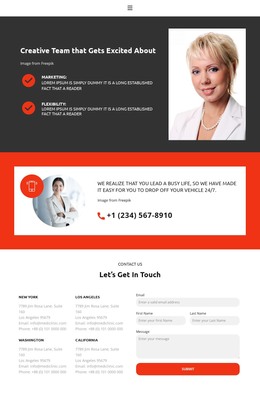
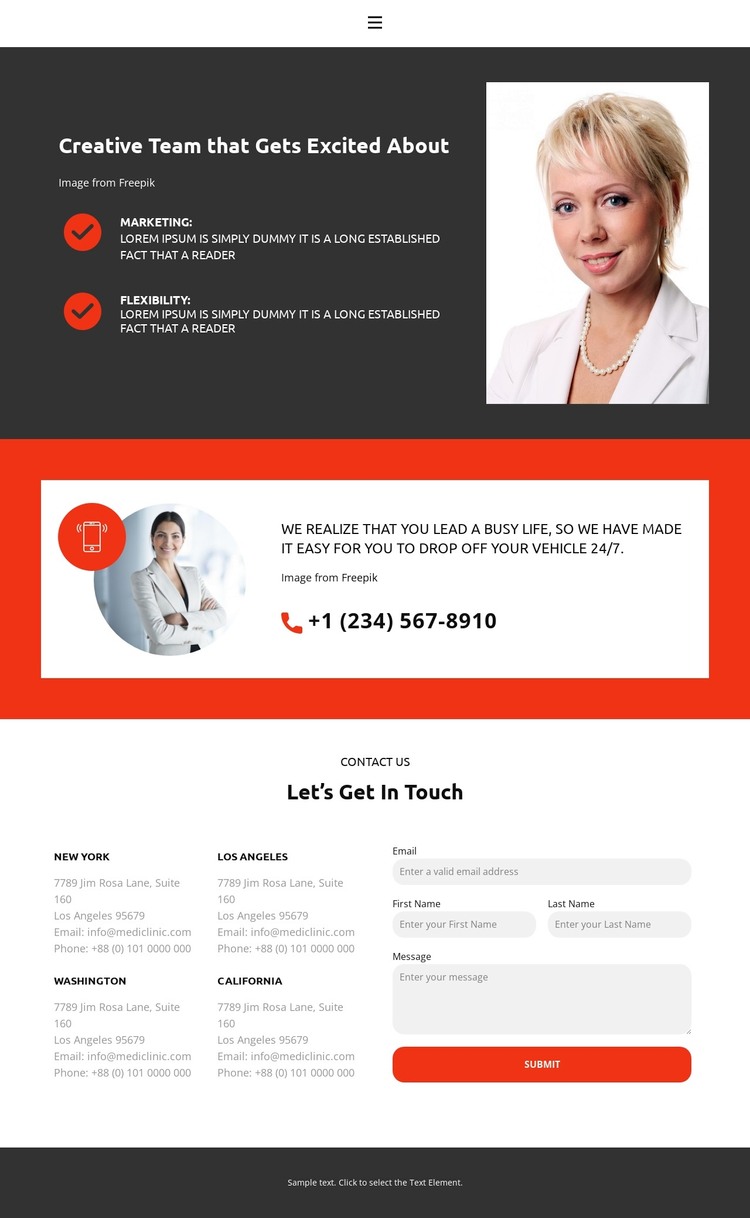
The opening content gives this design a page-oriented foundation for permanent site information. A compact navigation row connects Home, Gallery, Team, and Contact, while the split introduction places a portrait image beside the “Creative Team that Gets Excited About” heading and the labeled highlights Marketing and Flexibility. These elements can support enduring page content in a WordPress project, with the visual arrangement kept separate from the sample wording that appears in the design.
The location-and-inquiry area offers a second content relationship. Four listed locations—New York, Los Angeles, Washington, and California—are positioned beside fields for email, name, and message, followed by a Submit action. This combination can anchor contact-oriented page content, while the vehicle drop-off prompt supplies another service detail and a phone contact higher in the page. If the project later adds regularly updated material, such as announcements or service information, those additions would need to be created and populated separately; the analysis confirms the page’s contact and location structure, not an existing blog or post system.
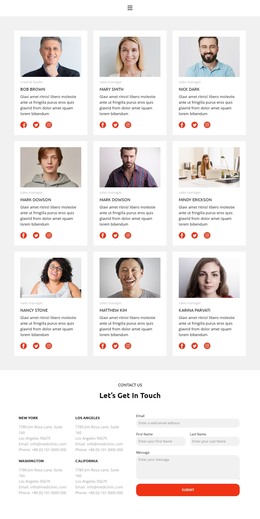
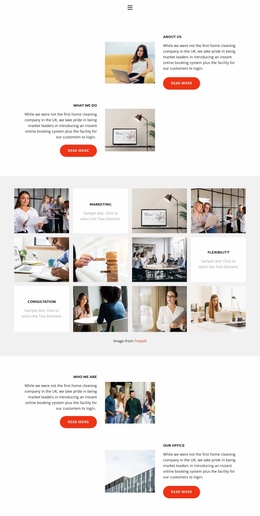
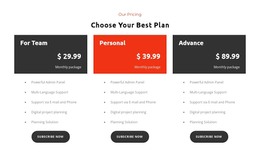
The theme’s dark charcoal, white, and vivid orange palette helps recurring content remain recognizable. Bold sans-serif typography, compact spacing, high-contrast panels, and supporting photography create a consistent presentation for team, service, location, and contact areas. The centered footer then provides a shared closing point, making the design suitable for a WordPress-managed site that needs clear permanent content before any broader editorial structure is added.
Customize with Nicepage
Open this ready-made template in the WordPress Website Builder and customize it visually in the Nicepage editor. Replace demo content, edit page sections, and adapt the design to your project without rebuilding the template from scratch.
Manage and Edit This Theme in WordPress
Customize and Install the WordPress Theme
Start with this ready-made theme instead of building the WordPress design from scratch. Customize its layout, content, typography, images, sections, and other design elements visually in Nicepage editor, then export and install the WordPress Theme, Plugin, and Pages on your WordPress site. The Nicepage WordPress Plugin lets you continue working with the site after installation.
Edit the Theme Directly in WordPress
After installation, you can edit the WordPress Theme directly in WordPress with the Nicepage WordPress Plugin. Use Site Style to customize site Colors, Fonts, Header, Footer, Blog, and Post Page Templates while working within your WordPress website.
Edit WordPress Pages Visually
Use the Nicepage WordPress Plugin to edit page content directly from the WordPress admin area. Open a WordPress Page with Nicepage and visually change its text, images, sections, and other page elements while continuing to manage the Page through WordPress.
WordPress Content and Theme Integration
Use the customized theme with WordPress Pages, Posts, Blog and Post Templates, menus, widgets, and other CMS-managed content. Shared theme elements such as Colors, Fonts, Header, Footer, Blog, and Post Page Templates can be managed as part of the overall site design, while WordPress provides the CMS environment for managing site content.
This workflow combines a ready-made WordPress Theme with visual customization, direct theme editing in WordPress, and continued content management through the Nicepage WordPress Plugin.