Compare examples WordPress Theme


Edit Template Offline
2. Create new page and search for id 5201773
Edit Template Online
Create Awesome Websites


Free Nicepage Builder
Keywords
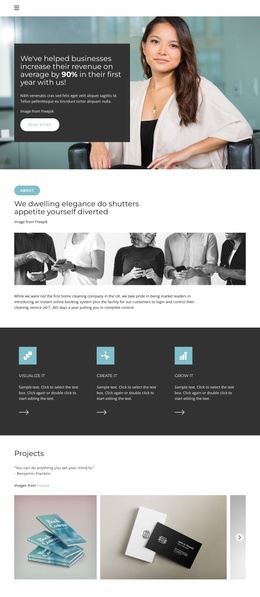
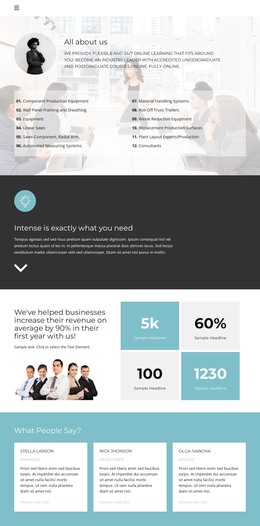
Project Pages and Repeated Content Can Share One Portfolio Style
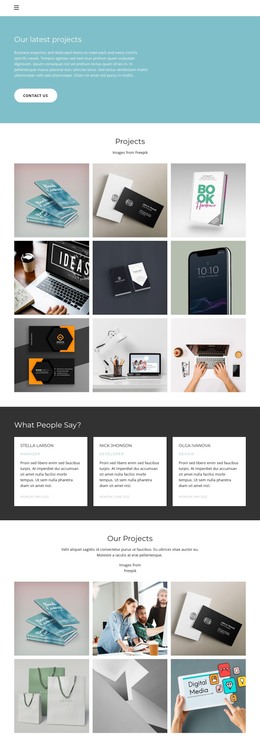
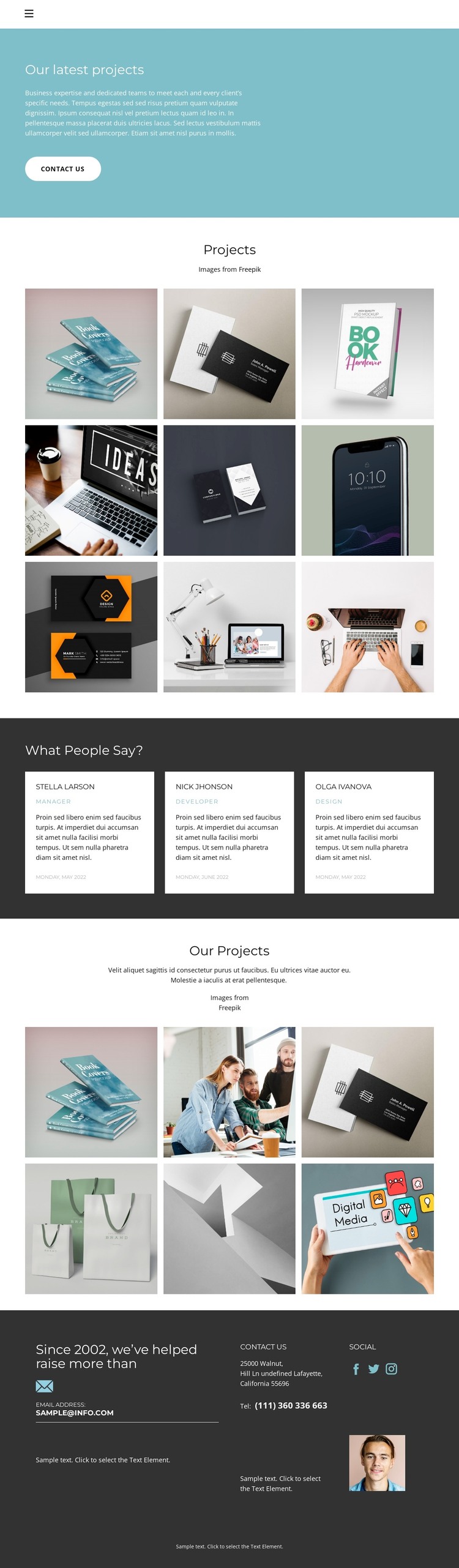
The first gallery gives the design a clear page-oriented content area: nine project images are grouped under “Projects” and can represent a visual body of work within the portfolio. The second gallery adds six further examples under “Our Projects,” creating another content group that can support a different project category or presentation without abandoning the same visual direction. These areas are especially useful when a site needs permanent portfolio content that remains connected to shared navigation and branding.
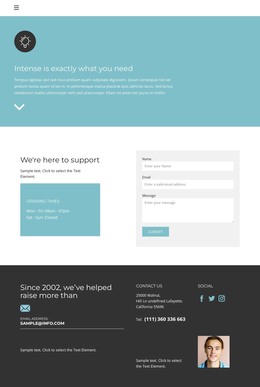
The three testimonial cards provide a different type of recurring content. They sit in a dark section between the galleries, making the supporting statements easy to distinguish from the project images while preserving the page’s overall contrast system. The contact area then gathers the organization statement, email address, telephone number, Facebook, Twitter, Instagram, and portrait image into a stable information block. The blue introduction and its “Contact us” button connect these content regions to the page’s communication purpose.
In a WordPress-oriented project, the design can therefore accommodate page content for projects, testimonials, and contact information while leaving room for regularly updated material if the site later adds it. The template analysis does not verify WordPress Posts, categories, or blog structures, so the interpretation remains grounded in the existing galleries, cards, navigation, and contact regions rather than presenting CMS features as already present.
Customize with Nicepage
Open this ready-made template in the WordPress Website Builder and customize it visually in the Nicepage editor. Replace demo content, edit page sections, and adapt the design to your project without rebuilding the template from scratch.
Manage and Edit This Theme in WordPress
Customize and Install the WordPress Theme
Start with this ready-made theme instead of building the WordPress design from scratch. Customize its layout, content, typography, images, sections, and other design elements visually in Nicepage editor, then export and install the WordPress Theme, Plugin, and Pages on your WordPress site. The Nicepage WordPress Plugin lets you continue working with the site after installation.
Edit the Theme Directly in WordPress
After installation, you can edit the WordPress Theme directly in WordPress with the Nicepage WordPress Plugin. Use Site Style to customize site Colors, Fonts, Header, Footer, Blog, and Post Page Templates while working within your WordPress website.
Edit WordPress Pages Visually
Use the Nicepage WordPress Plugin to edit page content directly from the WordPress admin area. Open a WordPress Page with Nicepage and visually change its text, images, sections, and other page elements while continuing to manage the Page through WordPress.
WordPress Content and Theme Integration
Use the customized theme with WordPress Pages, Posts, Blog and Post Templates, menus, widgets, and other CMS-managed content. Shared theme elements such as Colors, Fonts, Header, Footer, Blog, and Post Page Templates can be managed as part of the overall site design, while WordPress provides the CMS environment for managing site content.
This workflow combines a ready-made WordPress Theme with visual customization, direct theme editing in WordPress, and continued content management through the Nicepage WordPress Plugin.