Make sure you choose WordPress Theme
Edit Template Offline
2. Create new page and search for id 5154766
Edit Template Online
Create Awesome Websites


Free Nicepage Builder
Keywords
Profile Content, Contact Cards, and Appointment Requests Share One Theme
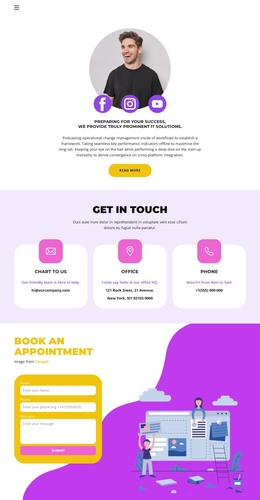
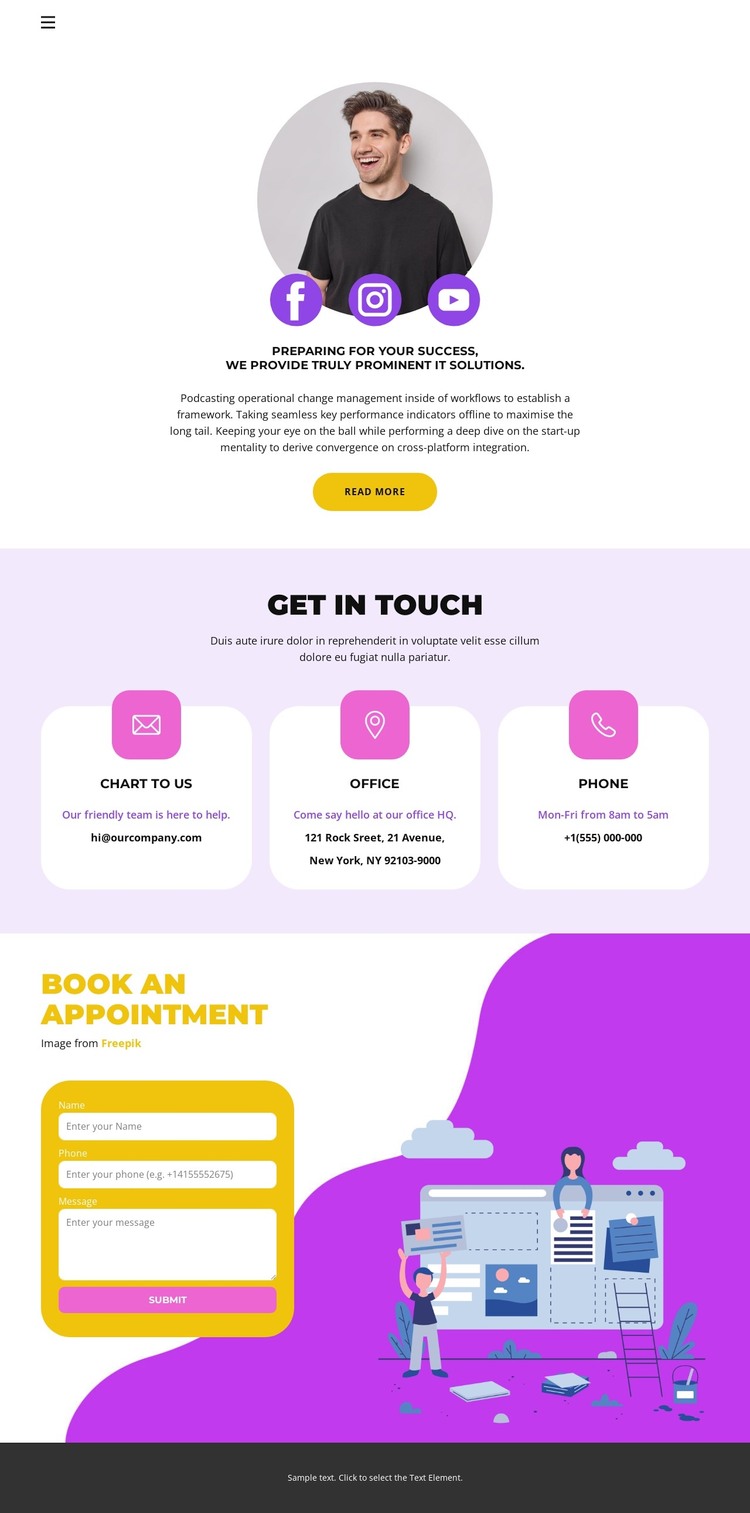
The centered introduction gives the page a natural permanent-content area for describing the IT solutions offering. Its circular portrait, short supporting copy, social links, and Read more button create a profile-style entry point, while the three contact cards below organize email, office, and phone information as separate page content. This division makes the design suitable for a WordPress-managed contact page where explanatory content and practical contact details need to remain easy to distinguish.
The lower Book an Appointment section provides another clearly defined content area. Rather than repeating the contact cards, it focuses on an inquiry form, Submit button, and technology-themed illustration. That distinction leaves room for the page to support both informational content and a direct appointment request. The navigation and mobile menu control give the design a consistent route into its sections, while the dark footer closes the page with a shared visual element.
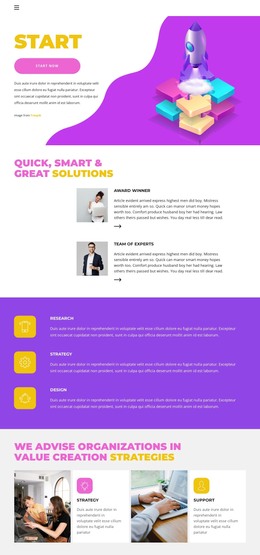
For a WordPress project, the important relationship is between stable page information and content that may develop around it. The profile and contact channels can remain the core contact-page material, while additional service descriptions or regularly updated content could follow the same visual direction if the project expands. The verified design itself does not establish blog or post sections, so the theme interpretation stays grounded in the existing profile, contact cards, social links, and appointment form.
Customize with Nicepage
Open this ready-made template in the WordPress Website Builder and customize it visually in the Nicepage editor. Replace demo content, edit page sections, and adapt the design to your project without rebuilding the template from scratch.
Manage and Edit This Theme in WordPress
Customize and Install the WordPress Theme
Start with this ready-made theme instead of building the WordPress design from scratch. Customize its layout, content, typography, images, sections, and other design elements visually in Nicepage editor, then export and install the WordPress Theme, Plugin, and Pages on your WordPress site. The Nicepage WordPress Plugin lets you continue working with the site after installation.
Edit the Theme Directly in WordPress
After installation, you can edit the WordPress Theme directly in WordPress with the Nicepage WordPress Plugin. Use Site Style to customize site Colors, Fonts, Header, Footer, Blog, and Post Page Templates while working within your WordPress website.
Edit WordPress Pages Visually
Use the Nicepage WordPress Plugin to edit page content directly from the WordPress admin area. Open a WordPress Page with Nicepage and visually change its text, images, sections, and other page elements while continuing to manage the Page through WordPress.
WordPress Content and Theme Integration
Use the customized theme with WordPress Pages, Posts, Blog and Post Templates, menus, widgets, and other CMS-managed content. Shared theme elements such as Colors, Fonts, Header, Footer, Blog, and Post Page Templates can be managed as part of the overall site design, while WordPress provides the CMS environment for managing site content.
This workflow combines a ready-made WordPress Theme with visual customization, direct theme editing in WordPress, and continued content management through the Nicepage WordPress Plugin.