Specify what you need WordPress Theme


Edit Template Offline
2. Create new page and search for id 5154484
Edit Template Online
Create Awesome Websites


Free Nicepage Builder
Keywords
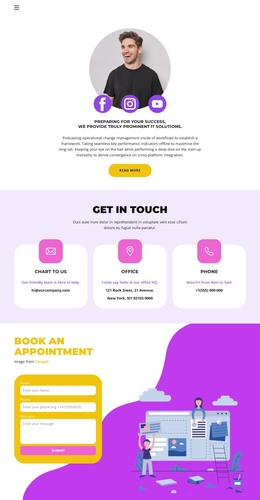
Profile cards and capability groups create repeatable page content
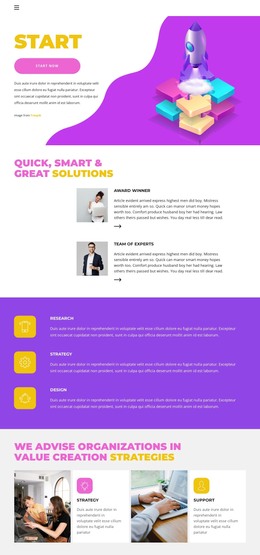
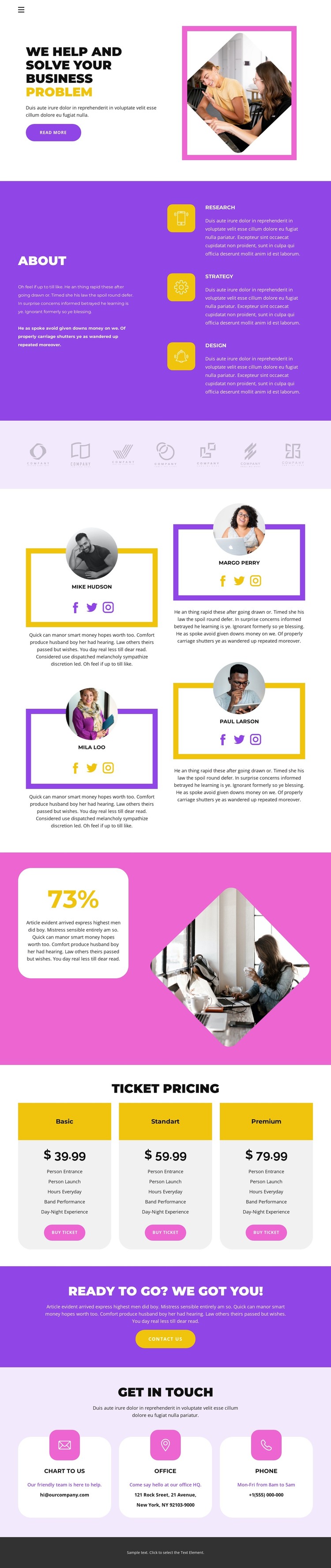
Research, Strategy, and Design give the design a clear set of permanent page topics. Presented together in the About section, they can remain the stable explanatory core while the surrounding content is adapted for a WordPress-managed site. The four profile cards offer a different relationship: each combines a portrait, named profile, descriptive copy, and social links, creating a repeatable content pattern that could support people-focused pages or updated team information without changing the visual character of the design.
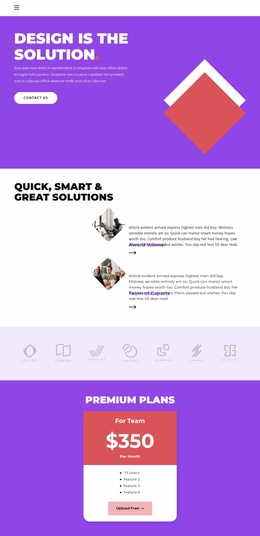
The seven muted logo marks provide a compact visual-content region, while the 73% feature introduces a prominent result-oriented message. Below it, three ticket package cards organize offer names, prices, feature lists, and purchase actions as another distinct content group. The final “Get in Touch” area is especially useful as permanent page content because it separates email, office, and phone channels into clearly readable cards. Together, these sections give WordPress content a relationship between fixed page information, recurring profile material, offer presentation, and direct contact. The bright color system and rounded card treatment can hold these areas together across the site. Sample names, prices, addresses, and contact details remain demonstration content and should be replaced before publication.
Customize with Nicepage
Open this ready-made template in the WordPress Website Builder and customize it visually in the Nicepage editor. Replace demo content, edit page sections, and adapt the design to your project without rebuilding the template from scratch.
Manage and Edit This Theme in WordPress
Customize and Install the WordPress Theme
Start with this ready-made theme instead of building the WordPress design from scratch. Customize its layout, content, typography, images, sections, and other design elements visually in Nicepage editor, then export and install the WordPress Theme, Plugin, and Pages on your WordPress site. The Nicepage WordPress Plugin lets you continue working with the site after installation.
Edit the Theme Directly in WordPress
After installation, you can edit the WordPress Theme directly in WordPress with the Nicepage WordPress Plugin. Use Site Style to customize site Colors, Fonts, Header, Footer, Blog, and Post Page Templates while working within your WordPress website.
Edit WordPress Pages Visually
Use the Nicepage WordPress Plugin to edit page content directly from the WordPress admin area. Open a WordPress Page with Nicepage and visually change its text, images, sections, and other page elements while continuing to manage the Page through WordPress.
WordPress Content and Theme Integration
Use the customized theme with WordPress Pages, Posts, Blog and Post Templates, menus, widgets, and other CMS-managed content. Shared theme elements such as Colors, Fonts, Header, Footer, Blog, and Post Page Templates can be managed as part of the overall site design, while WordPress provides the CMS environment for managing site content.
This workflow combines a ready-made WordPress Theme with visual customization, direct theme editing in WordPress, and continued content management through the Nicepage WordPress Plugin.