Get started with an expert WordPress Theme



Edit Template Offline
2. Create new page and search for id 5145302
Edit Template Online
Create Awesome Websites


Free Nicepage Builder
Keywords
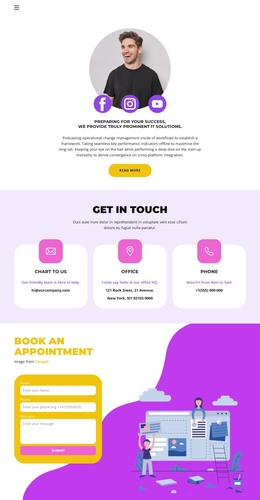
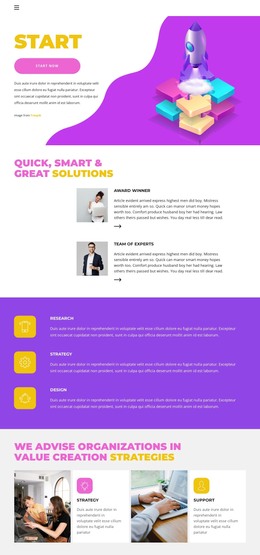
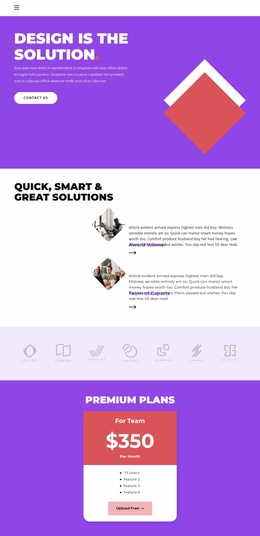
Research and team content give the theme a clear WordPress page structure
Research, Strategy, Design, and Support divide the design into recognizable service areas rather than leaving the consulting offer as one uninterrupted block. The three capability panels establish a compact overview, while the alternating Strategy and Support tiles provide room for more detailed explanatory content beside photography. This separation is useful for a WordPress-managed page because permanent service information can remain visually distinct from other content areas without changing the central design direction.
The founder branding section adds a second content layer through UI/UX Development, Databass Planning, and World Business. The four profile cards then shift attention from capabilities to people, presenting portraits, roles, and social links in a repeated structure. Those cards demonstrate how team or contributor information can sit alongside the main page content; the sample names and roles should be replaced with verified project data before publication. The single Team pricing card introduces an offer area with a plan label, monthly price, user count, feature list, and action, although its demo values should not be treated as confirmed commercial terms.
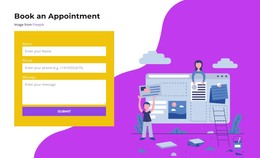
The final Book an Appointment section is particularly suitable for page-oriented WordPress content because it gathers a name, phone number, and message beside a prominent illustration. Navigation, shared visual styling, service descriptions, team information, offer content, and contact details can therefore be maintained as coordinated site content. The resulting theme interpretation centers on organizing and extending this business information, not on claiming that blog posts or other CMS-specific content already exist.
Customize with Nicepage
Open this ready-made template in the WordPress Website Builder and customize it visually in the Nicepage editor. Replace demo content, edit page sections, and adapt the design to your project without rebuilding the template from scratch.
Manage and Edit This Theme in WordPress
Customize and Install the WordPress Theme
Start with this ready-made theme instead of building the WordPress design from scratch. Customize its layout, content, typography, images, sections, and other design elements visually in Nicepage editor, then export and install the WordPress Theme, Plugin, and Pages on your WordPress site. The Nicepage WordPress Plugin lets you continue working with the site after installation.
Edit the Theme Directly in WordPress
After installation, you can edit the WordPress Theme directly in WordPress with the Nicepage WordPress Plugin. Use Site Style to customize site Colors, Fonts, Header, Footer, Blog, and Post Page Templates while working within your WordPress website.
Edit WordPress Pages Visually
Use the Nicepage WordPress Plugin to edit page content directly from the WordPress admin area. Open a WordPress Page with Nicepage and visually change its text, images, sections, and other page elements while continuing to manage the Page through WordPress.
WordPress Content and Theme Integration
Use the customized theme with WordPress Pages, Posts, Blog and Post Templates, menus, widgets, and other CMS-managed content. Shared theme elements such as Colors, Fonts, Header, Footer, Blog, and Post Page Templates can be managed as part of the overall site design, while WordPress provides the CMS environment for managing site content.
This workflow combines a ready-made WordPress Theme with visual customization, direct theme editing in WordPress, and continued content management through the Nicepage WordPress Plugin.