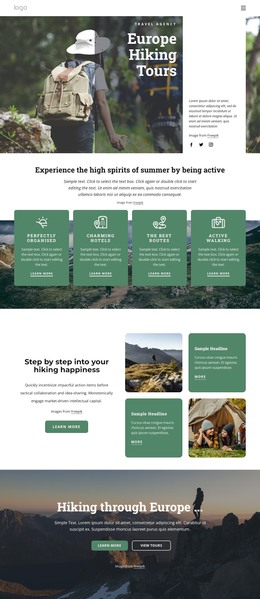
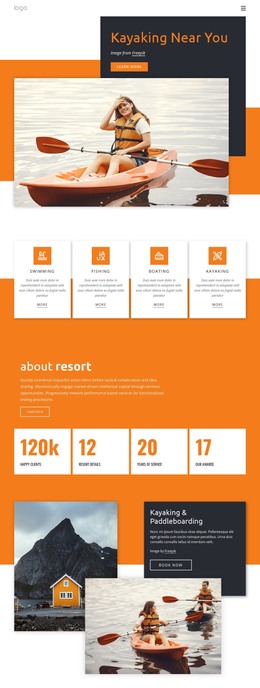
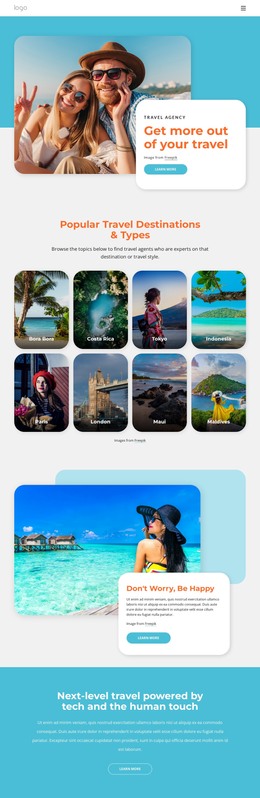
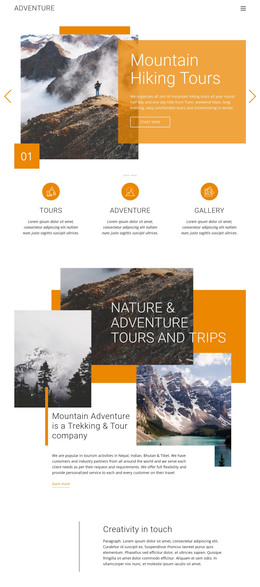
Travel photo in split WordPress Theme


Mountain and Hiking Panels Anchor Stable Page Content
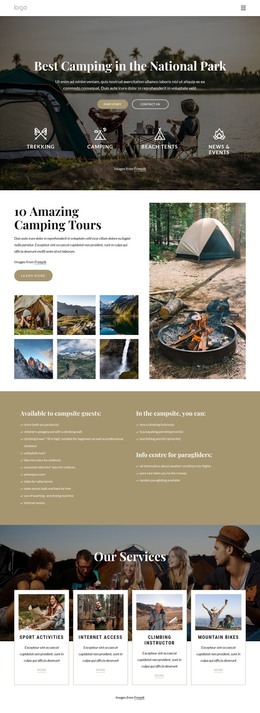
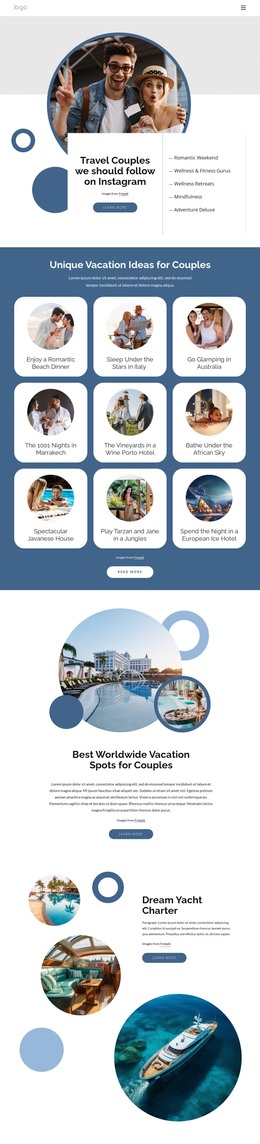
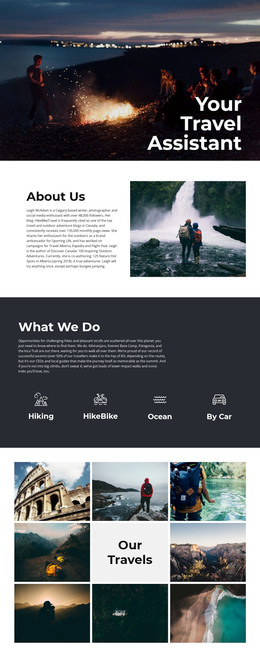
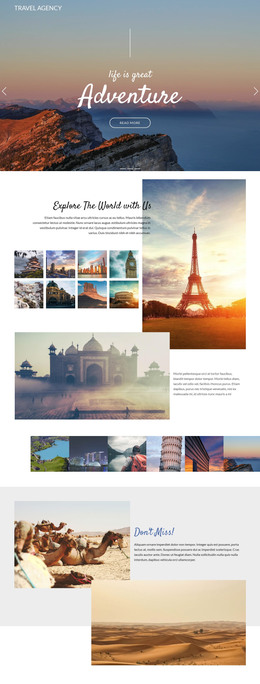
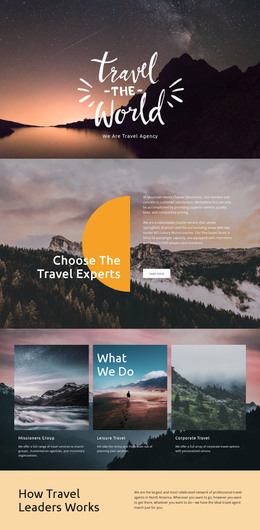
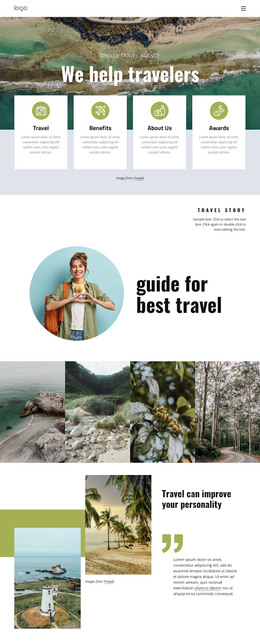
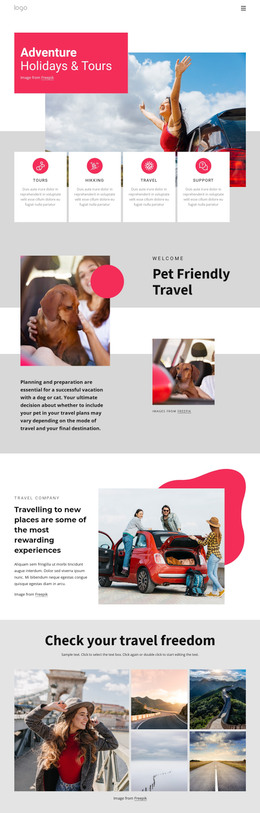
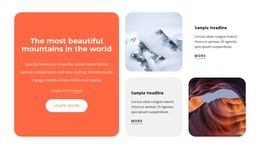
The left mountain photograph and the right image of boots with a reflected figure give this block two complementary content anchors. Their equal widths create a balanced split, while the pale, high-key treatment and dark photographic imagery keep the visual language consistent across both sides. Near the top of the left panel, the small circular “Vintage Studio” logo provides a compact identifying mark without adding a conventional heading or paragraph. The result is a section that communicates through image choice and arrangement rather than through written copy.
Within a WordPress-managed page, the block can function as stable visual content for a travel or outdoor presentation. It may introduce a subject before more detailed page text, act as a visual separator between content areas, or provide an image-led pause within a longer layout. The section does not contain a button, form, or other visible response control, so its role is primarily presentational. Any explanatory copy, links, or visitor actions can be supplied by adjacent page content rather than being attributed to these two panels.
This makes the block suitable for a reusable page section whose visual identity stays consistent while the surrounding WordPress content changes. The paired-panel structure offers a clear container for two related images, and the logo remains part of the left image treatment. As a result, the section can be placed among other publishable content without being mistaken for an entire WordPress theme. Its contribution is a defined, image-focused moment within a broader page and content system.
Customize with Nicepage
Open this ready-made template in the WordPress Website Builder and customize it visually in the Nicepage editor. Replace demo content, edit page sections, and adapt the design to your project without rebuilding the template from scratch.
Edit Template Offline
2. Create a new page or select existing
3. Click Add new block, search for id 50989 and click enter
Edit Template Online
Create Awesome Websites


Free Nicepage Builder
Keywords
Manage and Edit This Theme in WordPress
Customize and Install the WordPress Theme
Start with this ready-made theme instead of building the WordPress design from scratch. Customize its layout, content, typography, images, sections, and other design elements visually in Nicepage editor, then export and install the WordPress Theme, Plugin, and Pages on your WordPress site. The Nicepage WordPress Plugin lets you continue working with the site after installation.
Edit the Theme Directly in WordPress
After installation, you can edit the WordPress Theme directly in WordPress with the Nicepage WordPress Plugin. Use Site Style to customize site Colors, Fonts, Header, Footer, Blog, and Post Page Templates while working within your WordPress website.
Edit WordPress Pages Visually
Use the Nicepage WordPress Plugin to edit page content directly from the WordPress admin area. Open a WordPress Page with Nicepage and visually change its text, images, sections, and other page elements while continuing to manage the Page through WordPress.
WordPress Content and Theme Integration
Use the customized theme with WordPress Pages, Posts, Blog and Post Templates, menus, widgets, and other CMS-managed content. Shared theme elements such as Colors, Fonts, Header, Footer, Blog, and Post Page Templates can be managed as part of the overall site design, while WordPress provides the CMS environment for managing site content.
This workflow combines a ready-made WordPress Theme with visual customization, direct theme editing in WordPress, and continued content management through the Nicepage WordPress Plugin.