How wo Work WordPress Theme


Stable About Content With a Structured Visual Companion
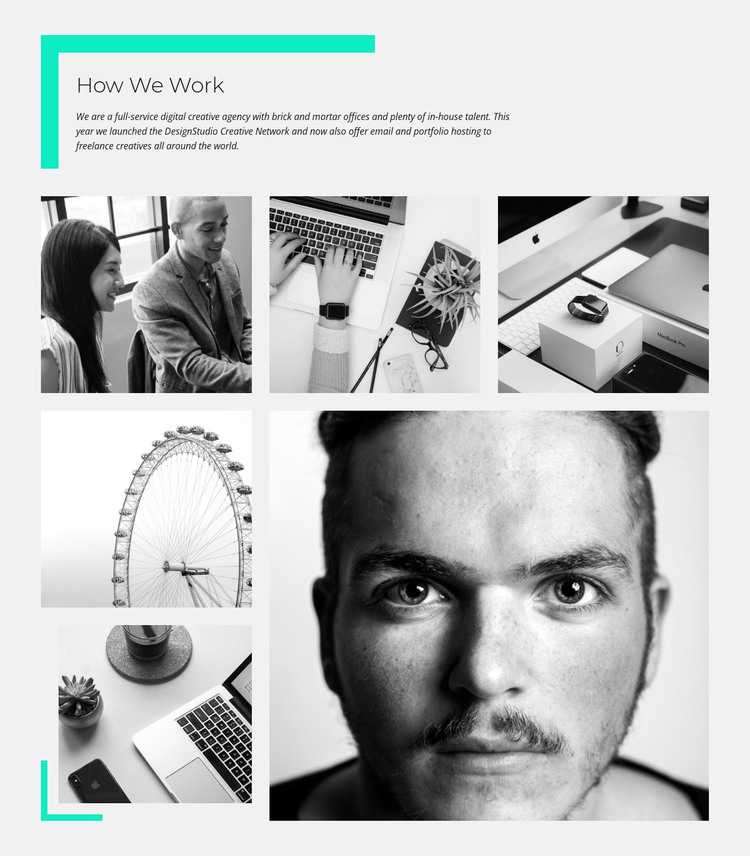
The heading and supporting paragraph make this block suitable for a stable About section within a WordPress-managed page. The content introduces a full-service digital creative agency and gives the section a lasting subject through references to brick-and-mortar offices, in-house talent, the DesignStudio Creative Network, email hosting, and portfolio hosting. It reads as durable organizational information rather than a temporary announcement, so it can sit alongside other page content without depending on a publishing sequence.
The six monochrome photographs support that message through a defined visual pattern. Portraits and workspace imagery relate directly to the people and environment described in the copy, while the Ferris wheel adds a contrasting editorial note. Three images occupy the top row and the remaining photographs continue into an asymmetrical lower area, creating a recognizable section shape. The light gray background and turquoise corner accent bind the text and collage together; large sans-serif type, smaller italic copy, and generous white space keep the reading order clear. In a WordPress-oriented project, this block can serve as reusable page content while the surrounding site manages other content areas and page structures. Its role is the visual and informational section itself, not a complete WordPress Theme.
Customize with Nicepage
Open this ready-made template in the WordPress Website Builder and customize it visually in the Nicepage editor. Replace demo content, edit page sections, and adapt the design to your project without rebuilding the template from scratch.
Edit Template Offline
2. Create a new page or select existing
3. Click Add new block, search for id 43326 and click enter
Edit Template Online
Create Awesome Websites


Free Nicepage Builder
Keywords
Manage and Edit This Theme in WordPress
Customize and Install the WordPress Theme
Start with this ready-made theme instead of building the WordPress design from scratch. Customize its layout, content, typography, images, sections, and other design elements visually in Nicepage editor, then export and install the WordPress Theme, Plugin, and Pages on your WordPress site. The Nicepage WordPress Plugin lets you continue working with the site after installation.
Edit the Theme Directly in WordPress
After installation, you can edit the WordPress Theme directly in WordPress with the Nicepage WordPress Plugin. Use Site Style to customize site Colors, Fonts, Header, Footer, Blog, and Post Page Templates while working within your WordPress website.
Edit WordPress Pages Visually
Use the Nicepage WordPress Plugin to edit page content directly from the WordPress admin area. Open a WordPress Page with Nicepage and visually change its text, images, sections, and other page elements while continuing to manage the Page through WordPress.
WordPress Content and Theme Integration
Use the customized theme with WordPress Pages, Posts, Blog and Post Templates, menus, widgets, and other CMS-managed content. Shared theme elements such as Colors, Fonts, Header, Footer, Blog, and Post Page Templates can be managed as part of the overall site design, while WordPress provides the CMS environment for managing site content.
This workflow combines a ready-made WordPress Theme with visual customization, direct theme editing in WordPress, and continued content management through the Nicepage WordPress Plugin.