The two most important directions WordPress Theme


Two Feature Entries Create Stable WordPress Page Content
Focused Design and Creative Branding are presented as two permanent-looking content units rather than a rotating feed. The first sits in the upper-right area and the second in the lower-left, with the 01 and 02 badges establishing a simple sequence. Each title is supported by paragraph copy, so the section can communicate two related design or branding ideas without relying on a separate interaction pattern. The asymmetrical placement also gives the content a visual path across the block.
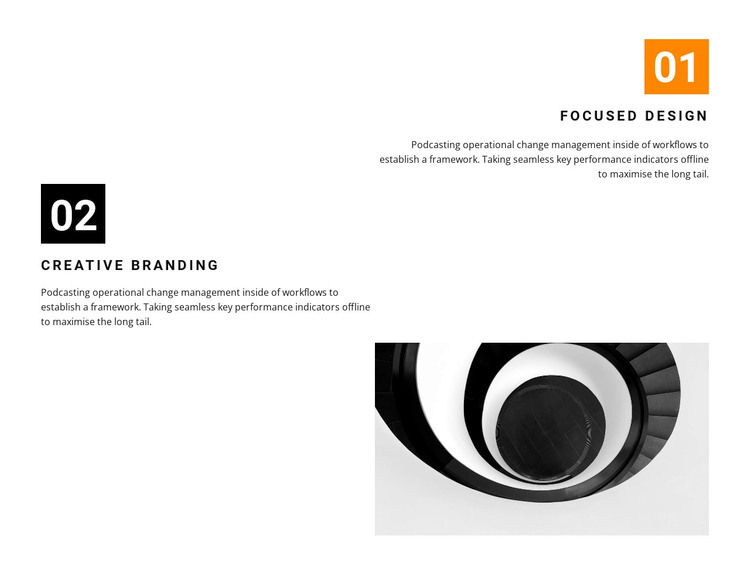
The monochrome architectural image in the lower-right area works as supporting page imagery. It adds a built-environment reference and balances the text distribution without competing with either feature title. The color treatment remains controlled: the first badge is orange, the second is black, and the rest of the section uses black typography on white. This combination gives the content a recognizable visual pattern while keeping the two entries legible as part of the same section.
Within a WordPress-managed page, the block can function as stable feature content that sits alongside other publishable sections. Its two labeled ideas are suited to a page that needs a concise explanation of design direction or brand emphasis, while the surrounding site can provide the broader context. The block itself remains one reusable content area; its value comes from the relationship between ordered entries, diagonal spacing, and the architectural image rather than from any assumed CMS component inside it.
Customize with Nicepage
Open this ready-made template in the WordPress Website Builder and customize it visually in the Nicepage editor. Replace demo content, edit page sections, and adapt the design to your project without rebuilding the template from scratch.
Edit Template Offline
2. Create a new page or select existing
3. Click Add new block, search for id 400522 and click enter
Edit Template Online
Create Awesome Websites


Free Nicepage Builder
Keywords
Manage and Edit This Theme in WordPress
Customize and Install the WordPress Theme
Start with this ready-made theme instead of building the WordPress design from scratch. Customize its layout, content, typography, images, sections, and other design elements visually in Nicepage editor, then export and install the WordPress Theme, Plugin, and Pages on your WordPress site. The Nicepage WordPress Plugin lets you continue working with the site after installation.
Edit the Theme Directly in WordPress
After installation, you can edit the WordPress Theme directly in WordPress with the Nicepage WordPress Plugin. Use Site Style to customize site Colors, Fonts, Header, Footer, Blog, and Post Page Templates while working within your WordPress website.
Edit WordPress Pages Visually
Use the Nicepage WordPress Plugin to edit page content directly from the WordPress admin area. Open a WordPress Page with Nicepage and visually change its text, images, sections, and other page elements while continuing to manage the Page through WordPress.
WordPress Content and Theme Integration
Use the customized theme with WordPress Pages, Posts, Blog and Post Templates, menus, widgets, and other CMS-managed content. Shared theme elements such as Colors, Fonts, Header, Footer, Blog, and Post Page Templates can be managed as part of the overall site design, while WordPress provides the CMS environment for managing site content.
This workflow combines a ready-made WordPress Theme with visual customization, direct theme editing in WordPress, and continued content management through the Nicepage WordPress Plugin.