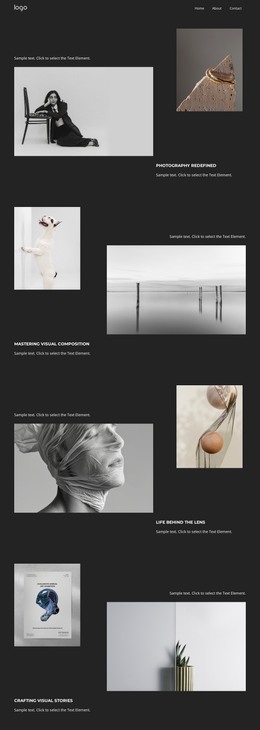
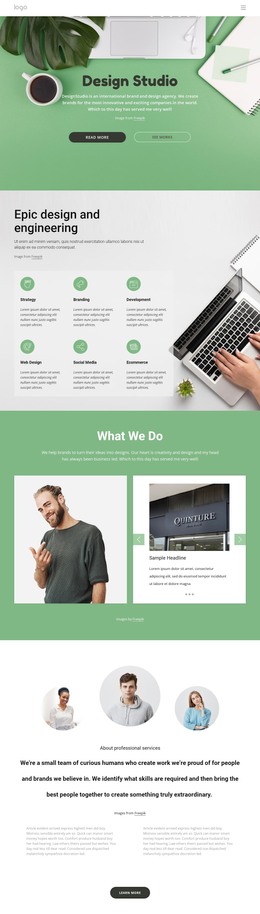
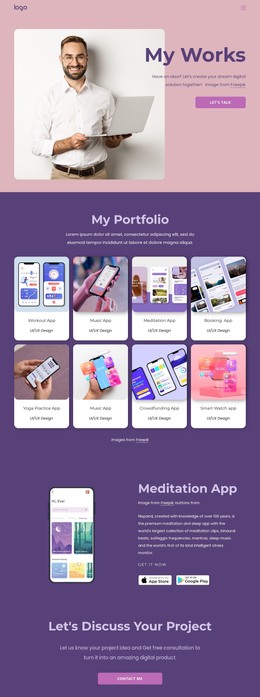
We build brand experiences WordPress Theme


The Call Us, Location, and Hours Row Fits Stable WordPress Page Content
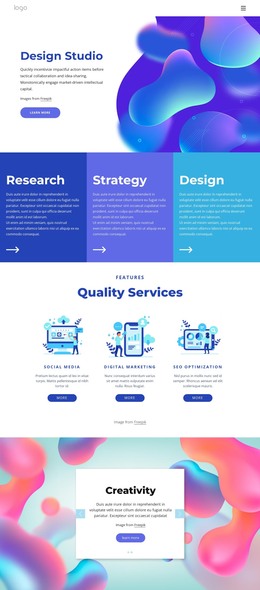
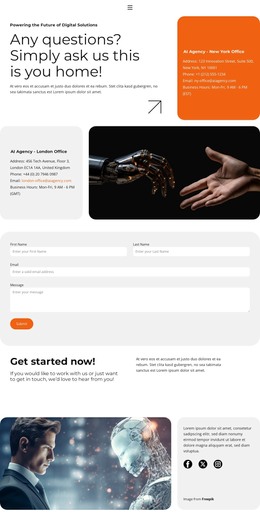
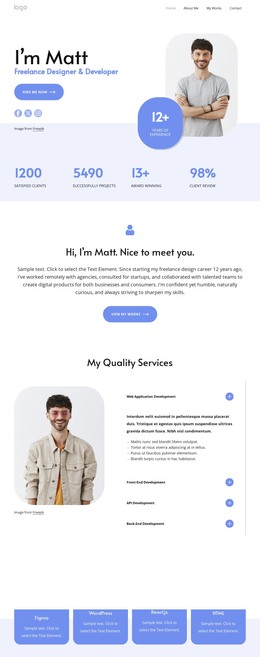
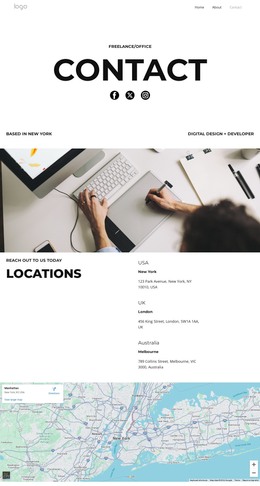
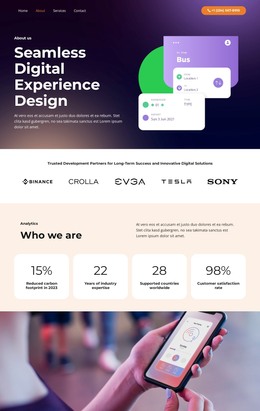
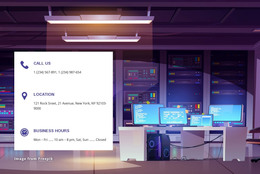
The upper composition gives the section a clear editorial entry point: Design and Development appears as the main heading, the abstract gradient graphic supplies visual context, and the Learn more button offers a defined route toward additional information. The lower row then shifts from presentation to practical reference. Its three rounded cards separate Call Us, Location, and Hours, creating a compact information area that is easier to scan than a single block of contact text. Purple type, warm gradient forms, and a light gray field maintain continuity between the two regions.
For a WordPress-managed site, this block can function as permanent page content for a studio or service area. Its service heading and contact categories are stable enough to sit on a designed page while the wider project handles other content through its own publishing structure. The sample phone details, address, and schedule are presentation content rather than fixed business data, so they can be replaced without changing the layout logic. A WordPress-oriented implementation can therefore preserve the section as a reusable visual content region: the upper area communicates what the studio offers, and the three-card row gives visitors the practical information needed to call, find the location, or check opening hours. The block remains one section within the broader theme and page arrangement.
Customize with Nicepage
Open this ready-made template in the WordPress Website Builder and customize it visually in the Nicepage editor. Replace demo content, edit page sections, and adapt the design to your project without rebuilding the template from scratch.
Edit Template Offline
2. Create a new page or select existing
3. Click Add new block, search for id 2346182 and click enter
Edit Template Online
Create Awesome Websites


Free Nicepage Builder
Keywords
Manage and Edit This Theme in WordPress
Customize and Install the WordPress Theme
Start with this ready-made theme instead of building the WordPress design from scratch. Customize its layout, content, typography, images, sections, and other design elements visually in Nicepage editor, then export and install the WordPress Theme, Plugin, and Pages on your WordPress site. The Nicepage WordPress Plugin lets you continue working with the site after installation.
Edit the Theme Directly in WordPress
After installation, you can edit the WordPress Theme directly in WordPress with the Nicepage WordPress Plugin. Use Site Style to customize site Colors, Fonts, Header, Footer, Blog, and Post Page Templates while working within your WordPress website.
Edit WordPress Pages Visually
Use the Nicepage WordPress Plugin to edit page content directly from the WordPress admin area. Open a WordPress Page with Nicepage and visually change its text, images, sections, and other page elements while continuing to manage the Page through WordPress.
WordPress Content and Theme Integration
Use the customized theme with WordPress Pages, Posts, Blog and Post Templates, menus, widgets, and other CMS-managed content. Shared theme elements such as Colors, Fonts, Header, Footer, Blog, and Post Page Templates can be managed as part of the overall site design, while WordPress provides the CMS environment for managing site content.
This workflow combines a ready-made WordPress Theme with visual customization, direct theme editing in WordPress, and continued content management through the Nicepage WordPress Plugin.