Photo frames in the interior WordPress Theme


A Topic Panel and Featured Story for WordPress Page Content
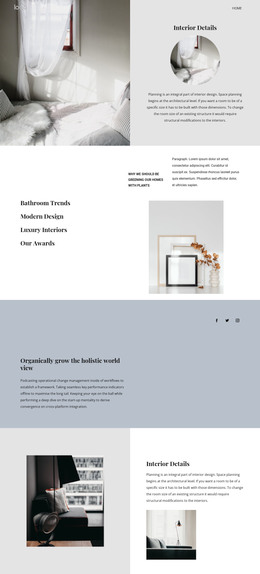
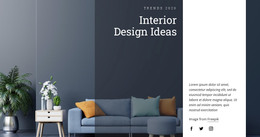
The topic list gives the section a clear content model for a WordPress-managed page: four named interior themes are grouped on the left rather than scattered around the featured material. Bathroom Trends, Modern Design, Luxury Interiors, and Our Awards are centered in a full-height dark taupe panel, with serif typography creating a visible editorial hierarchy. They can be read as category cues for the section without assuming that the block already contains a dynamic taxonomy, posts, or linked controls.
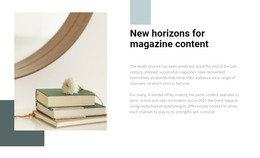
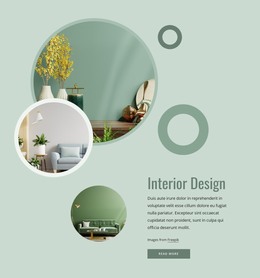
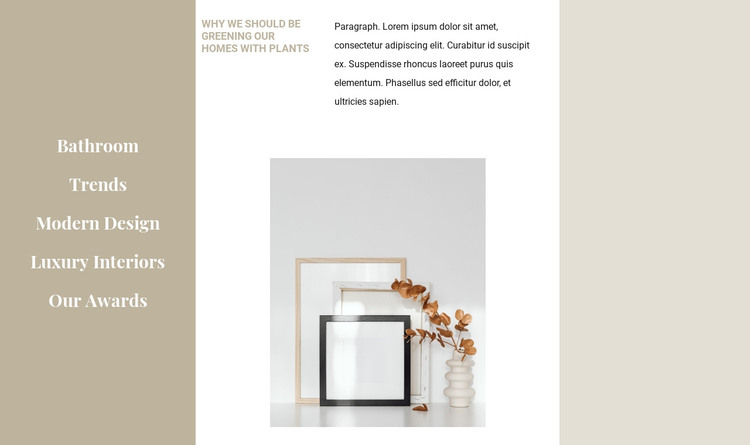
The right side behaves like a stable featured-content area. Its heading about greening homes with plants is followed by one supporting paragraph, then a single interior still-life image centered within the lower white space. The image-to-text relationship keeps the subject visually present while leaving enough room for the editorial copy to remain readable. Compact sans-serif body text contrasts with the larger serif topic labels and helps separate supporting information from the display treatment.
In a WordPress-oriented project, this block can serve as permanent page content for an interior-design, editorial, or showcase area within a wider theme. The section can retain its visual arrangement while surrounding pages manage other content types. Its value is the clear division between topic framing and one featured story, not the assumption that the reusable section is a complete theme or site.
Customize with Nicepage
Open this ready-made template in the WordPress Website Builder and customize it visually in the Nicepage editor. Replace demo content, edit page sections, and adapt the design to your project without rebuilding the template from scratch.
Edit Template Offline
2. Create a new page or select existing
3. Click Add new block, search for id 201779 and click enter
Edit Template Online
Create Awesome Websites


Free Nicepage Builder
Keywords
Manage and Edit This Theme in WordPress
Customize and Install the WordPress Theme
Start with this ready-made theme instead of building the WordPress design from scratch. Customize its layout, content, typography, images, sections, and other design elements visually in Nicepage editor, then export and install the WordPress Theme, Plugin, and Pages on your WordPress site. The Nicepage WordPress Plugin lets you continue working with the site after installation.
Edit the Theme Directly in WordPress
After installation, you can edit the WordPress Theme directly in WordPress with the Nicepage WordPress Plugin. Use Site Style to customize site Colors, Fonts, Header, Footer, Blog, and Post Page Templates while working within your WordPress website.
Edit WordPress Pages Visually
Use the Nicepage WordPress Plugin to edit page content directly from the WordPress admin area. Open a WordPress Page with Nicepage and visually change its text, images, sections, and other page elements while continuing to manage the Page through WordPress.
WordPress Content and Theme Integration
Use the customized theme with WordPress Pages, Posts, Blog and Post Templates, menus, widgets, and other CMS-managed content. Shared theme elements such as Colors, Fonts, Header, Footer, Blog, and Post Page Templates can be managed as part of the overall site design, while WordPress provides the CMS environment for managing site content.
This workflow combines a ready-made WordPress Theme with visual customization, direct theme editing in WordPress, and continued content management through the Nicepage WordPress Plugin.