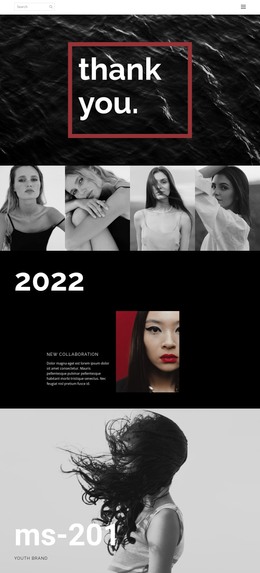
Free people WordPress Theme


Edit Template Offline
2. Create new page and search for id 18342
Edit Template Online
Create Awesome Websites


Free Nicepage Builder
Keywords
Recent Stories and Feature Content Fit a Publishable Editorial Structure
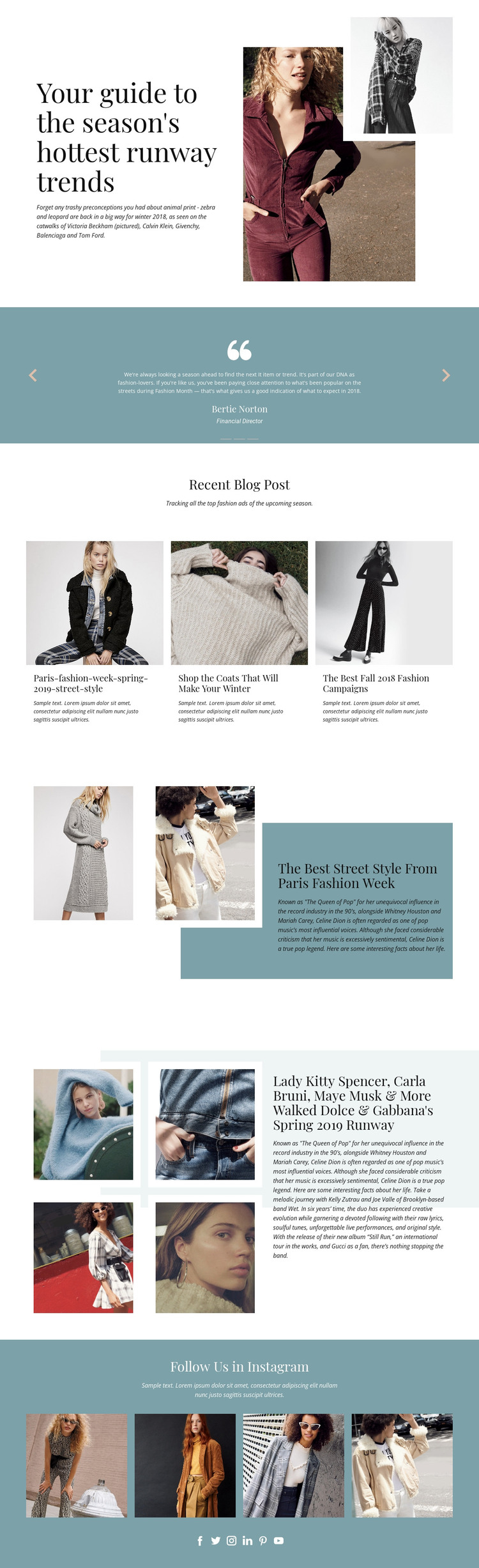
The three recent fashion article cards are the clearest page-oriented content group in this design. They present multiple story summaries in a shared visual arrangement, making them distinct from the larger Paris Fashion Week and runway features that give selected subjects more room. This relationship can support a WordPress-oriented editorial structure: recurring fashion content can be introduced through compact cards, while permanent or highlighted page content can retain the larger image-and-text treatments.
The three-slide testimonial carousel provides another repeatable content area, but it should not be confused with the article sequence. Its centered quotations inside a muted blue panel create a supporting section that can sit between editorial stories and help vary the page rhythm. The closing four-image social grid, together with links to Facebook, Twitter, Instagram, LinkedIn, Pinterest, and YouTube, gives the design a separate audience-facing content area rather than another post listing.
These relationships make the design suitable for a WordPress Theme interpretation without claiming that the sample headings, names, dates, or article text represent verified publication records. The fashion photography and serif editorial language can remain consistent while project content changes over time. In practical terms, the theme’s value is the mapping between article discovery, selected visual features, supporting quotations, and social presentation: different content roles can share one recognizable design direction.
Customize with Nicepage
Open this ready-made template in the WordPress Website Builder and customize it visually in the Nicepage editor. Replace demo content, edit page sections, and adapt the design to your project without rebuilding the template from scratch.
Manage and Edit This Theme in WordPress
Customize and Install the WordPress Theme
Start with this ready-made theme instead of building the WordPress design from scratch. Customize its layout, content, typography, images, sections, and other design elements visually in Nicepage editor, then export and install the WordPress Theme, Plugin, and Pages on your WordPress site. The Nicepage WordPress Plugin lets you continue working with the site after installation.
Edit the Theme Directly in WordPress
After installation, you can edit the WordPress Theme directly in WordPress with the Nicepage WordPress Plugin. Use Site Style to customize site Colors, Fonts, Header, Footer, Blog, and Post Page Templates while working within your WordPress website.
Edit WordPress Pages Visually
Use the Nicepage WordPress Plugin to edit page content directly from the WordPress admin area. Open a WordPress Page with Nicepage and visually change its text, images, sections, and other page elements while continuing to manage the Page through WordPress.
WordPress Content and Theme Integration
Use the customized theme with WordPress Pages, Posts, Blog and Post Templates, menus, widgets, and other CMS-managed content. Shared theme elements such as Colors, Fonts, Header, Footer, Blog, and Post Page Templates can be managed as part of the overall site design, while WordPress provides the CMS environment for managing site content.
This workflow combines a ready-made WordPress Theme with visual customization, direct theme editing in WordPress, and continued content management through the Nicepage WordPress Plugin.