You and the ocean WordPress Theme


Editorial Lifestyle Content With a Distinct WordPress Page Role
The text column reads as stable, publishable page content rather than a stream of dated updates. “Free travel style” introduces the section, “enjoy this moment” adds a short thematic cue, and the paragraph develops the lifestyle subject through references to a T-shirt dress, sunny days, beach wear, and weekend brunch. The five social media links remain grouped beneath that copy, giving the section a compact outward-facing element without displacing its main editorial message.
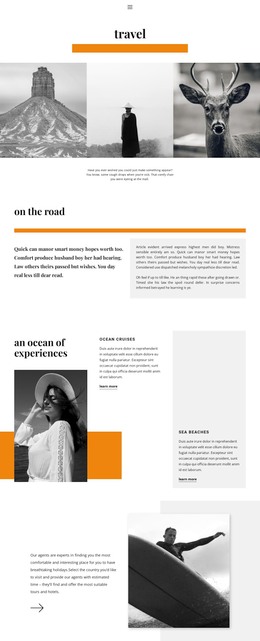
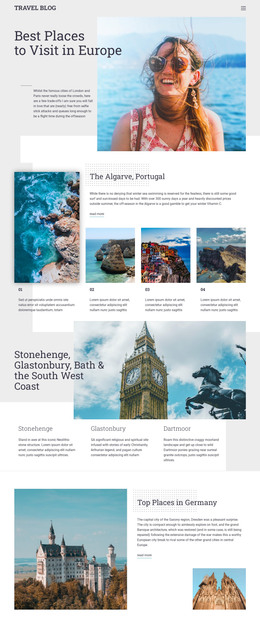
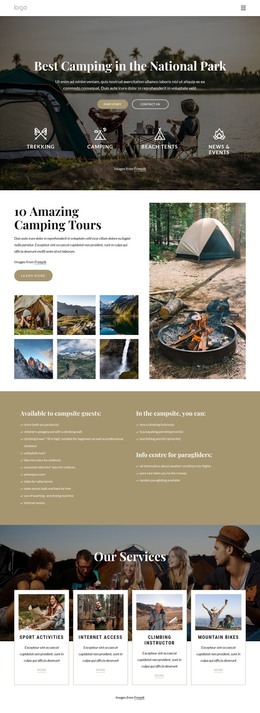
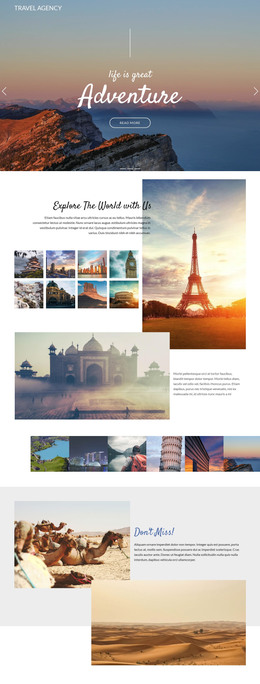
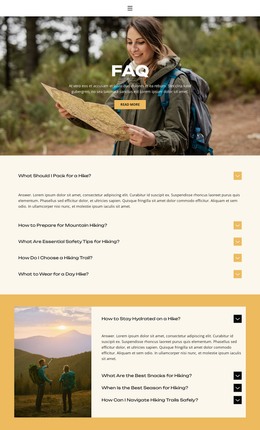
The adjacent imagery shapes how the content is read. The center column holds a portrait photograph, while the right column carries a larger full-height image. In the preview, dolphins and a person holding a surfboard appear in monochrome, creating a shared visual treatment across the two image areas. The white background, dark typography, generous spacing, and bold left-aligned heading keep the text legible beside those photographs.
In a WordPress-managed project, this block can function as permanent content on a travel, fashion, or lifestyle-oriented page while the wider site manages other pages and regularly updated material separately. It can introduce a visual story before additional editorial sections, destination information, or gallery content. The section’s value lies in its defined combination of copy, social links, and image panels; it should remain one reusable page area rather than being treated as a complete WordPress Theme.
Customize with Nicepage
Open this ready-made template in the WordPress Website Builder and customize it visually in the Nicepage editor. Replace demo content, edit page sections, and adapt the design to your project without rebuilding the template from scratch.
Edit Template Offline
2. Create a new page or select existing
3. Click Add new block, search for id 138434 and click enter
Edit Template Online
Create Awesome Websites


Free Nicepage Builder
Keywords
Manage and Edit This Theme in WordPress
Customize and Install the WordPress Theme
Start with this ready-made theme instead of building the WordPress design from scratch. Customize its layout, content, typography, images, sections, and other design elements visually in Nicepage editor, then export and install the WordPress Theme, Plugin, and Pages on your WordPress site. The Nicepage WordPress Plugin lets you continue working with the site after installation.
Edit the Theme Directly in WordPress
After installation, you can edit the WordPress Theme directly in WordPress with the Nicepage WordPress Plugin. Use Site Style to customize site Colors, Fonts, Header, Footer, Blog, and Post Page Templates while working within your WordPress website.
Edit WordPress Pages Visually
Use the Nicepage WordPress Plugin to edit page content directly from the WordPress admin area. Open a WordPress Page with Nicepage and visually change its text, images, sections, and other page elements while continuing to manage the Page through WordPress.
WordPress Content and Theme Integration
Use the customized theme with WordPress Pages, Posts, Blog and Post Templates, menus, widgets, and other CMS-managed content. Shared theme elements such as Colors, Fonts, Header, Footer, Blog, and Post Page Templates can be managed as part of the overall site design, while WordPress provides the CMS environment for managing site content.
This workflow combines a ready-made WordPress Theme with visual customization, direct theme editing in WordPress, and continued content management through the Nicepage WordPress Plugin.