Yoga studio gallery Template


A Wellness Gallery With Context, Motion, and Detail
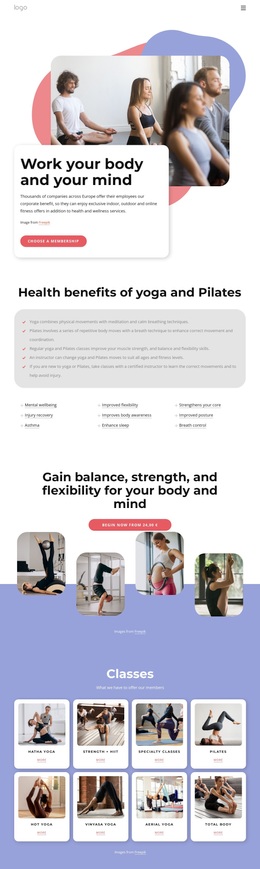
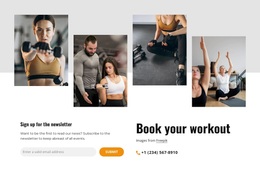
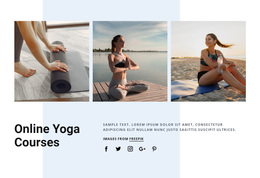
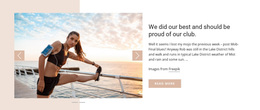
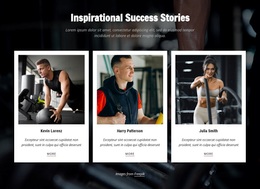
The centered “Our Gallery” heading gives the section an immediate identity, while the supporting copy adds a specific idea: a positive mindset and fit body can support a better everyday life. Beneath that message, six portrait-oriented photographs show yoga, stretching, meditation, and group fitness activities. The result is more distinctive than a plain image row because the text frames the collection as part of a fitness and wellness experience.
The wide image strip also creates a practical reason to choose this design. Closely spaced tiles let several activities remain visible at once, while previous and next controls allow visitors to browse the full six-image collection without requiring a tall sequence. Lightbox viewing adds another layer of detail for visitors who want to focus on a particular photograph. The block therefore balances overview and inspection within one contained gallery area.
This option suits a page that needs visual evidence of movement, classes, or community without giving the gallery an unrelated promotional structure. Its strongest design choice is the relationship between concise context and repeated imagery: the heading and paragraph explain why the images matter, and the browsing behavior keeps the collection compact. Other sections can handle schedules, services, or contact information while this block remains a recognizable visual statement.
Customize with Nicepage
Open this ready-made template in the Template Builder and customize it visually in the Nicepage editor. Replace demo content, edit page sections, and adapt the design to your project without rebuilding the template from scratch.
Edit Template Offline
2. Create a new page or select existing
3. Click Add new block, search for id 6534260 and click enter
Edit Template Online
Create Awesome Websites


Free Nicepage Builder
Keywords
Start With a Ready-Made Template
Choose a Design for a New Page
Use a ready-made template as a starting point instead of creating every page from a blank canvas. When adding a new page in Nicepage, browse available designs, compare different layouts, and choose an option that already fits the general purpose and visual direction of your project.
Browse Different Page Designs
Explore Page Designs using search, thematic categories, Design Sets, and full-page previews. The collection includes layouts for different subjects and page purposes, making it easier to compare alternatives before selecting a design to customize.
Customize the Selected Template
After choosing a design, create the page and continue editing it visually in Nicepage. Replace the demo content, adjust images, typography, colors, sections, and other elements, and adapt the ready-made layout to your own content instead of rebuilding the design from the beginning.
Explore More Design Directions
If the first option does not match your project closely enough, return to the design collection and compare other templates before committing to a layout. This makes the template library useful not only for faster page creation, but also for exploring different visual approaches and finding a suitable starting point for a new project.
This workflow gives you access to a broad collection of ready-made designs that can be selected, compared, and customized according to the needs of each new page or project.