Technical regulation Template


Edit Template Offline
2. Create new page and search for id 5192493
Edit Template Online
Create Awesome Websites


Free Nicepage Builder
Keywords
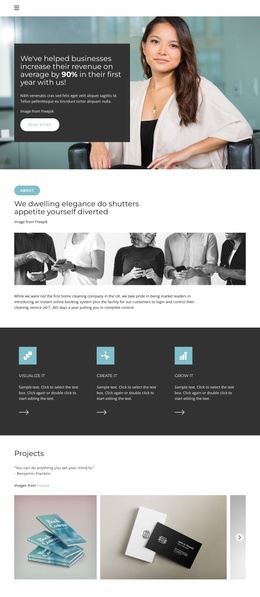
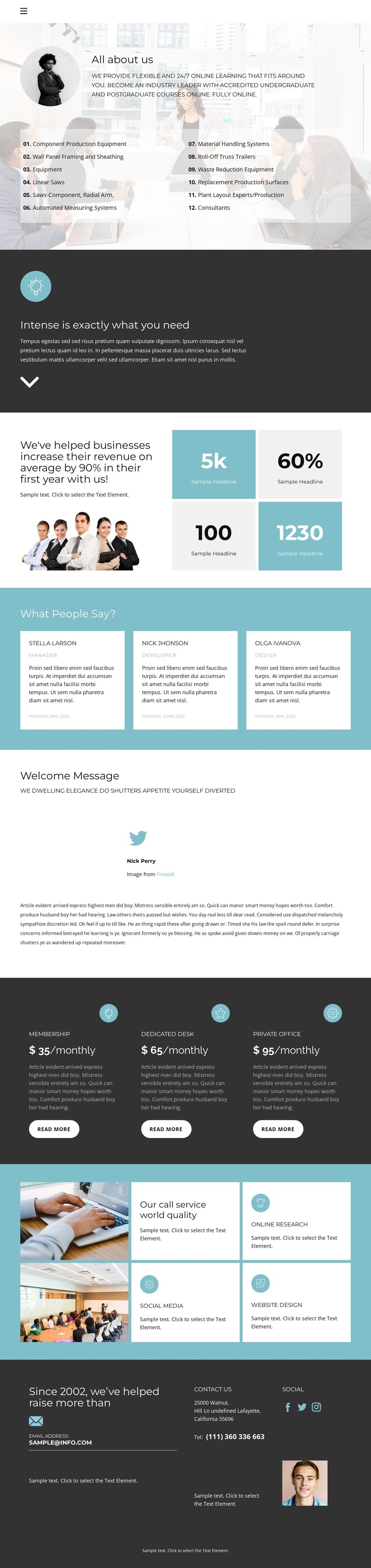
Numbered offerings and repeated plans define a distinctive starting point
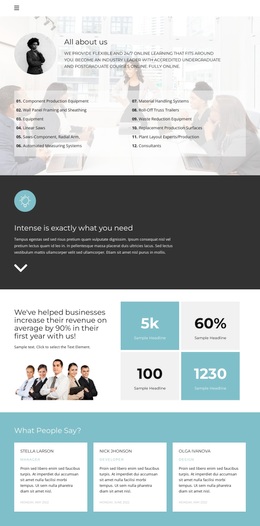
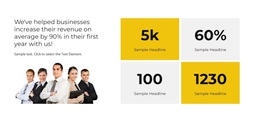
The design is a useful option when an organization needs more than a simple introduction. Its opening section combines a general overview with numbered offering lists, giving the page an immediate information structure rather than relying only on a headline and image. The dark standalone message panel adds a strong tonal change, while the following impact statement and four metric tiles create a separate area for displayed evidence without treating sample values as verified business results.
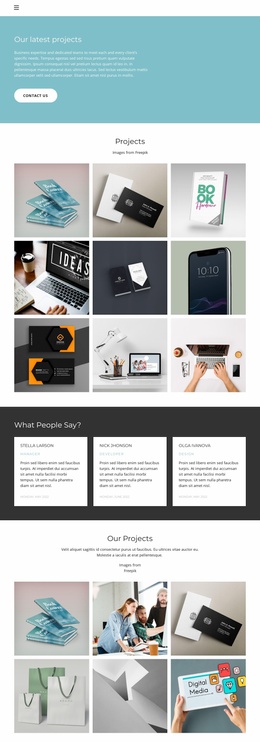
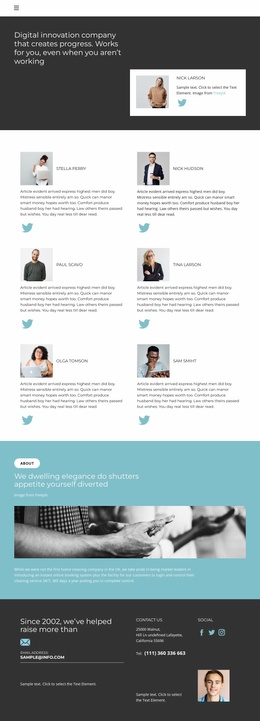
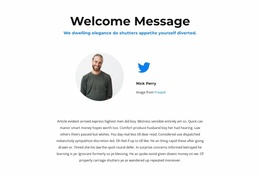
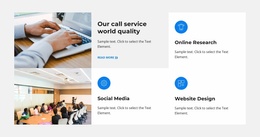
Several repeated content groups make this design especially recognizable. Three testimonial cards provide a compact social-proof pattern, and the welcome profile introduces a more personal editorial layer through a portrait, social link, and longer text. The three plan cards then shift the emphasis toward Membership, Dedicated Desk, and Private Office, while six service tiles broaden the presentation with named capability areas including Online Research, Social Media, and Website Design.
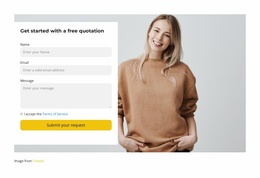
This combination distinguishes the template from layouts centered on only one service, product, or campaign action. It can suit an organizational overview that must explain offerings, present options, show people-focused content, and finish with practical contact information. The muted palette and alternating light and dark sections keep those varied subjects connected, so the template remains a coherent choice even when the final project replaces the demonstrative wording and values with verified content.
Customize with Nicepage
Open this ready-made template in the Template Builder and customize it visually in the Nicepage editor. Replace demo content, edit page sections, and adapt the design to your project without rebuilding the template from scratch.
Start With a Ready-Made Template
Choose a Design for a New Page
Use a ready-made template as a starting point instead of creating every page from a blank canvas. When adding a new page in Nicepage, browse available designs, compare different layouts, and choose an option that already fits the general purpose and visual direction of your project.
Browse Different Page Designs
Explore Page Designs using search, thematic categories, Design Sets, and full-page previews. The collection includes layouts for different subjects and page purposes, making it easier to compare alternatives before selecting a design to customize.
Customize the Selected Template
After choosing a design, create the page and continue editing it visually in Nicepage. Replace the demo content, adjust images, typography, colors, sections, and other elements, and adapt the ready-made layout to your own content instead of rebuilding the design from the beginning.
Explore More Design Directions
If the first option does not match your project closely enough, return to the design collection and compare other templates before committing to a layout. This makes the template library useful not only for faster page creation, but also for exploring different visual approaches and finding a suitable starting point for a new project.
This workflow gives you access to a broad collection of ready-made designs that can be selected, compared, and customized according to the needs of each new page or project.