Explore nature Template


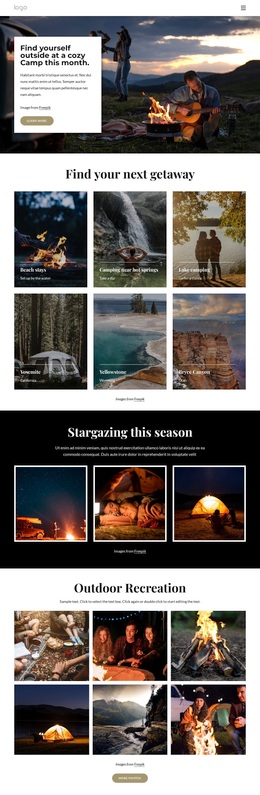
Six Photographic Choices Give the Gallery a Clear Direction
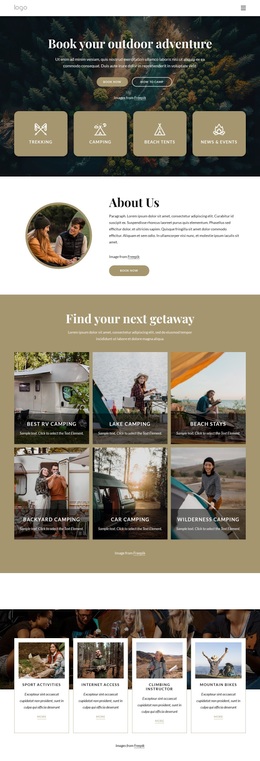
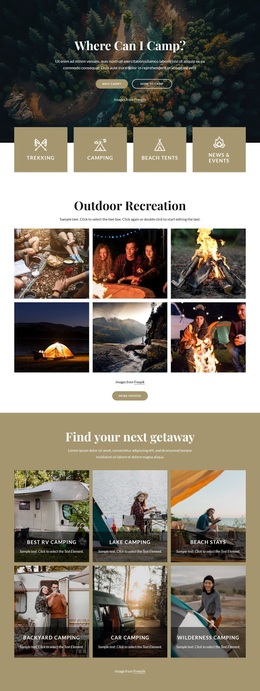
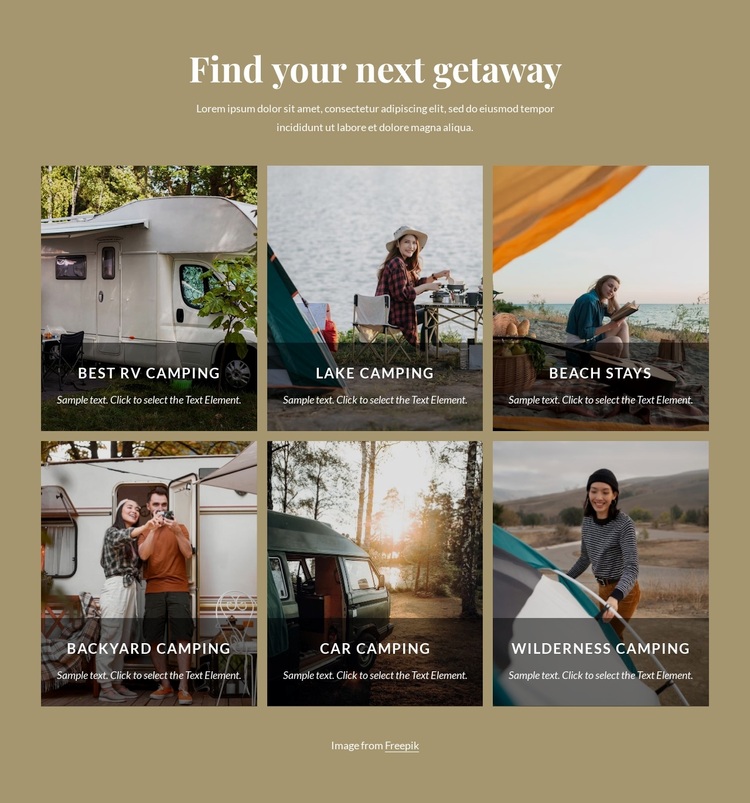
The section combines a focused heading, six named camping categories, and a repeated image treatment in a way that distinguishes it from a simpler text list or a single-feature banner. “Find your next getaway” sets an inviting theme, while Best RV camping, Lake camping, Beach stays, Backyard camping, Car camping, and Wilderness camping give the design concrete content coverage. Visitors can see several possible experiences without the section needing to expand into separate blocks for every category.
The portrait-oriented photographs make the gallery visually prominent, and the dark translucent overlays solve a practical content problem: the labels and descriptions remain grouped with their images and can stay legible over varied photographic scenes. The three-column, two-row arrangement adds more visual presence than a narrow list while keeping all six choices within one coherent section. Consistent spacing reinforces the fact that these are parallel alternatives within the same getaway collection.
This design is a useful choice when a travel or outdoor page needs category discovery with strong visual support and limited internal complexity. The muted tan background and centered alignment frame the grid without adding another competing visual system. As a ready-made block option, it offers a specific combination of camping coverage, image-led presentation, and orderly repetition rather than generic gallery styling.
Customize with Nicepage
Open this ready-made template in the Template Builder and customize it visually in the Nicepage editor. Replace demo content, edit page sections, and adapt the design to your project without rebuilding the template from scratch.
Edit Template Offline
2. Create a new page or select existing
3. Click Add new block, search for id 4543762 and click enter
Edit Template Online
Create Awesome Websites


Free Nicepage Builder
Keywords
Start With a Ready-Made Template
Choose a Design for a New Page
Use a ready-made template as a starting point instead of creating every page from a blank canvas. When adding a new page in Nicepage, browse available designs, compare different layouts, and choose an option that already fits the general purpose and visual direction of your project.
Browse Different Page Designs
Explore Page Designs using search, thematic categories, Design Sets, and full-page previews. The collection includes layouts for different subjects and page purposes, making it easier to compare alternatives before selecting a design to customize.
Customize the Selected Template
After choosing a design, create the page and continue editing it visually in Nicepage. Replace the demo content, adjust images, typography, colors, sections, and other elements, and adapt the ready-made layout to your own content instead of rebuilding the design from the beginning.
Explore More Design Directions
If the first option does not match your project closely enough, return to the design collection and compare other templates before committing to a layout. This makes the template library useful not only for faster page creation, but also for exploring different visual approaches and finding a suitable starting point for a new project.
This workflow gives you access to a broad collection of ready-made designs that can be selected, compared, and customized according to the needs of each new page or project.

Design Set (31)
-

-
-
-
-
-
-
-
-
-
-
-
-
Free Website Builder SoftwareDownload
-
-
-
-
-
-
-
-
-
-
-