Creative Fashion Agency Template


Edit Template Offline
2. Create new page and search for id 31975
Edit Template Online
Create Awesome Websites


Free Nicepage Builder
Keywords
A Fashion-First Choice Built Around Agency Relationships
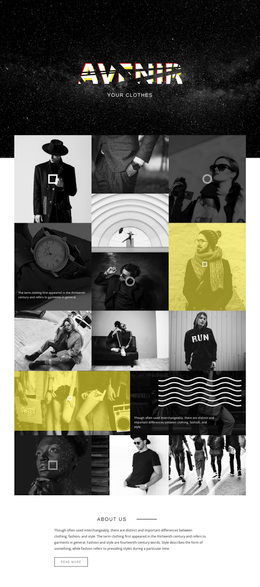
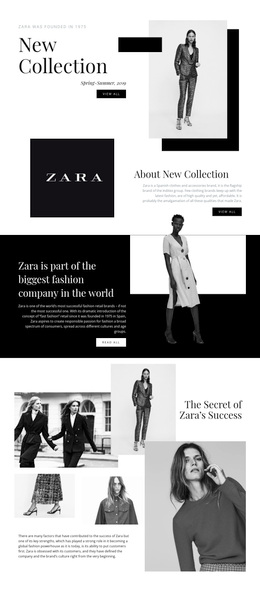
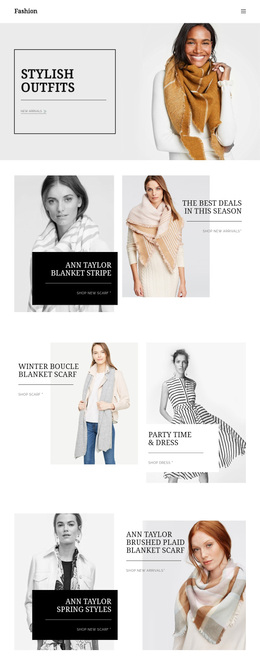
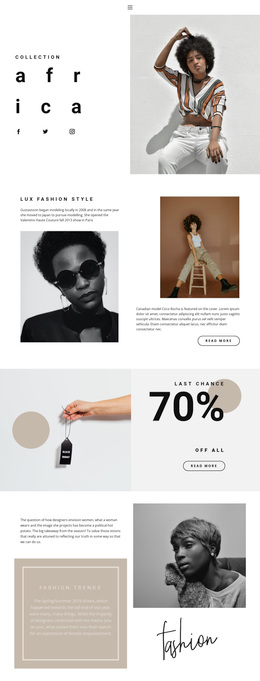
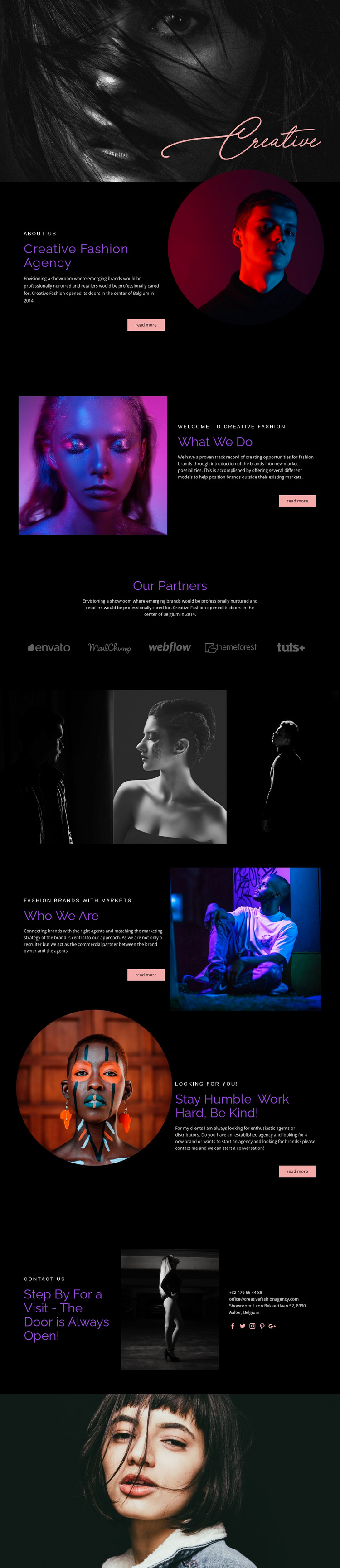
Large monochrome portraits carry much of the first impression, making this design a strong option for projects that need fashion imagery to establish context before detailed explanation begins. The black editorial setting, purple and coral typography, and asymmetrical spacing create a magazine-like direction rather than a conventional service-company layout. That visual choice is reinforced by the three-image fashion strip, which gives photography a structural role between the informational sections.
The content is also more specific than a generic agency profile. About Us introduces Creative Fashion Agency and its showroom background, What We Do presents opportunities for fashion brands in new markets, and Who We Are explains the relationship between brands, agents, and commercial strategy. Five partner logo marks add a recognizable relationship-focused section, while the recruitment invitation extends the design beyond brand clients to agents and distributors. The final visit area completes the coverage with contact channels, social icons, and a displayed showroom location in Aalter, Belgium. Together, these elements make the template worth choosing when the project needs to communicate visual taste, industry connections, market development, and openness to conversation in one coherent presentation.
Customize with Nicepage
Open this ready-made template in the Template Builder and customize it visually in the Nicepage editor. Replace demo content, edit page sections, and adapt the design to your project without rebuilding the template from scratch.
Start With a Ready-Made Template
Choose a Design for a New Page
Use a ready-made template as a starting point instead of creating every page from a blank canvas. When adding a new page in Nicepage, browse available designs, compare different layouts, and choose an option that already fits the general purpose and visual direction of your project.
Browse Different Page Designs
Explore Page Designs using search, thematic categories, Design Sets, and full-page previews. The collection includes layouts for different subjects and page purposes, making it easier to compare alternatives before selecting a design to customize.
Customize the Selected Template
After choosing a design, create the page and continue editing it visually in Nicepage. Replace the demo content, adjust images, typography, colors, sections, and other elements, and adapt the ready-made layout to your own content instead of rebuilding the design from the beginning.
Explore More Design Directions
If the first option does not match your project closely enough, return to the design collection and compare other templates before committing to a layout. This makes the template library useful not only for faster page creation, but also for exploring different visual approaches and finding a suitable starting point for a new project.
This workflow gives you access to a broad collection of ready-made designs that can be selected, compared, and customized according to the needs of each new page or project.