Experienced legal advice Template



Edit Template Offline
2. Create new page and search for id 302674
Edit Template Online
Create Awesome Websites


Free Nicepage Builder
Keywords
Courtroom imagery and layered practice areas define the design choice
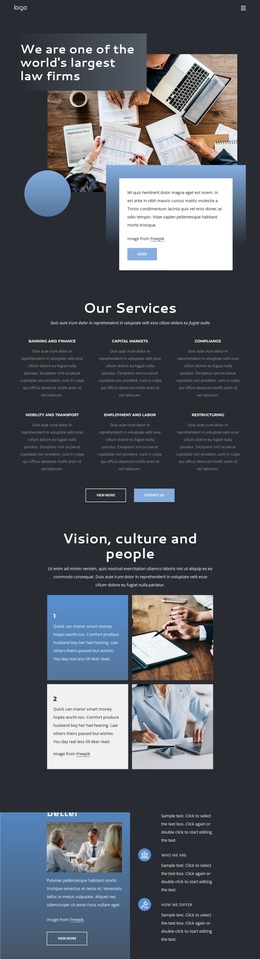
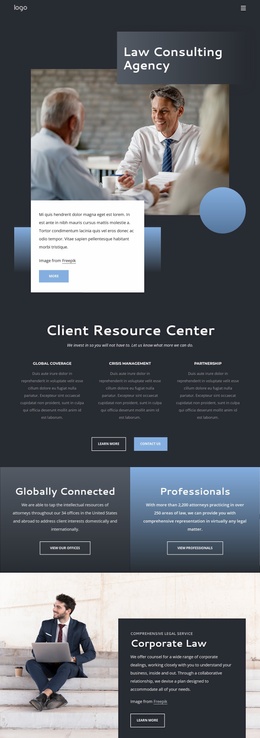
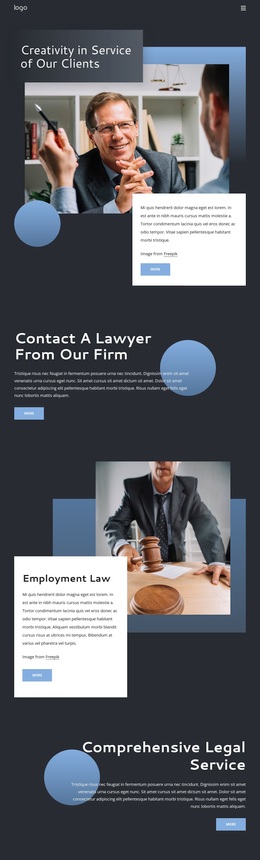
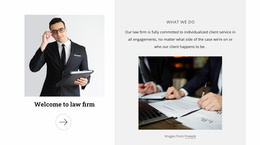
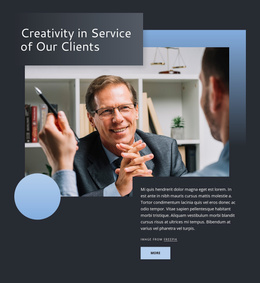
Courtroom and legal consultation imagery give this design a clear subject before visitors reach the detailed service sections. The opening hero combines a large photograph with overlapping white panels and blue geometric accents, creating a strong visual entry for a legal practice without relying on dense introductory copy. A separate consultation section then reinforces the invitation to contact a lawyer, making the page’s purpose easy to identify.
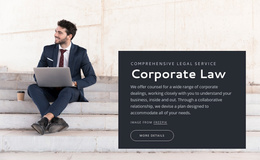
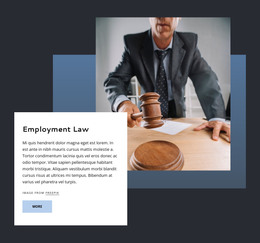
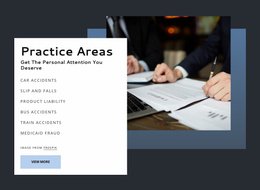
The content coverage is a notable reason to choose this option. Employment Law receives a dedicated image-and-card treatment, while the Legal Practice Areas section uses three repeated cards for Insurance Law, Real Estate Law, and Ecommerce Law. A second directory adds six links for topics such as Car Accidents, Slip And Falls, Product Liability, Bus Accidents, Train Accidents, and Medicaid Fraud. This combination suits a firm that needs to show both selected service categories and a broader range of matters on one page.
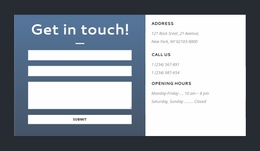
The closing contact block adds practical response context without changing the design’s formal tone. A form is placed beside address, phone, and opening-hours information, creating a natural destination for prospective-client inquiries. Together, the imagery, repeated cards, and two-level practice-area presentation distinguish this template from a layout focused only on a single service or a purely informational legal article.
Customize with Nicepage
Open this ready-made template in the Template Builder and customize it visually in the Nicepage editor. Replace demo content, edit page sections, and adapt the design to your project without rebuilding the template from scratch.
Start With a Ready-Made Template
Choose a Design for a New Page
Use a ready-made template as a starting point instead of creating every page from a blank canvas. When adding a new page in Nicepage, browse available designs, compare different layouts, and choose an option that already fits the general purpose and visual direction of your project.
Browse Different Page Designs
Explore Page Designs using search, thematic categories, Design Sets, and full-page previews. The collection includes layouts for different subjects and page purposes, making it easier to compare alternatives before selecting a design to customize.
Customize the Selected Template
After choosing a design, create the page and continue editing it visually in Nicepage. Replace the demo content, adjust images, typography, colors, sections, and other elements, and adapt the ready-made layout to your own content instead of rebuilding the design from the beginning.
Explore More Design Directions
If the first option does not match your project closely enough, return to the design collection and compare other templates before committing to a layout. This makes the template library useful not only for faster page creation, but also for exploring different visual approaches and finding a suitable starting point for a new project.
This workflow gives you access to a broad collection of ready-made designs that can be selected, compared, and customized according to the needs of each new page or project.