Reputation management Template


Edit Template Offline
2. Create new page and search for id 6343870
Edit Template Online
Create Awesome Websites


Free Nicepage Builder
Keywords
A Two-Gallery Portfolio Balances Range With Direct Contact
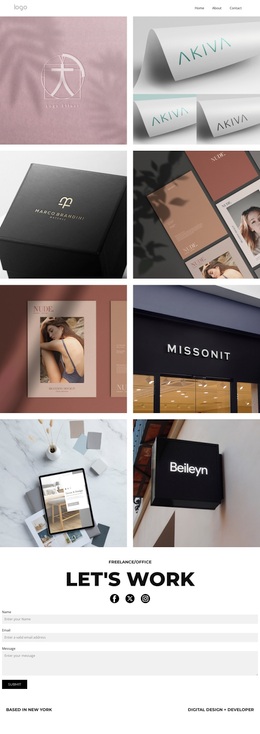
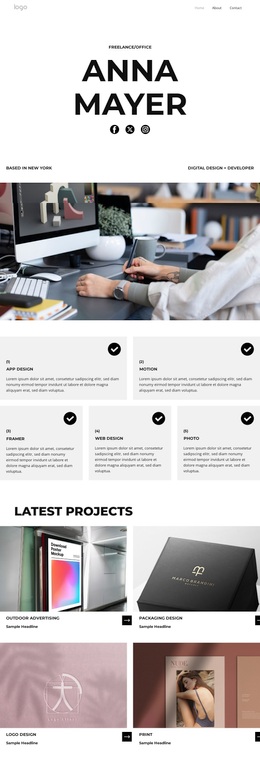
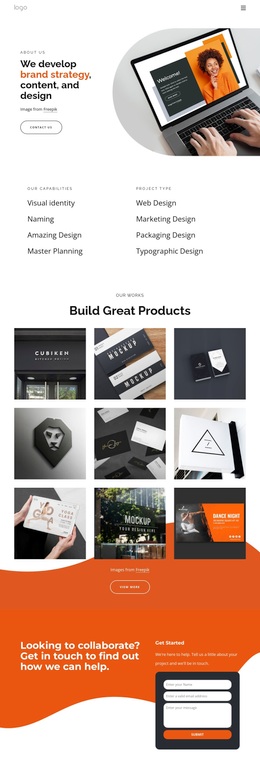
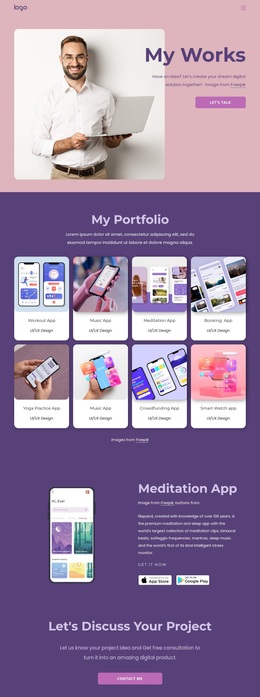
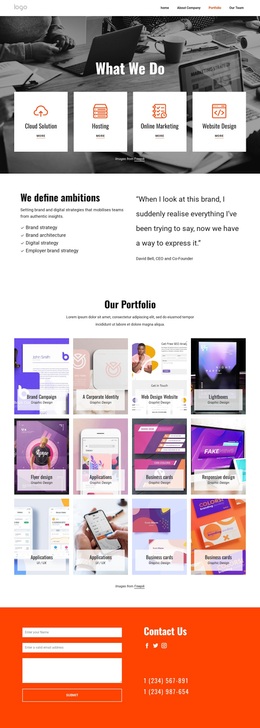
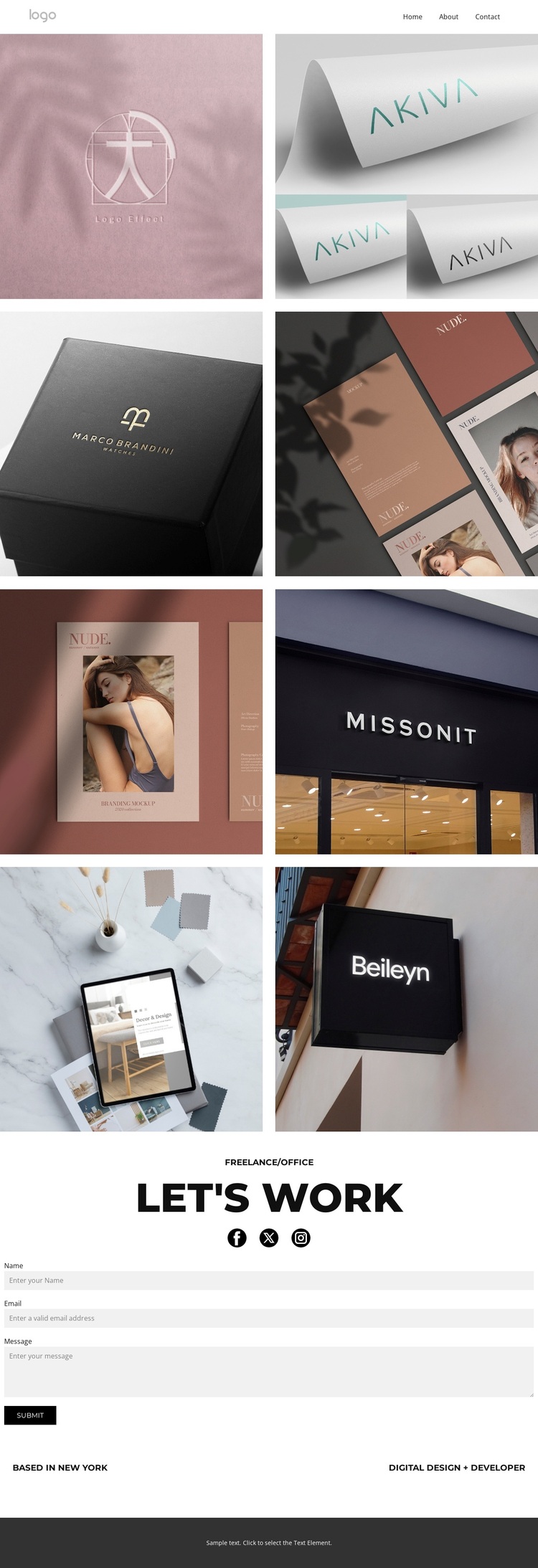
The design places visual evidence before explanation. Across two compact galleries, eight labeled works cover logo, print, photo, shop design, and app design examples. That combination gives a visitor an immediate sense of creative range without requiring a long introductory service list. The repeated image treatment and short overlays keep the samples recognizable while allowing the work itself to remain the main source of information.
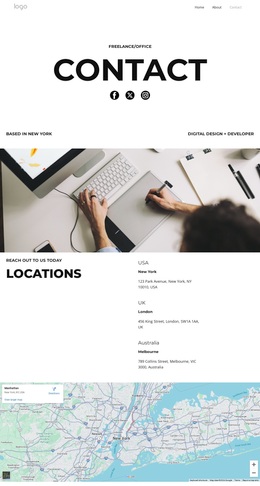
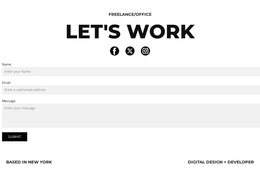
The page then connects that range to a practical opportunity to start a project. The centered “let's work” heading introduces the contact area, social links extend the presentation beyond the page, and the form collects a name, email, and message. New York and the digital design and development descriptor add a concise professional frame. Instead of separating the portfolio from the inquiry step, the layout lets both functions belong to one restrained composition.
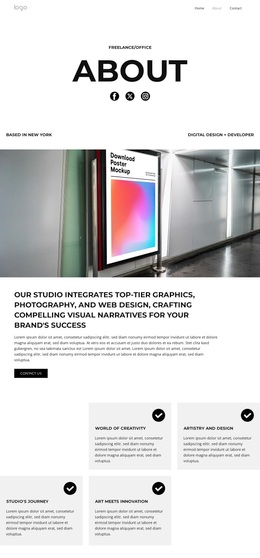
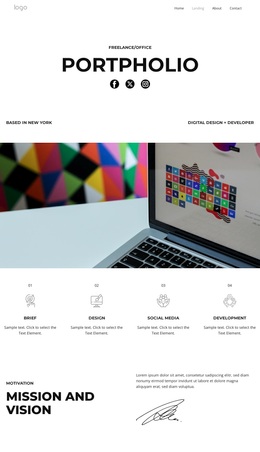
This is a useful choice for a designer or developer whose work should be judged visually before a conversation begins. The compact galleries distinguish this option from layouts centered mainly on long text, pricing, or service cards. Muted imagery, black-and-white typography, spacious alignment, and the dark footer keep attention on the examples while still giving the page a clear conclusion and a direct route to project discussion.
Customize with Nicepage
Open this ready-made template in the Template Builder and customize it visually in the Nicepage editor. Replace demo content, edit page sections, and adapt the design to your project without rebuilding the template from scratch.
Start With a Ready-Made Template
Choose a Design for a New Page
Use a ready-made template as a starting point instead of creating every page from a blank canvas. When adding a new page in Nicepage, browse available designs, compare different layouts, and choose an option that already fits the general purpose and visual direction of your project.
Browse Different Page Designs
Explore Page Designs using search, thematic categories, Design Sets, and full-page previews. The collection includes layouts for different subjects and page purposes, making it easier to compare alternatives before selecting a design to customize.
Customize the Selected Template
After choosing a design, create the page and continue editing it visually in Nicepage. Replace the demo content, adjust images, typography, colors, sections, and other elements, and adapt the ready-made layout to your own content instead of rebuilding the design from the beginning.
Explore More Design Directions
If the first option does not match your project closely enough, return to the design collection and compare other templates before committing to a layout. This makes the template library useful not only for faster page creation, but also for exploring different visual approaches and finding a suitable starting point for a new project.
This workflow gives you access to a broad collection of ready-made designs that can be selected, compared, and customized according to the needs of each new page or project.