Read our FAQs Template


Edit Template Offline
2. Create new page and search for id 6353989
Edit Template Online
Create Awesome Websites


Free Nicepage Builder
Keywords
Three Architectural Questions Give the Design a Clear Starting Point
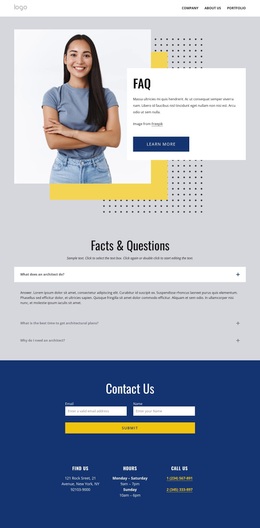
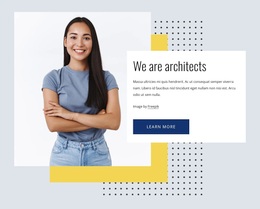
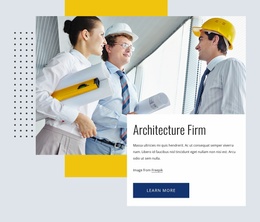
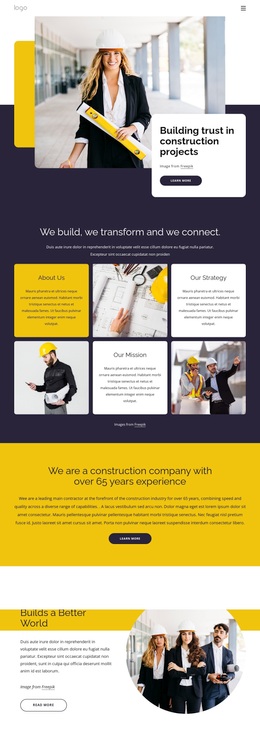
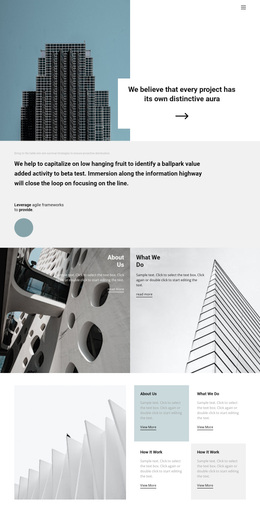
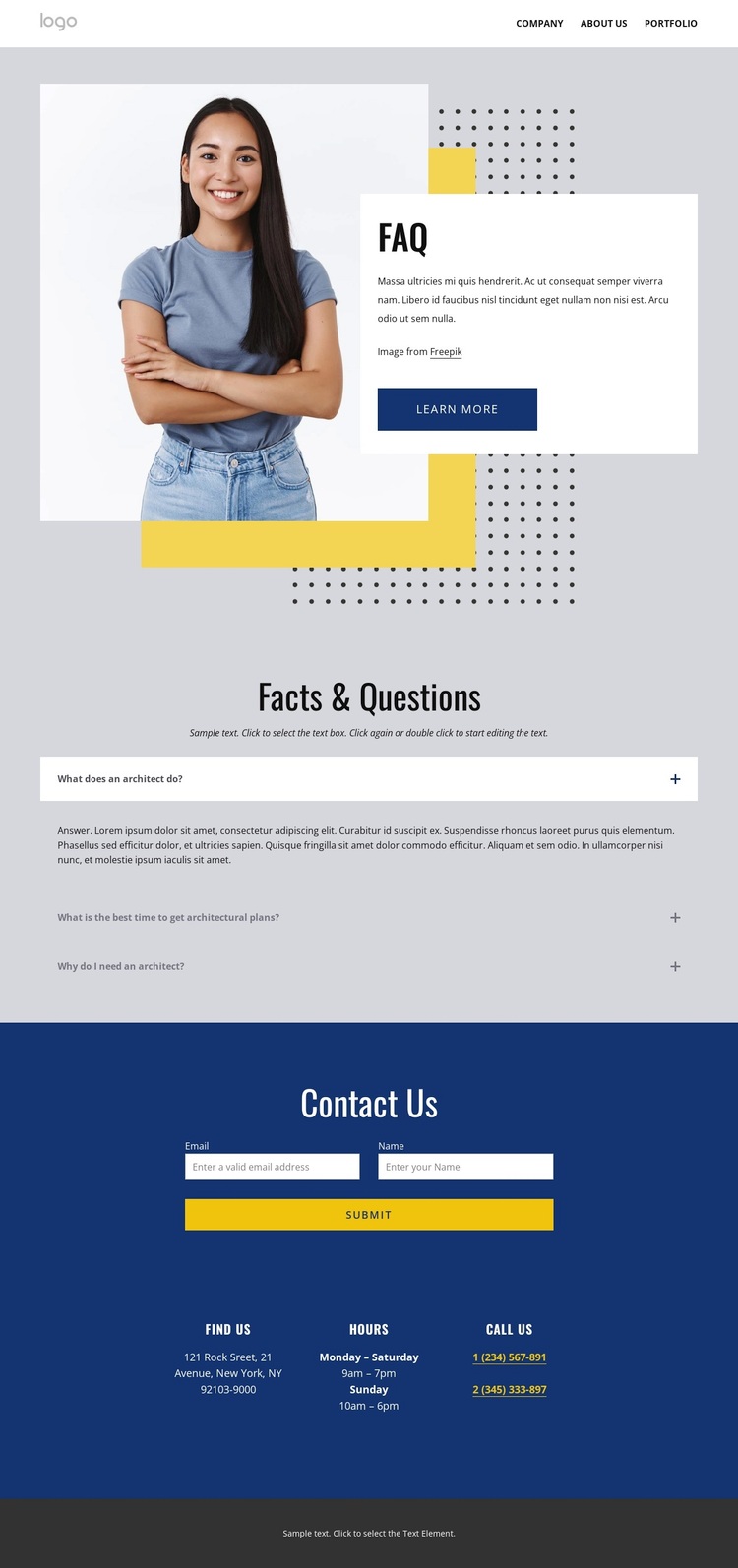
The strongest reason to choose this design is the way it combines architectural explanation with a visible path toward contact. The portrait-led hero establishes an editorial subject immediately, while the overlapping white panel and geometric accents give the opening a distinctive visual frame. Rather than relying on a generic service introduction, the page centers its main content on three specific questions: what an architect does, when architectural plans are needed, and why an architect may be necessary.
That question-led structure makes the design suitable for projects where visitors may need orientation before they are ready to inquire. The accordion keeps the answers grouped in one focused section, while the dark Contact Us area follows with a form and practical Find Us, Hours, and Call Us information. The footer adds a second consultation form, help links, social links, and contact details, so the design supports follow-up without losing its informational character.
The page is therefore a useful choice for an architecture or design presentation that needs more than a portfolio-style visual statement. It offers a specific content idea, a recognizable portrait-and-panel opening, and two clearly placed response areas. The sample contact values are only structural placeholders, but the relationships between questions, contact channels, and consultation actions are confirmed. Projects that want visitors to understand the role of architectural services before reaching out can use this design direction as a focused starting point.
Customize with Nicepage
Open this ready-made template in the Template Builder and customize it visually in the Nicepage editor. Replace demo content, edit page sections, and adapt the design to your project without rebuilding the template from scratch.
Start With a Ready-Made Template
Choose a Design for a New Page
Use a ready-made template as a starting point instead of creating every page from a blank canvas. When adding a new page in Nicepage, browse available designs, compare different layouts, and choose an option that already fits the general purpose and visual direction of your project.
Browse Different Page Designs
Explore Page Designs using search, thematic categories, Design Sets, and full-page previews. The collection includes layouts for different subjects and page purposes, making it easier to compare alternatives before selecting a design to customize.
Customize the Selected Template
After choosing a design, create the page and continue editing it visually in Nicepage. Replace the demo content, adjust images, typography, colors, sections, and other elements, and adapt the ready-made layout to your own content instead of rebuilding the design from the beginning.
Explore More Design Directions
If the first option does not match your project closely enough, return to the design collection and compare other templates before committing to a layout. This makes the template library useful not only for faster page creation, but also for exploring different visual approaches and finding a suitable starting point for a new project.
This workflow gives you access to a broad collection of ready-made designs that can be selected, compared, and customized according to the needs of each new page or project.