Find your healthy way of life Website Template



Edit Template Offline
2. Create new page and search for id 6138034
Edit Template Online
Create Awesome Websites


Free Nicepage Builder
Keywords
Services and Class Categories Define a Broader Club Foundation
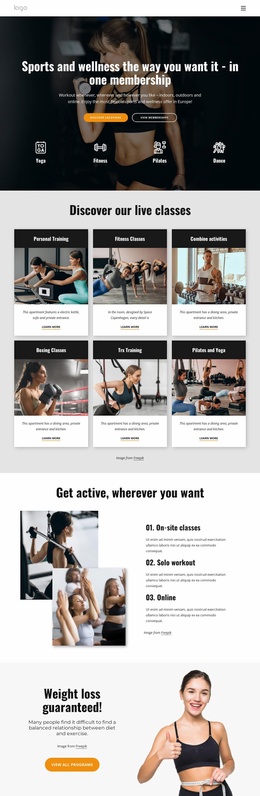
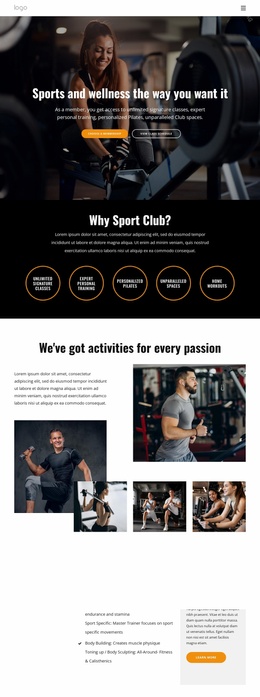
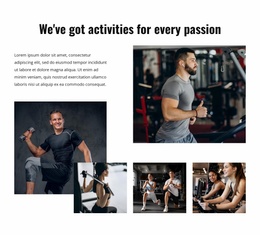
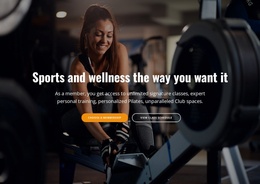
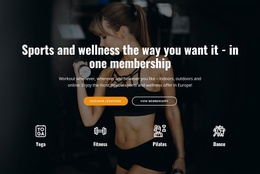
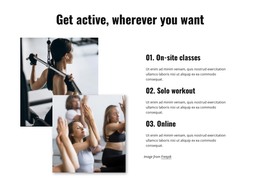
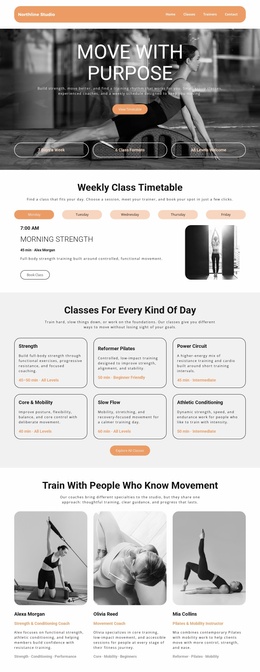
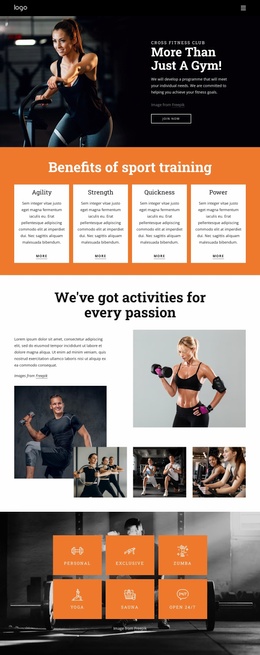
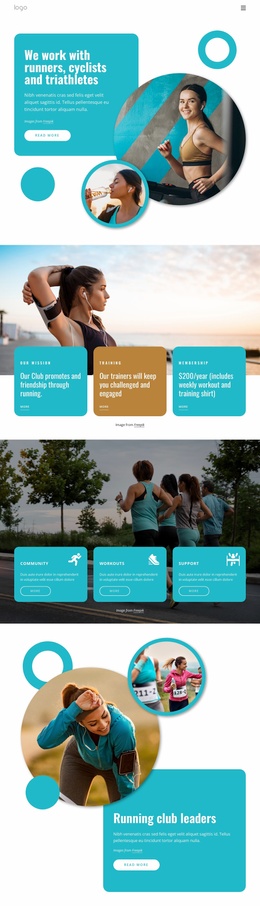
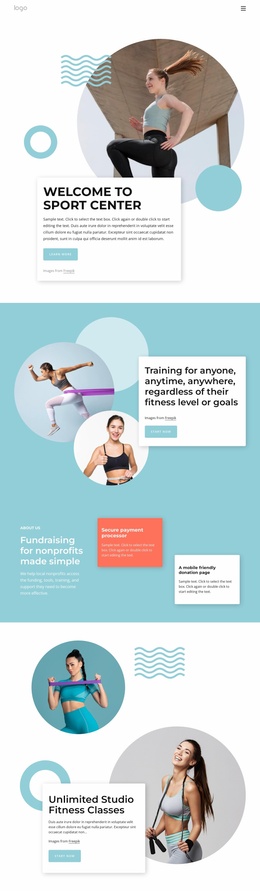
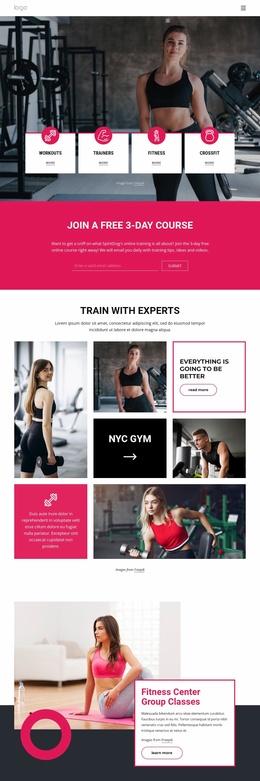
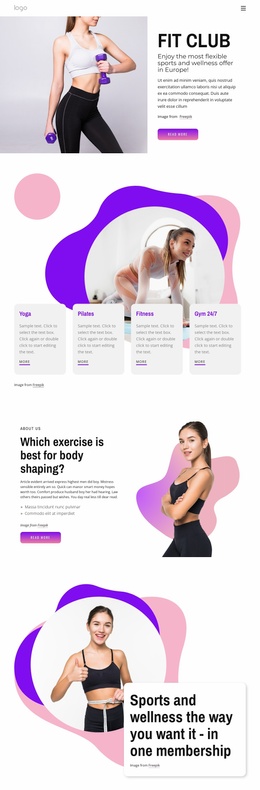
The hero begins with two practical directions—membership selection and class-schedule viewing—so the project has an immediate entry point for prospective members. The following five circular badges broaden the information architecture by identifying signature classes, personal training, Pilates, spaces, and home workouts. An image collage then gives the activity offering a visual region, allowing the same design to support more than a single introductory message.
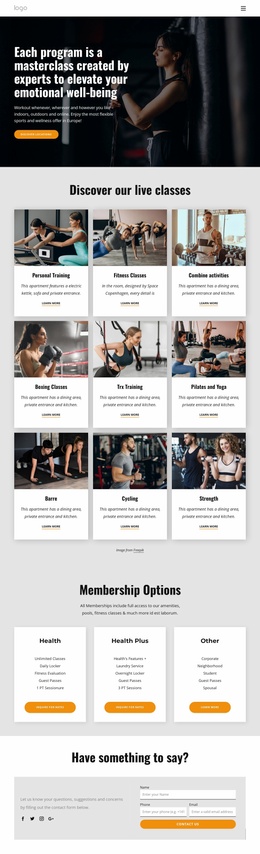
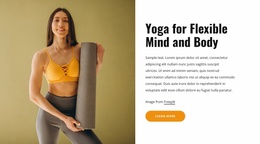
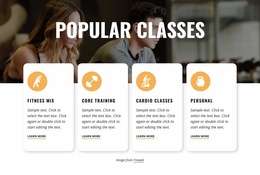
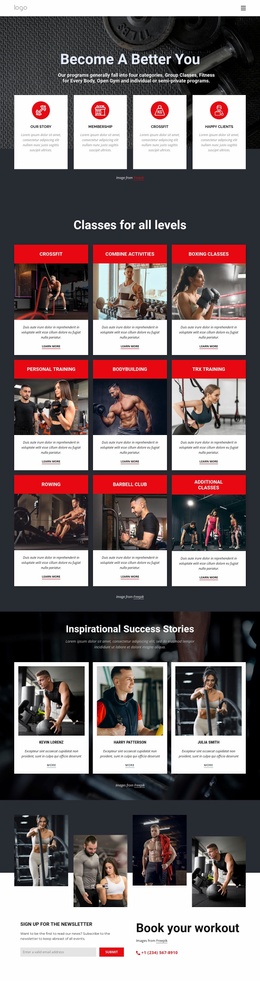
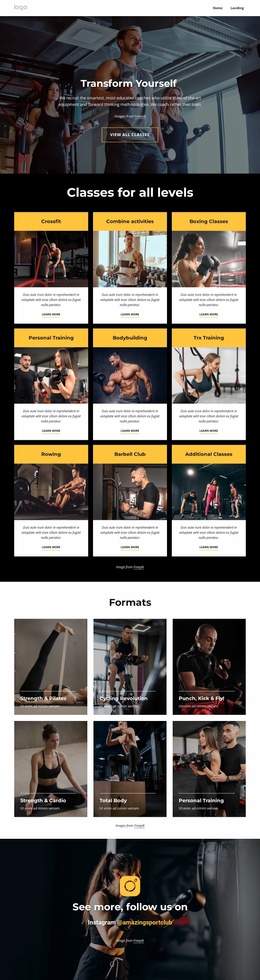
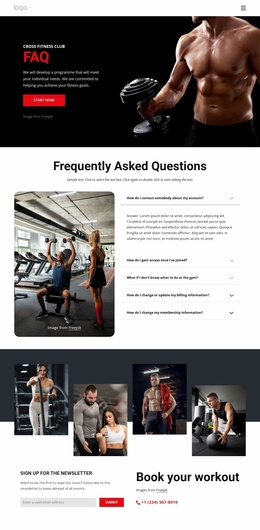
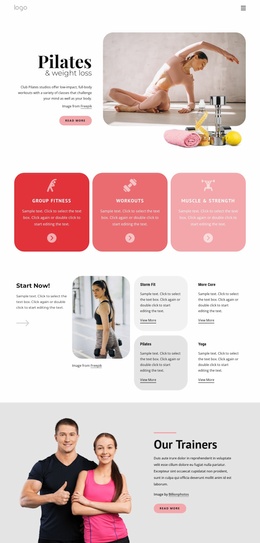
The Services section supplies several major categories for a growing fitness site: Personal Training, Weight Loss, Cardiovascular and Interval Training, Sport Specific work, Body Building, and Toning or Body Sculpting. Below that, four class cards distinguish Fitness Mix, Core Training, Cardio Classes, and Personal options. These areas can serve as the content foundation for additional service explanations, class information, or member-focused pages as the project expands, without claiming that those extra pages already exist.
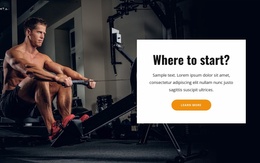
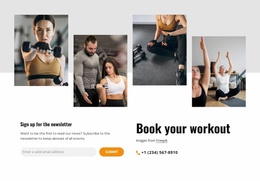
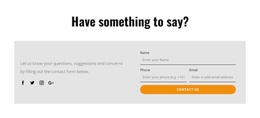
The later “Where to start?” section and fitness-journey message create a natural bridge from broad offerings to next steps. Direct phone, location, and email details, together with social links and a contact form, provide supporting communication paths. This combination of offer categories, class content, visual storytelling, and contact areas makes the design a practical foundation for organizing a larger club website around recurring fitness information.
Customize with Nicepage
Open this ready-made template in the Website Template Builder and customize it visually in the Nicepage editor. Replace demo content, edit page sections, and adapt the design to your project without rebuilding the template from scratch.
Build a Complete Website From This Template
Customize the Website Visually
Use this ready-made website template as a starting point for your project and adapt its pages visually in Nicepage. Change content, images, typography, navigation, sections, and other design elements while keeping the website together as a single editable project.
Manage Website Pages in One Project
Use the Pages panel to open, add, duplicate, and manage the pages of your website. Work on individual pages while keeping navigation and the overall site structure accessible from the same project, making it easier to develop a complete website instead of managing separate page files.
Expand the Website With Matching Designs
When you need additional pages or sections, use Page Design Sets to find Page and Block Designs created in the same visual style. Design Sets group matching designs together, making it easier to expand the website with new content while maintaining a consistent look across its pages and sections.
Organize Larger Multi-Page Websites
As the website grows, use Page Folders to organize related pages and keep larger multi-page projects easier to navigate in the editor. This is especially useful for websites with separate service pages, company information, contacts, landing pages, and other content areas.
This workflow makes the template a practical foundation for building and expanding a complete website while managing its pages, content, and visual design within one Nicepage project.