Nutrition services One Page Template


Edit Template Offline
2. Create new page and search for id 6435424
Edit Template Online
Create Awesome Websites


Free Nicepage Builder
Keywords
Six Content Stops Create a Continuous Nutrition Information Path
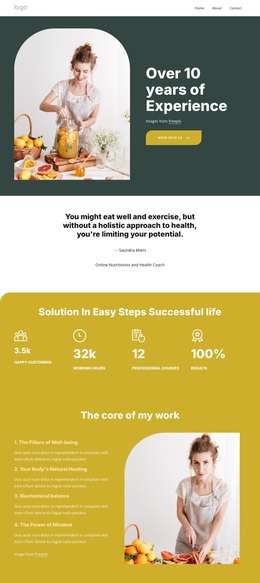
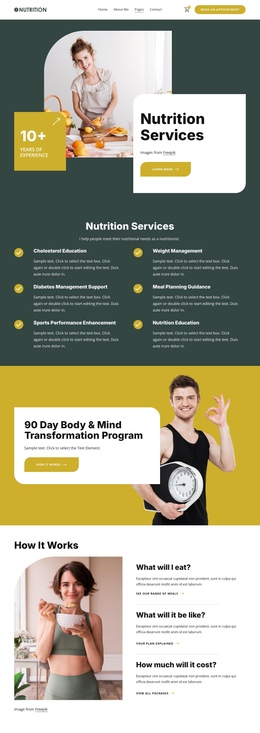
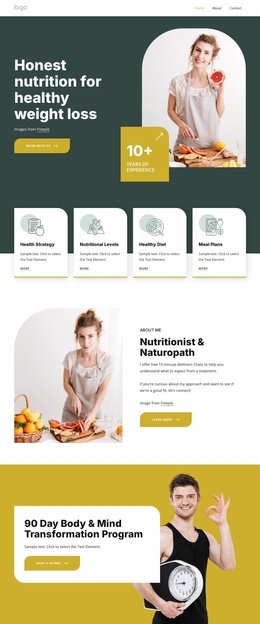
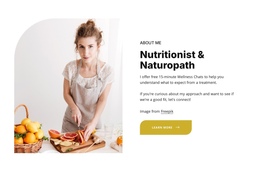
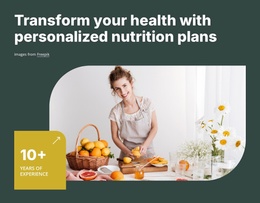
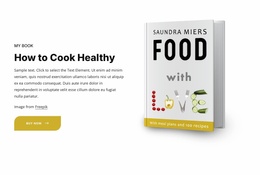
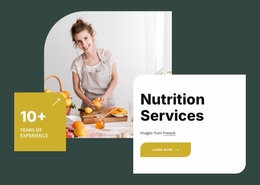
The page has several natural content destinations even though its main information remains within one document. Nutrition Services introduces the subject, the six service categories divide the offering into recognizable areas, and the 90 Day Body & Mind Transformation Program creates a separate destination for visitors interested in a structured program. Each section changes the content emphasis without requiring the visitor to leave the page.
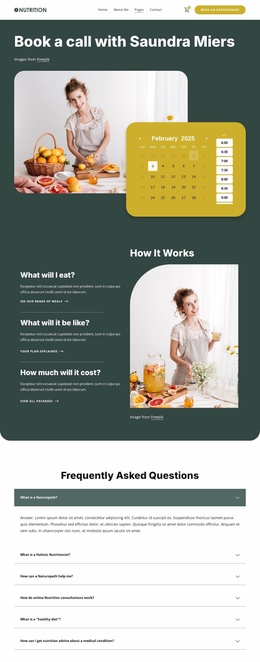
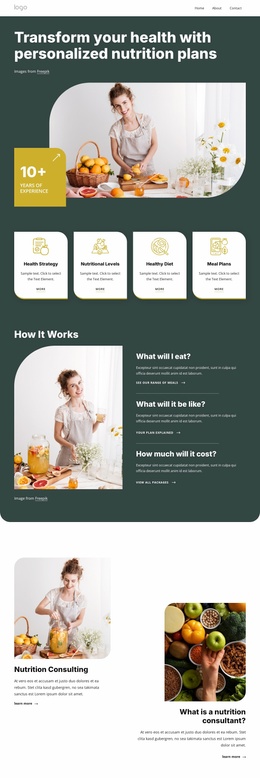
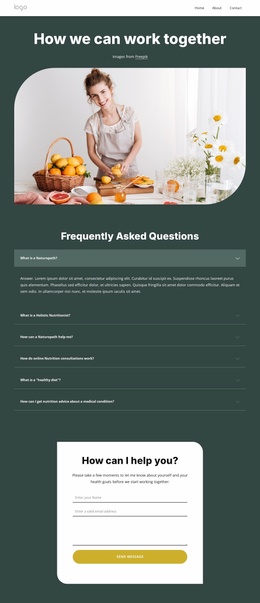
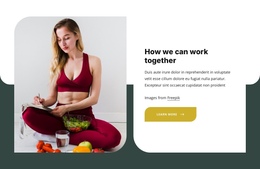
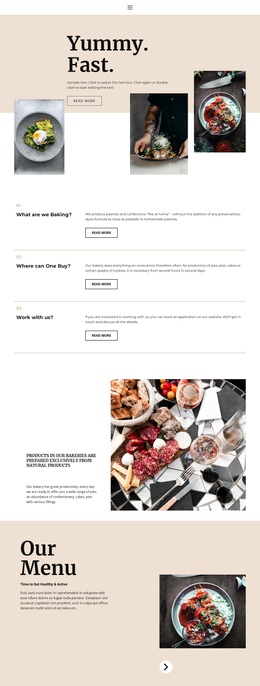
The How It Works block continues that sequence through three stacked questions: What will I eat?, What will it be like?, and How much will it cost? Their individual descriptions and links give visitors practical stopping points within the longer presentation. The large image beside them adds a visual pause, helping the transition from service categories and program promotion into explanation feel deliberate rather than continuous text.
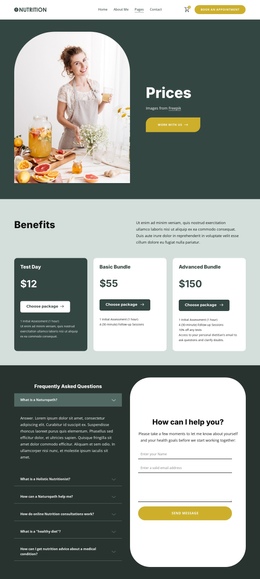
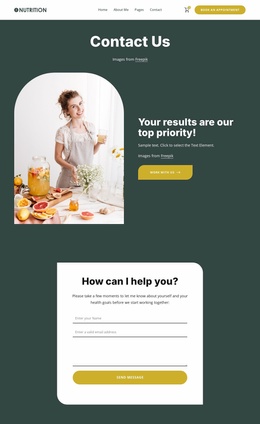
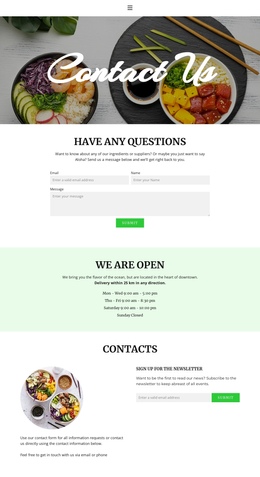
The FAQ accordion and consultation form form the closing information destination. Six expandable questions can address common concerns, while the adjacent fields for name, email, and message provide a separate inquiry route. The footer then extends the page’s navigation with Quick Links, service links, social destinations, and newsletter signup. This section order supports a navigable one-page experience built around multiple information goals, not merely one repeated call to action.
Customize with Nicepage
Open this ready-made template in the One Page Template Builder and customize it visually in the Nicepage editor. Replace demo content, edit page sections, and adapt the design to your project without rebuilding the template from scratch.
Build a Navigable One-Page Website
Connect the Menu to Page Sections
Organize the website as a sequence of sections on a single page and use the Menu For One-Page Site to connect menu items with individual page Blocks. Visitors can jump directly to sections such as About, Services, Testimonials, or Contact without opening separate pages.
Keep the Website on One URL
A one-page template can combine several parts of a small website within one continuous page. Arrange the Header, introduction, services, portfolio, company information, reviews, contact details, and other relevant sections in the order that fits the project while keeping them accessible through the same page navigation.
Make Long Pages Easier to Navigate
For longer one-page websites, keep navigation labels short and connected to meaningful sections so visitors can move through the page without relying only on scrolling. You can also use the Back To Top element to provide a quick way back to the beginning after longer sections.
This workflow makes the template suitable for compact websites that need several distinct content sections while keeping the complete visitor experience on one URL.