Addresses of our restaurants One Page Template


Edit Template Offline
2. Create new page and search for id 5923809
Edit Template Online
Create Awesome Websites


Free Nicepage Builder
Keywords
The Gallery, Form, and Contacts Section Create Distinct Page Destinations
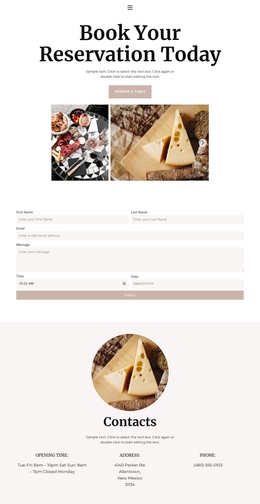
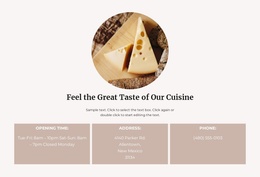
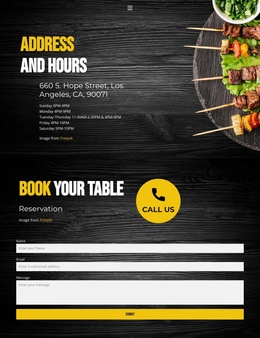
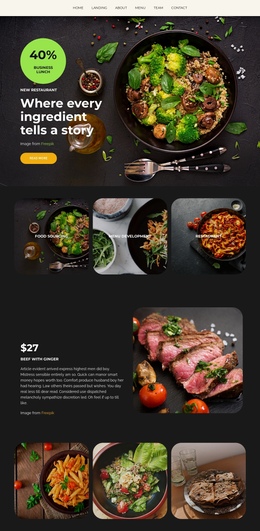
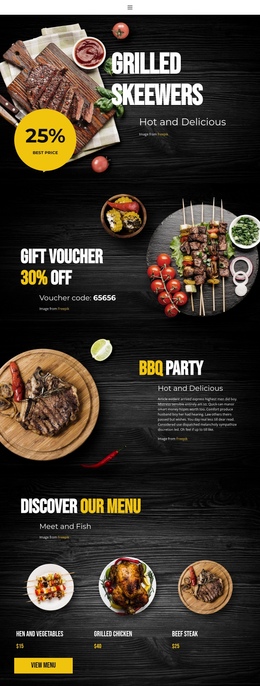
The design has a natural one-page sequence because its main information zones can be explored without separating the reservation experience into multiple documents. The opening area introduces the restaurant through “Book Your Reservation Today,” supporting copy, a reserve-a-table action, and six food images. The reservation form provides a second destination with paired name and scheduling fields, a message input, and Submit action. The Contacts section creates a third meaningful destination by grouping opening hours, address, and phone information beside a circular food image.
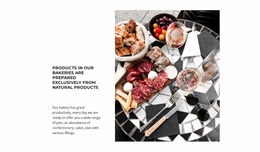
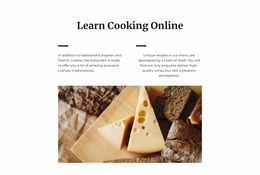
Home, Menu, and Contact links establish the page’s navigation context, while the dark footer supplies a final endpoint after visitors have moved through the content. The section order supports a continuous journey from visual introduction to request details and then to direct contact references. That differs from a purely conversion-focused reading: the form is important, but the page also gives visitors several distinct information areas to inspect. The repeated food imagery connects those destinations, while the centered layouts and generous spacing make the transitions between them easy to recognize. As a one-page foundation, the design keeps reservation content, practical restaurant information, navigation, and closure within one coherent scrollable experience.
Customize with Nicepage
Open this ready-made template in the One Page Template Builder and customize it visually in the Nicepage editor. Replace demo content, edit page sections, and adapt the design to your project without rebuilding the template from scratch.
Build a Navigable One-Page Website
Connect the Menu to Page Sections
Organize the website as a sequence of sections on a single page and use the Menu For One-Page Site to connect menu items with individual page Blocks. Visitors can jump directly to sections such as About, Services, Testimonials, or Contact without opening separate pages.
Keep the Website on One URL
A one-page template can combine several parts of a small website within one continuous page. Arrange the Header, introduction, services, portfolio, company information, reviews, contact details, and other relevant sections in the order that fits the project while keeping them accessible through the same page navigation.
Make Long Pages Easier to Navigate
For longer one-page websites, keep navigation labels short and connected to meaningful sections so visitors can move through the page without relying only on scrolling. You can also use the Back To Top element to provide a quick way back to the beginning after longer sections.
This workflow makes the template suitable for compact websites that need several distinct content sections while keeping the complete visitor experience on one URL.