We offer pilates and yoga classes Joomla Template


The class catalog creates a structured Joomla content region
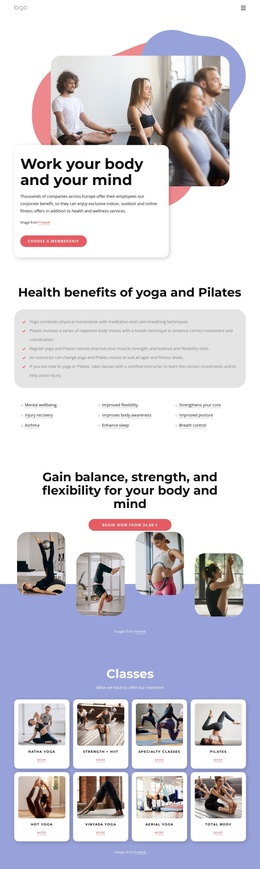
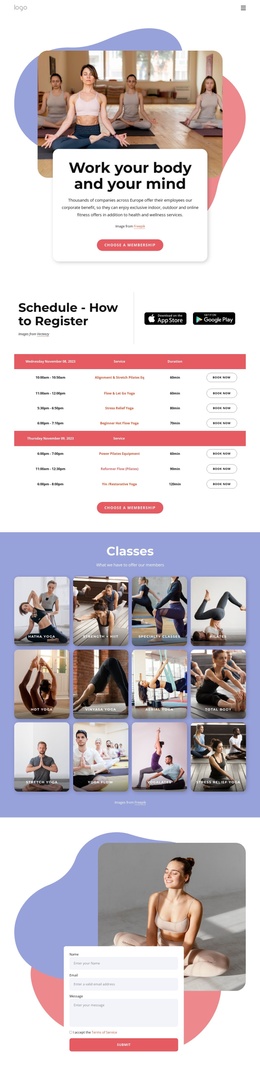
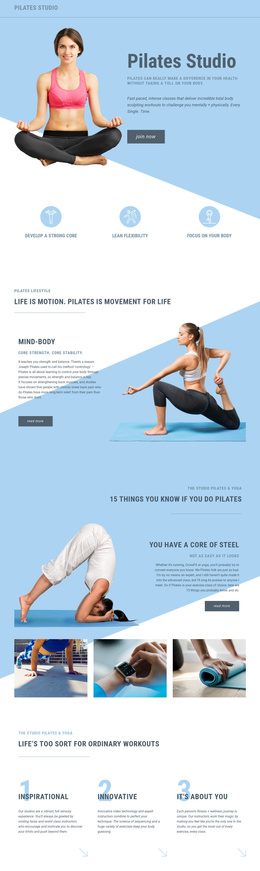
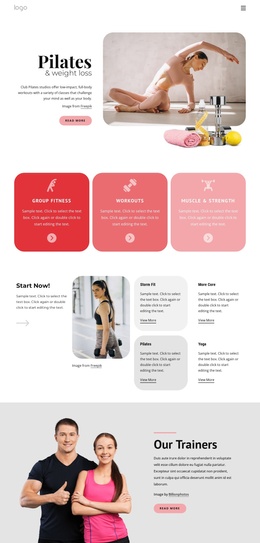
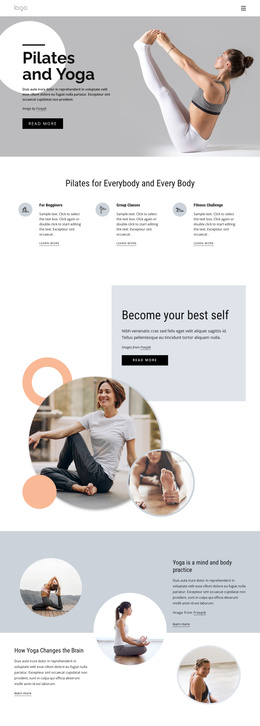
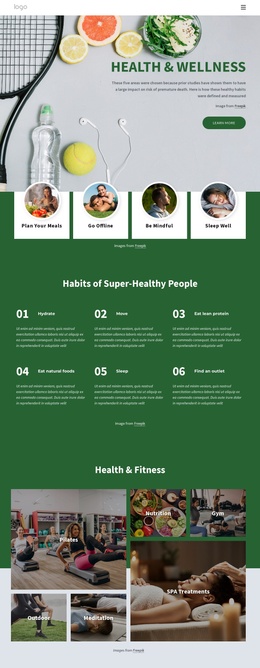
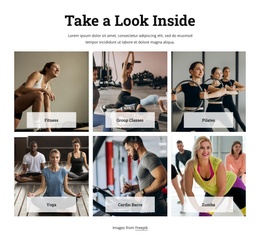
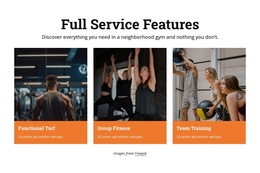
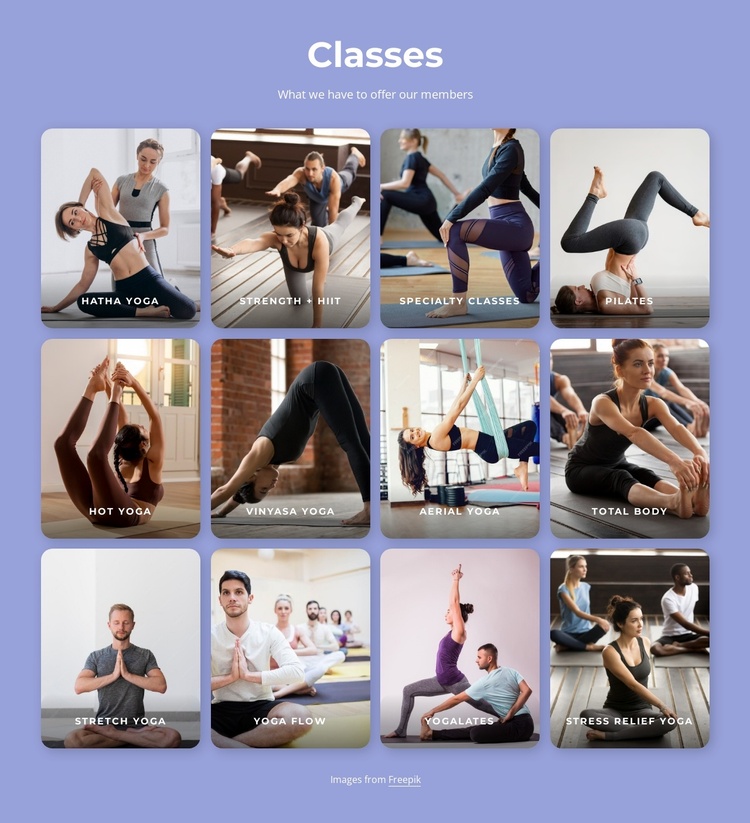
The “Classes” heading and the line “What we have to offer our members” divide this section into a clear introduction and a structured offering area. Beneath that introduction, twelve labeled photographic cards represent distinct class categories, including Pilates, Hatha Yoga, Strength + HIIT, Hot Yoga, Vinyasa Yoga, Aerial Yoga, Total Body, Stretch Yoga, Yoga Flow, Yogalates, and Stress Relief Yoga. The repeated card pattern gives each category equal visual weight while preserving a consistent way to scan the available program.
Within a Joomla-managed page or site, this arrangement can serve as a reusable content region for presenting organized class information. The four-column grid groups the categories into a predictable visual structure, and its three rows accommodate the full set without turning the section into a long text list. Rounded images and bottom gradients keep the labels legible, while the lavender-blue background and centered white type identify the catalog as one bounded area. The static interaction keeps attention on the visible category set rather than hiding information behind controls. Joomla can provide the broader editorial and page environment around this section, while the block itself remains a focused class-information area with its existing headings, images, labels, spacing, and credit line.
Customize with Nicepage
Open this ready-made template in the Joomla Page Builder and customize it visually in the Nicepage editor. Replace demo content, edit page sections, and adapt the design to your project without rebuilding the template from scratch.
Edit Template Offline
2. Create a new page or select existing
3. Click Add new block, search for id 6037558 and click enter
Edit Template Online
Create Awesome Websites


Free Nicepage Builder
Keywords
Work With This Template in Joomla
Customize and Install the Joomla Template
Start with this ready-made template instead of building the Joomla design from scratch. Customize its layout, content, typography, images, sections, and other design elements visually in the Nicepage application, then export and install the Joomla Template, Nicepage Extension, and supported content on your Joomla website.
Edit the Template Directly in Joomla
After installation, you can edit the Joomla Template directly in Joomla with the Nicepage Joomla Extension. Customize the Header, Footer, Colors, Fonts, typography, and Page Templates from the Joomla workflow while keeping the site design connected with your CMS content.
Edit Joomla Articles Visually
Use the Nicepage Joomla Extension to open and edit Joomla Articles visually from the Joomla Administrator. Change text, images, sections, layouts, and other page content in the Nicepage editor while continuing to manage the Articles through Joomla.
Joomla Content and Template Integration
Use the customized template together with Joomla Articles, module Positions, menus, forms, Blog Pages, and other supported CMS elements. With the Nicepage Extension used as the Site Style Source, shared design settings can be applied across Joomla Articles while Joomla continues to provide the CMS environment for managing site content.
This workflow combines a ready-made Joomla Template with visual customization, direct template editing in Joomla, and continued content management through the Nicepage Joomla Extension.