Gain, balance, strength and flexibility Joomla Template


The Heading, Action, and Image Row Form a Structured Wellness Region
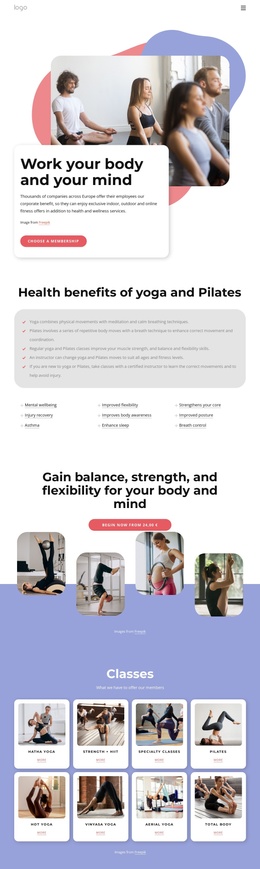
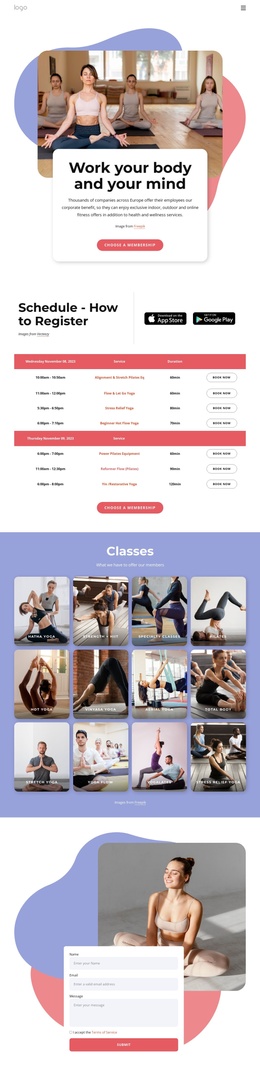
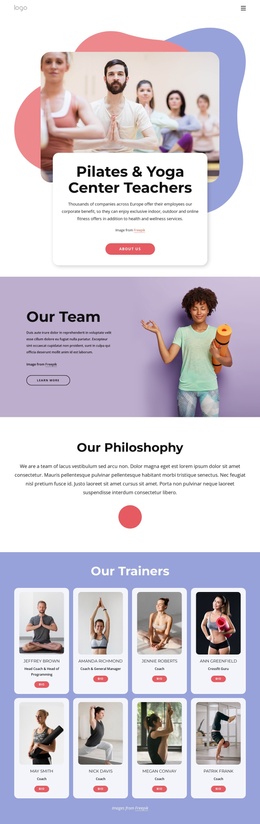
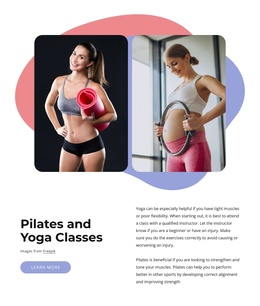
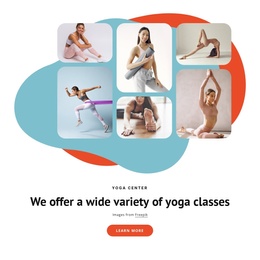
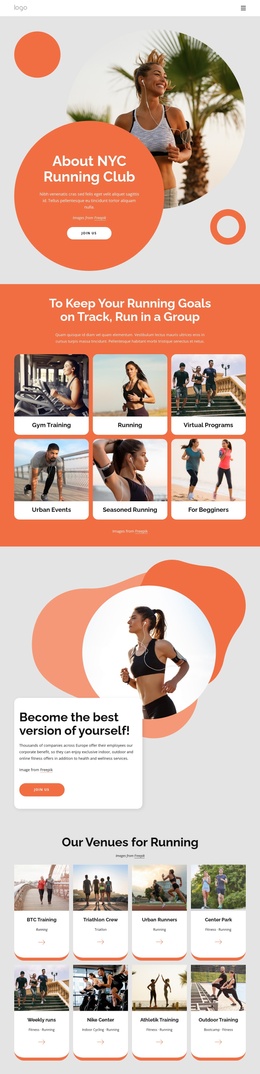
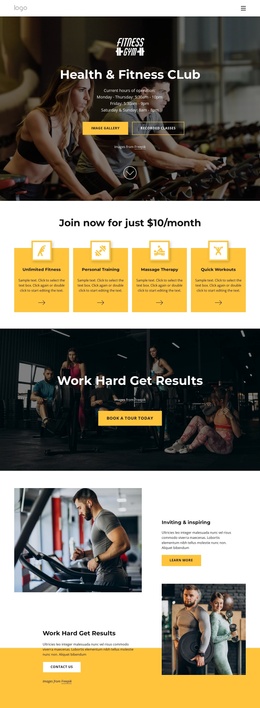
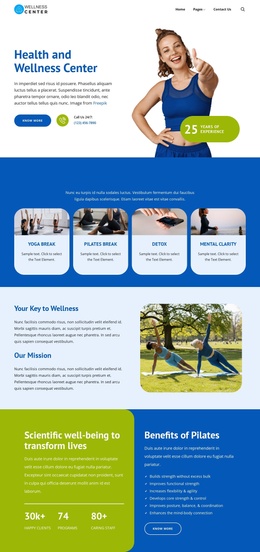
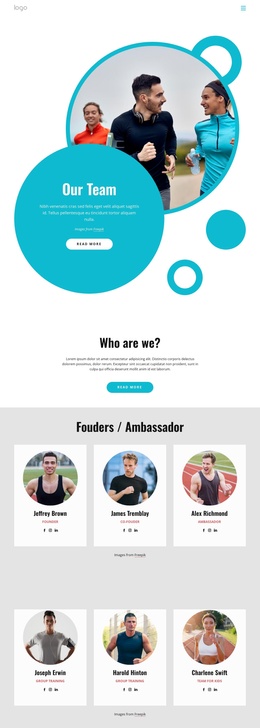
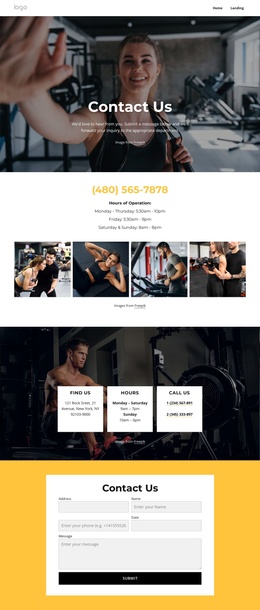
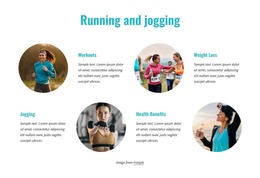
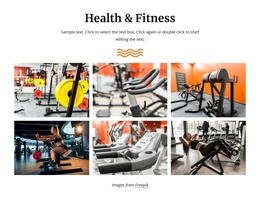
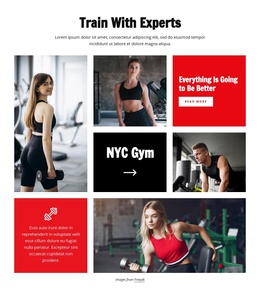
The heading establishes the block’s central information unit by presenting balance, strength, flexibility, body, and mind as one wellness message. Directly beneath it, the single “Begin now” button provides a defined action area. Four rounded photographs then extend the subject visually, showing fitness and wellness contexts such as Pilates, yoga, prenatal exercise, and yoga practice. Together, these elements create a compact structured region rather than a long article or a collection of unrelated promotional items. The sample price displayed with the CTA should remain treated as replaceable content when the section is adapted.
The internal organization is easy to preserve in a Joomla-managed page: a centered heading and button form the upper content group, and a staggered four-image composition forms the lower visual group. The white-to-lavender background transition helps distinguish those groups without introducing additional controls or interaction. Since the block is static, its meaning comes from the relationship between the wellness statement, response point, and supporting imagery.
Within a Joomla-oriented project, this section can represent a structured fitness-program or wellness content region on a broader page. Related editorial content, service information, or contact material can surround it, while the block retains its own heading, action, image subjects, rounded treatment, and visual spacing. The result is a recognizable CMS-managed section without requiring the block itself to carry the whole site structure.
Customize with Nicepage
Open this ready-made template in the Joomla Page Builder and customize it visually in the Nicepage editor. Replace demo content, edit page sections, and adapt the design to your project without rebuilding the template from scratch.
Edit Template Offline
2. Create a new page or select existing
3. Click Add new block, search for id 6035790 and click enter
Edit Template Online
Create Awesome Websites


Free Nicepage Builder
Keywords
Work With This Template in Joomla
Customize and Install the Joomla Template
Start with this ready-made template instead of building the Joomla design from scratch. Customize its layout, content, typography, images, sections, and other design elements visually in the Nicepage application, then export and install the Joomla Template, Nicepage Extension, and supported content on your Joomla website.
Edit the Template Directly in Joomla
After installation, you can edit the Joomla Template directly in Joomla with the Nicepage Joomla Extension. Customize the Header, Footer, Colors, Fonts, typography, and Page Templates from the Joomla workflow while keeping the site design connected with your CMS content.
Edit Joomla Articles Visually
Use the Nicepage Joomla Extension to open and edit Joomla Articles visually from the Joomla Administrator. Change text, images, sections, layouts, and other page content in the Nicepage editor while continuing to manage the Articles through Joomla.
Joomla Content and Template Integration
Use the customized template together with Joomla Articles, module Positions, menus, forms, Blog Pages, and other supported CMS elements. With the Nicepage Extension used as the Site Style Source, shared design settings can be applied across Joomla Articles while Joomla continues to provide the CMS environment for managing site content.
This workflow combines a ready-made Joomla Template with visual customization, direct template editing in Joomla, and continued content management through the Nicepage Joomla Extension.