Good design elicits emotions and should be felt Joomla Template



Edit Template Offline
2. Create new page and search for id 5479417
Edit Template Online
Create Awesome Websites


Free Nicepage Builder
Keywords
Service disciplines and recurring content regions suit a CMS-managed agency site
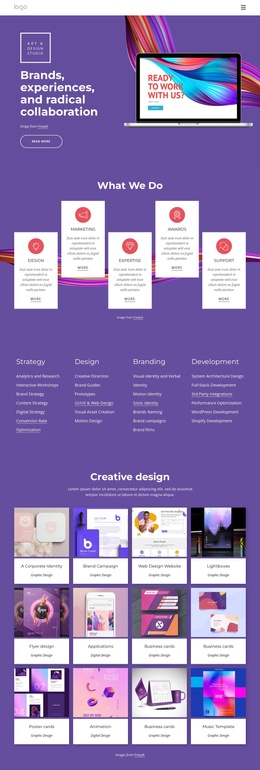
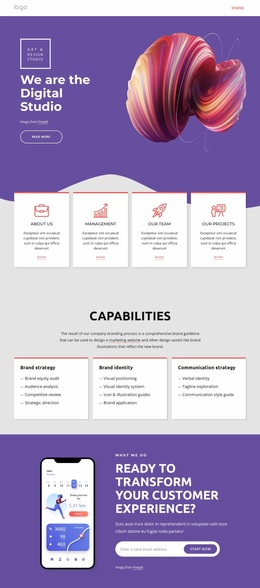
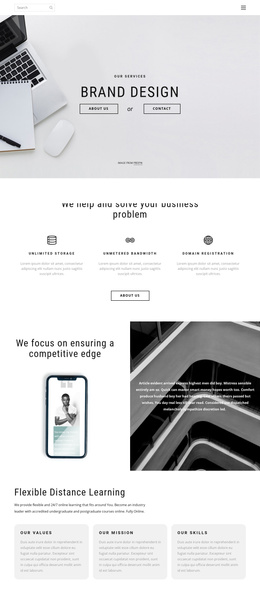
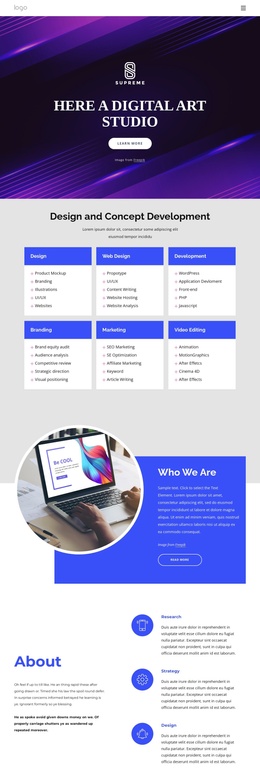
The four discipline columns give the page a structured way to organize agency information. Strategy, design, branding, and development can remain distinct content regions while sharing the same visual language, which is useful when a Joomla project needs to present several service areas without making the page feel like an unconnected list. The five capability cards provide a shorter overview above those details and create a second level of content emphasis.
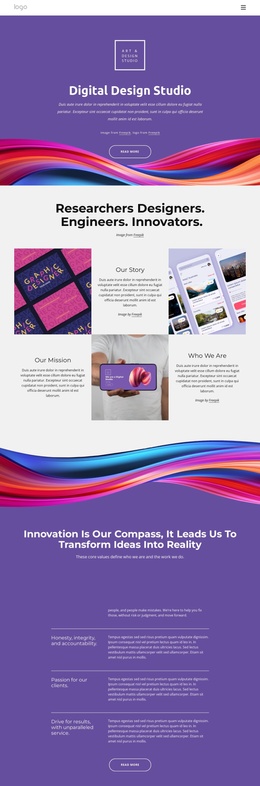
The twelve-item portfolio introduces repeated creative-work content alongside the service information. Its image cards can represent a continuing collection of projects, while the company introduction, testimonials, and closing contact section serve different informational roles. Navigation links for Studio and About Us and the dark footer provide shared site regions that can frame this content as part of a wider agency presence. The template analysis confirms these areas, but it does not establish Joomla Articles, categories, or modules as existing elements.
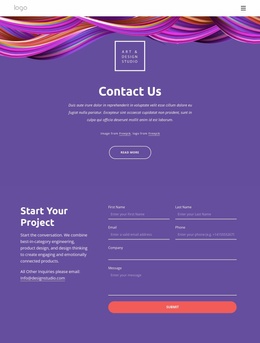
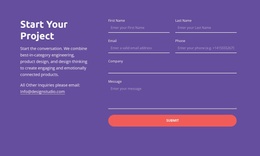
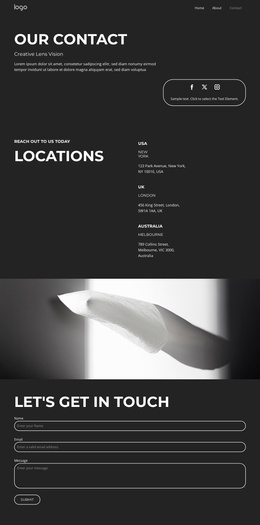
The contact form is especially relevant as a defined inquiry region because it contains email, name, phone, address, and message inputs. In a Joomla implementation, that area can remain visually connected to the service and portfolio content while the surrounding site content is managed through the CMS. A Joomla project can use the Nicepage Joomla Extension as a product bridge for designing and managing supported article content, without treating that capability as a feature already present in this template.
Customize with Nicepage
Open this ready-made template in the Joomla Page Builder and customize it visually in the Nicepage editor. Replace demo content, edit page sections, and adapt the design to your project without rebuilding the template from scratch.
Work With This Template in Joomla
Customize and Install the Joomla Template
Start with this ready-made template instead of building the Joomla design from scratch. Customize its layout, content, typography, images, sections, and other design elements visually in the Nicepage application, then export and install the Joomla Template, Nicepage Extension, and supported content on your Joomla website.
Edit the Template Directly in Joomla
After installation, you can edit the Joomla Template directly in Joomla with the Nicepage Joomla Extension. Customize the Header, Footer, Colors, Fonts, typography, and Page Templates from the Joomla workflow while keeping the site design connected with your CMS content.
Edit Joomla Articles Visually
Use the Nicepage Joomla Extension to open and edit Joomla Articles visually from the Joomla Administrator. Change text, images, sections, layouts, and other page content in the Nicepage editor while continuing to manage the Articles through Joomla.
Joomla Content and Template Integration
Use the customized template together with Joomla Articles, module Positions, menus, forms, Blog Pages, and other supported CMS elements. With the Nicepage Extension used as the Site Style Source, shared design settings can be applied across Joomla Articles while Joomla continues to provide the CMS environment for managing site content.
This workflow combines a ready-made Joomla Template with visual customization, direct template editing in Joomla, and continued content management through the Nicepage Joomla Extension.