Artful Image Creation Joomla Template


Edit Template Offline
2. Create new page and search for id 6350149
Edit Template Online
Create Awesome Websites


Free Nicepage Builder
Keywords
Gallery Content and Contact Actions Form Manageable Joomla Regions
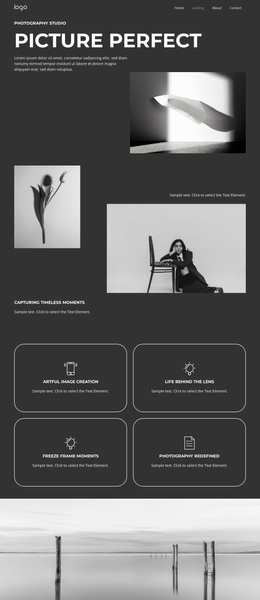
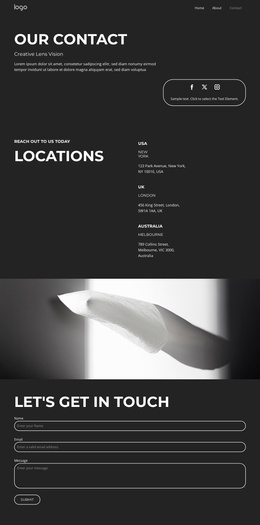
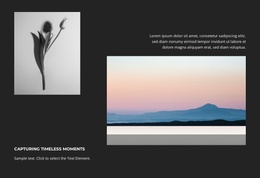
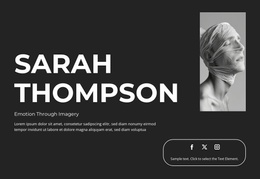
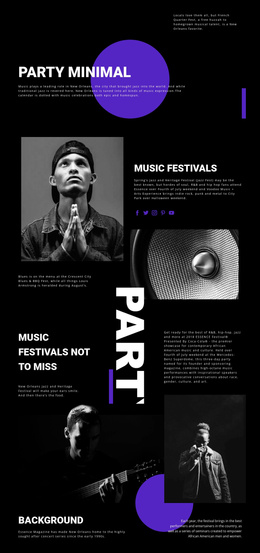
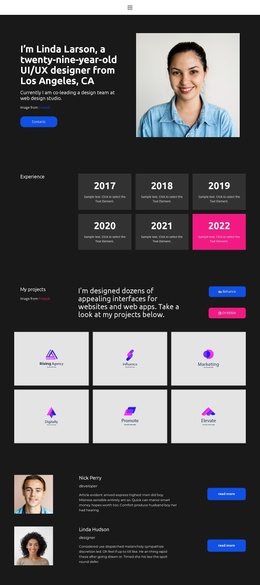
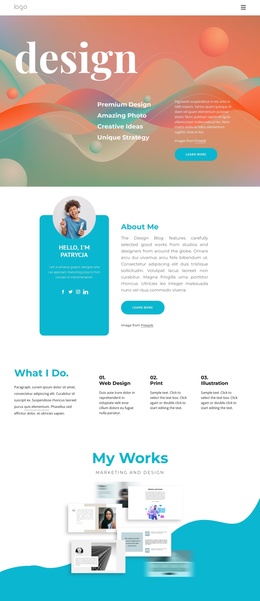
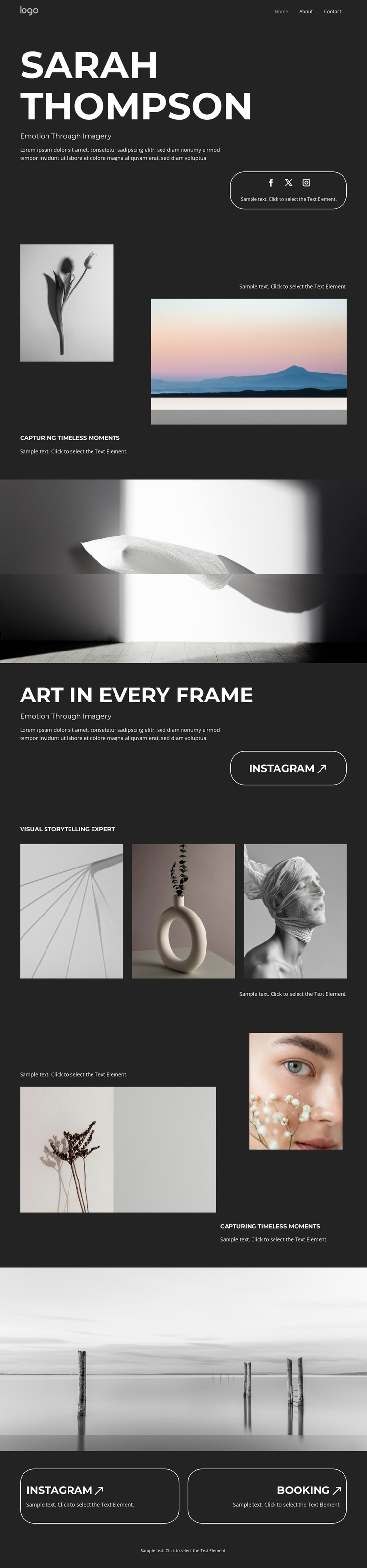
The page divides its photography content into several recognizable regions that can be interpreted as structured site content rather than one undifferentiated image surface. The opening hero establishes the portfolio identity and is followed by a two-image showcase under “CAPTURING TIMELESS MOMENTS.” The contrast between a portrait and a landscape gives the first work area a defined editorial role. A separate full-width feature photograph then introduces another statement before the later gallery expands the range of subjects.
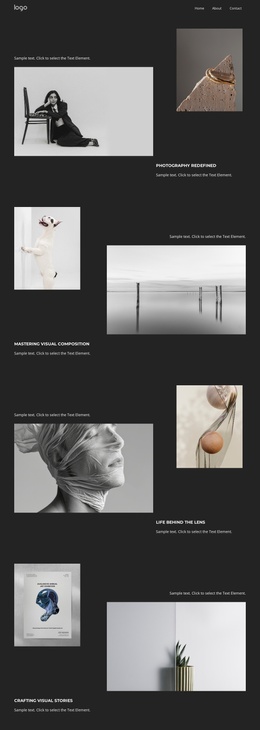
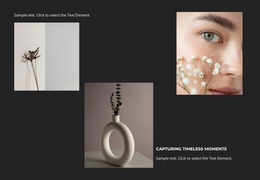
That second gallery contains four portfolio images spanning abstract, object, portrait, botanical, and beauty imagery, with captions that help distinguish the items. In a Joomla-managed project, these recurring image and caption areas provide a practical basis for organizing visual content while preserving the same dark presentation. The Home, Work, and Contact links also identify shared navigation regions, and the footer line marks a consistent closing area.
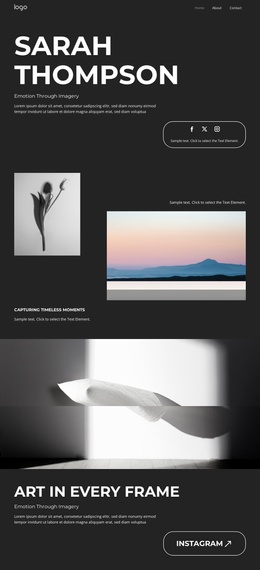
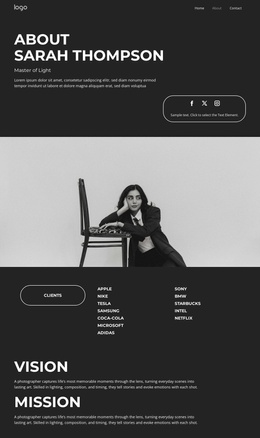
The Instagram and Booking actions give the design a structured contact layer rather than leaving the visitor at the end of the gallery without direction. Instagram can remain associated with ongoing visual engagement, while Booking can identify the inquiry-oriented destination. A Joomla adaptation would therefore use the existing relationships between portfolio regions, navigation, and closing actions as its content map. The result is not a claim that Joomla Articles or modules already exist, but a design whose repeated galleries and contact areas can fit a CMS-managed photography site.
Customize with Nicepage
Open this ready-made template in the Joomla Page Builder and customize it visually in the Nicepage editor. Replace demo content, edit page sections, and adapt the design to your project without rebuilding the template from scratch.
Work With This Template in Joomla
Customize and Install the Joomla Template
Start with this ready-made template instead of building the Joomla design from scratch. Customize its layout, content, typography, images, sections, and other design elements visually in the Nicepage application, then export and install the Joomla Template, Nicepage Extension, and supported content on your Joomla website.
Edit the Template Directly in Joomla
After installation, you can edit the Joomla Template directly in Joomla with the Nicepage Joomla Extension. Customize the Header, Footer, Colors, Fonts, typography, and Page Templates from the Joomla workflow while keeping the site design connected with your CMS content.
Edit Joomla Articles Visually
Use the Nicepage Joomla Extension to open and edit Joomla Articles visually from the Joomla Administrator. Change text, images, sections, layouts, and other page content in the Nicepage editor while continuing to manage the Articles through Joomla.
Joomla Content and Template Integration
Use the customized template together with Joomla Articles, module Positions, menus, forms, Blog Pages, and other supported CMS elements. With the Nicepage Extension used as the Site Style Source, shared design settings can be applied across Joomla Articles while Joomla continues to provide the CMS environment for managing site content.
This workflow combines a ready-made Joomla Template with visual customization, direct template editing in Joomla, and continued content management through the Nicepage Joomla Extension.