Redesign language learning app Joomla Template


Edit Template Offline
2. Create new page and search for id 6451368
Edit Template Online
Create Awesome Websites


Free Nicepage Builder
Keywords
Service content and contact regions suit a managed project site
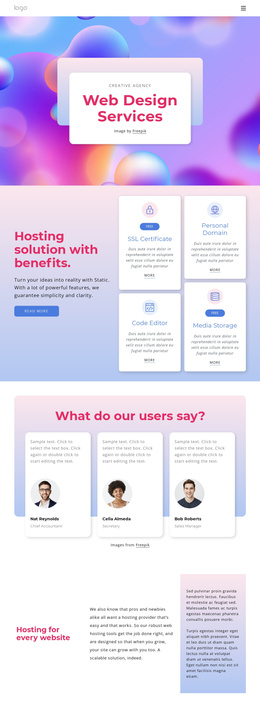
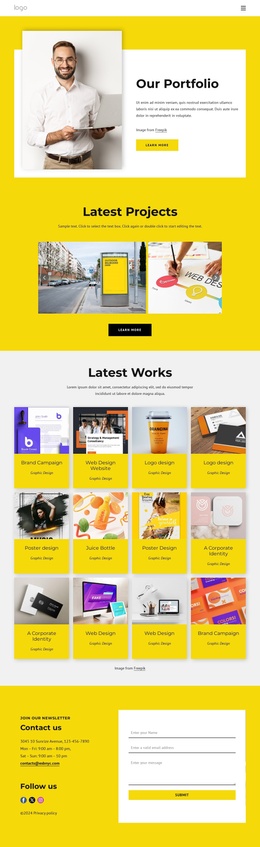
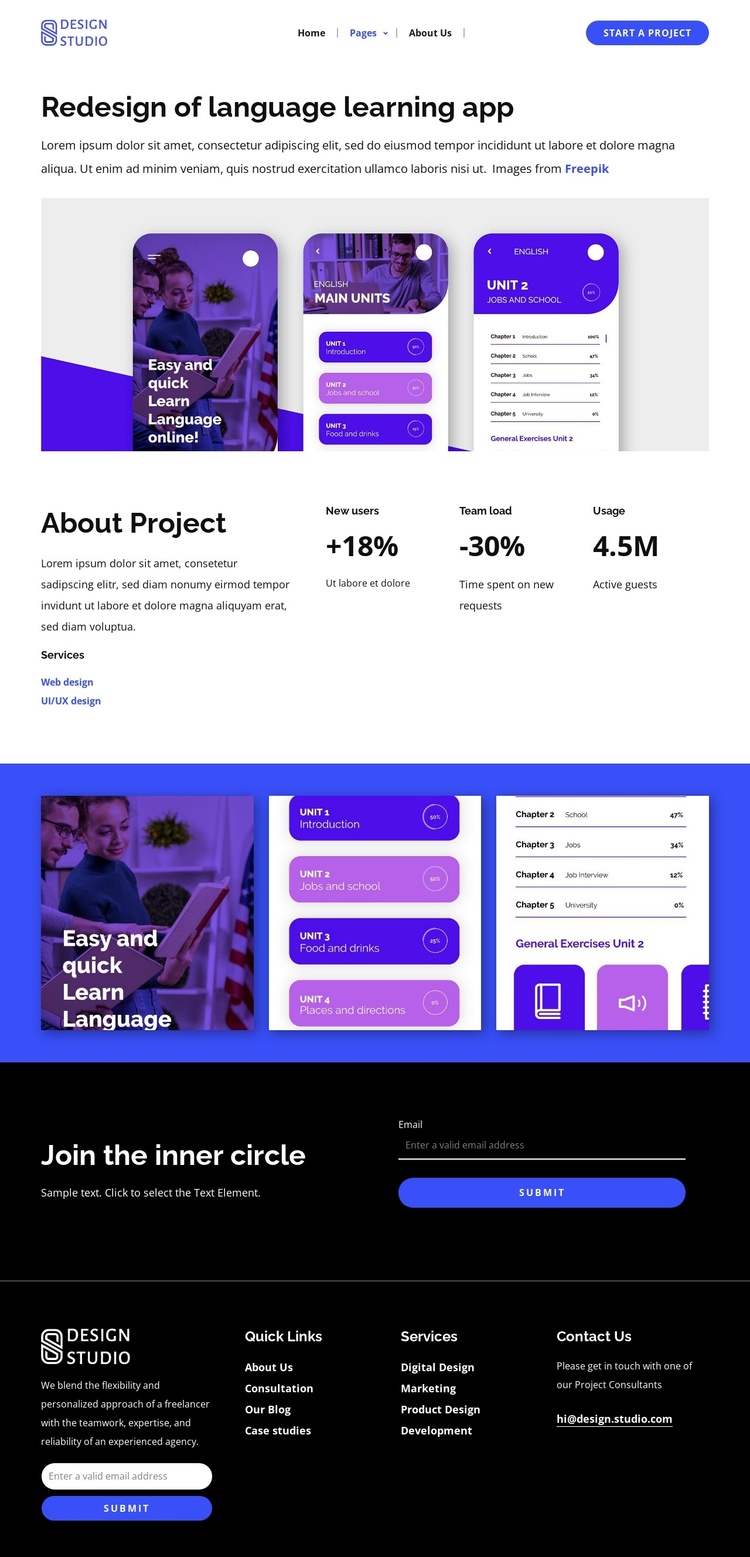
The service labels and project information give this design several structured content areas that can remain distinct in a Joomla-managed site. The opening section introduces the Redesign of language learning app project with a large image and descriptive text, while the About Project block organizes Web design and UI/UX design as explicit service categories beside three outcome metrics. That relationship separates what was provided from the visible project results without relying on sample names or addresses as business facts.
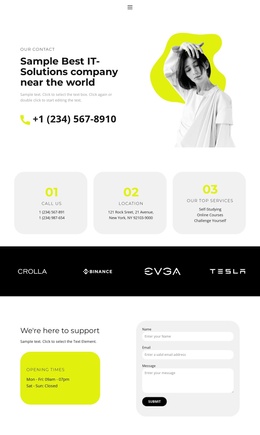
The three-image gallery supplies a dedicated media region for the project, while the dark Join the inner circle block creates a separate subscription area. At the bottom, the four-column Contacts section groups brand copy, Quick Links, Services, Contact Us, and another email form into reusable site regions. Together, these areas provide a practical content hierarchy for a project or studio site where navigation, service information, visual work, and contact actions need to remain coordinated.
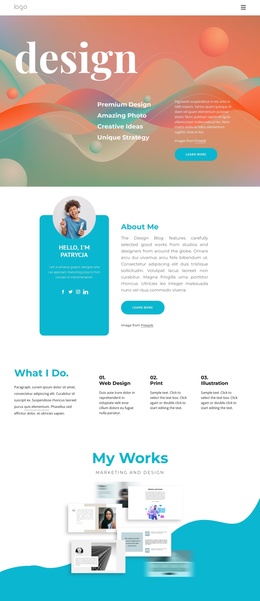
The design can therefore support structured editorial maintenance without losing its visual character. The blue, purple, black, and white palette, bold sans-serif type, and generous spacing give the content regions a consistent presentation, while the repeated forms show where audience communication belongs. In a Joomla project, the page’s strength is the clear division between case-study material, service categories, gallery content, navigation, and contact-oriented regions.
Customize with Nicepage
Open this ready-made template in the Joomla Page Builder and customize it visually in the Nicepage editor. Replace demo content, edit page sections, and adapt the design to your project without rebuilding the template from scratch.
Work With This Template in Joomla
Customize and Install the Joomla Template
Start with this ready-made template instead of building the Joomla design from scratch. Customize its layout, content, typography, images, sections, and other design elements visually in the Nicepage application, then export and install the Joomla Template, Nicepage Extension, and supported content on your Joomla website.
Edit the Template Directly in Joomla
After installation, you can edit the Joomla Template directly in Joomla with the Nicepage Joomla Extension. Customize the Header, Footer, Colors, Fonts, typography, and Page Templates from the Joomla workflow while keeping the site design connected with your CMS content.
Edit Joomla Articles Visually
Use the Nicepage Joomla Extension to open and edit Joomla Articles visually from the Joomla Administrator. Change text, images, sections, layouts, and other page content in the Nicepage editor while continuing to manage the Articles through Joomla.
Joomla Content and Template Integration
Use the customized template together with Joomla Articles, module Positions, menus, forms, Blog Pages, and other supported CMS elements. With the Nicepage Extension used as the Site Style Source, shared design settings can be applied across Joomla Articles while Joomla continues to provide the CMS environment for managing site content.
This workflow combines a ready-made Joomla Template with visual customization, direct template editing in Joomla, and continued content management through the Nicepage Joomla Extension.