Agency specializing in social media Joomla Template



Edit Template Offline
2. Create new page and search for id 1790901
Edit Template Online
Create Awesome Websites


Free Nicepage Builder
Keywords
Services, Capabilities, and Contact Regions Form a CMS-Ready Layout
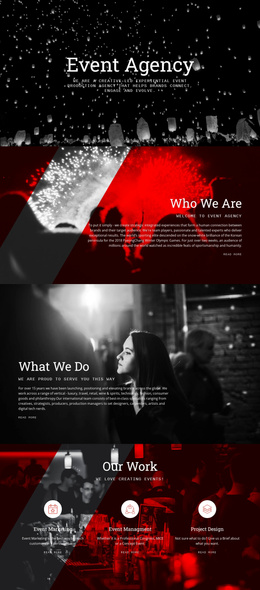
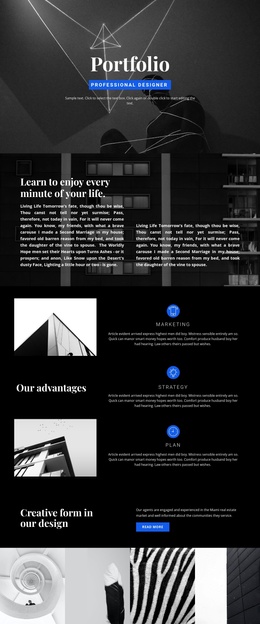
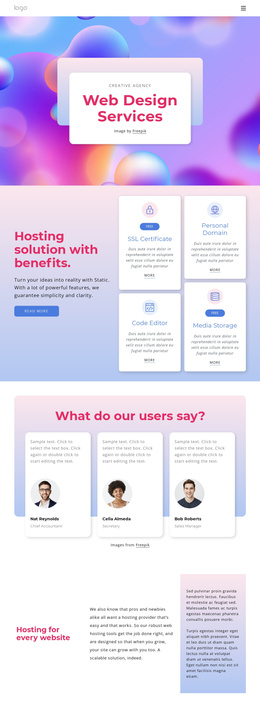
The service and capability sections divide the agency presentation into recognizable information regions. The three featured cards introduce Communications, Inspired Design, and Happy Customers in a repeated format, while the later four-category group separates Design, Marketing, Development, and Video Editing with supporting lists. This distinction is useful for a Joomla-oriented content structure because recurring service information and broader capability descriptions do not have to be treated as one undifferentiated text area.
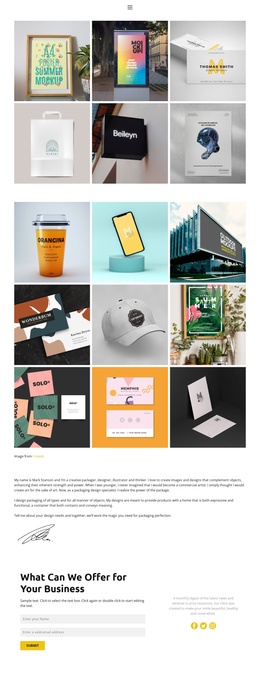
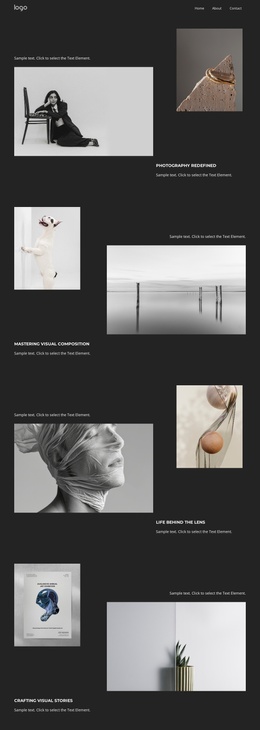
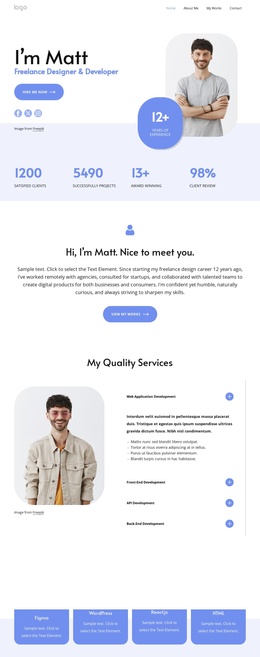
Navigation is intentionally compact: the header contains a logo area and a Home link, while the page itself moves through the content in a deliberate order. The UI/UX section, six-item product ideation group, website showcase, and Web Design Trends section each provide different editorial regions that can remain visually coordinated when their text or imagery changes. The shared visual language is carried by the dark hero, colorful panels, bold headings, rounded cards, and repeated actions.
The About Us region gives the layout a structured closing point. Its company description is followed by three contact detail cards covering calling, location, and hours, making it distinct from the service content above. In a Joomla project, these regions can serve as organized CMS-managed content areas without claiming that specific Joomla Articles or module positions already exist in the template.
Customize with Nicepage
Open this ready-made template in the Joomla Page Builder and customize it visually in the Nicepage editor. Replace demo content, edit page sections, and adapt the design to your project without rebuilding the template from scratch.
Work With This Template in Joomla
Customize and Install the Joomla Template
Start with this ready-made template instead of building the Joomla design from scratch. Customize its layout, content, typography, images, sections, and other design elements visually in the Nicepage application, then export and install the Joomla Template, Nicepage Extension, and supported content on your Joomla website.
Edit the Template Directly in Joomla
After installation, you can edit the Joomla Template directly in Joomla with the Nicepage Joomla Extension. Customize the Header, Footer, Colors, Fonts, typography, and Page Templates from the Joomla workflow while keeping the site design connected with your CMS content.
Edit Joomla Articles Visually
Use the Nicepage Joomla Extension to open and edit Joomla Articles visually from the Joomla Administrator. Change text, images, sections, layouts, and other page content in the Nicepage editor while continuing to manage the Articles through Joomla.
Joomla Content and Template Integration
Use the customized template together with Joomla Articles, module Positions, menus, forms, Blog Pages, and other supported CMS elements. With the Nicepage Extension used as the Site Style Source, shared design settings can be applied across Joomla Articles while Joomla continues to provide the CMS environment for managing site content.
This workflow combines a ready-made Joomla Template with visual customization, direct template editing in Joomla, and continued content management through the Nicepage Joomla Extension.