Look how it goes Joomla Template


Edit Template Offline
2. Create new page and search for id 5352746
Edit Template Online
Create Awesome Websites


Free Nicepage Builder
Keywords
Navigation, Galleries, and Consultation Form Define the CMS Content Areas
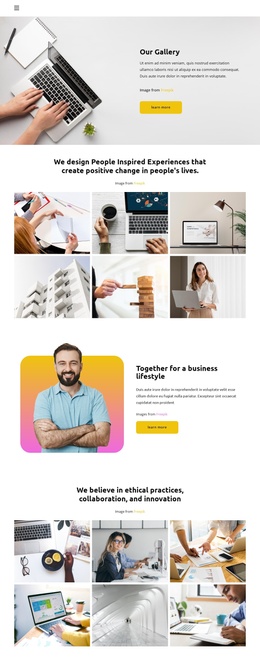
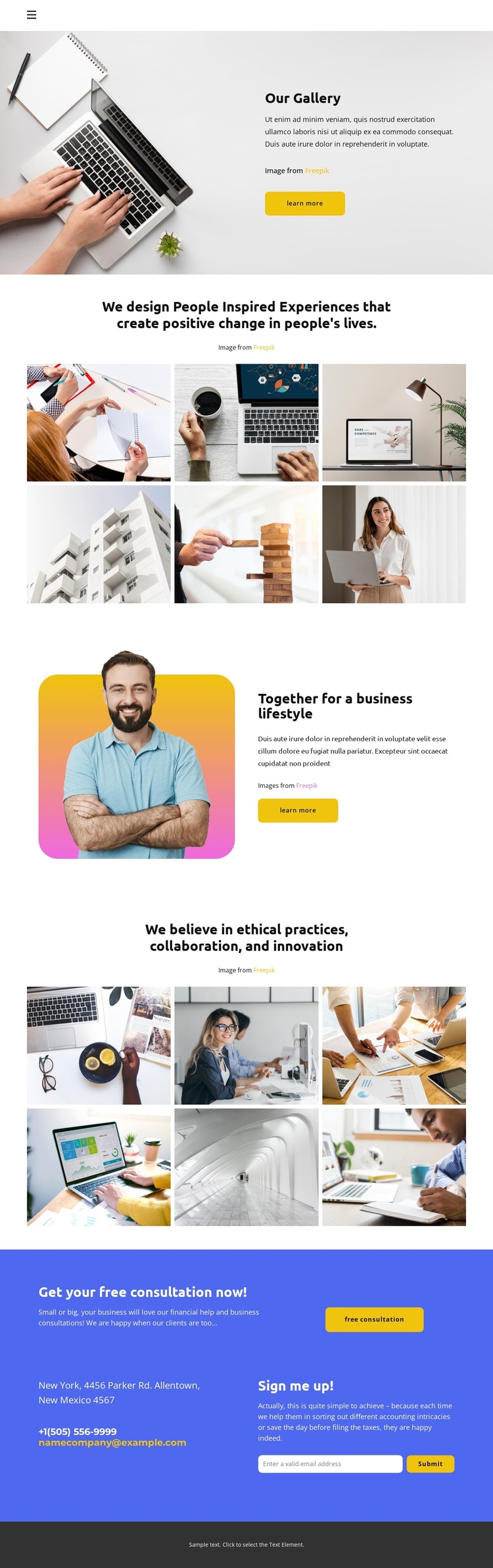
The navigation at the top gives the page a shared entry point, while the gallery and split sections divide the design into distinct informational regions. The first six-image gallery can represent visual examples or project-related material beneath the statement about people-inspired experiences. The business lifestyle section adds a different content relationship: a portrait sits beside explanatory text and a learn-more action, creating a focused area for consulting context rather than another image grid.
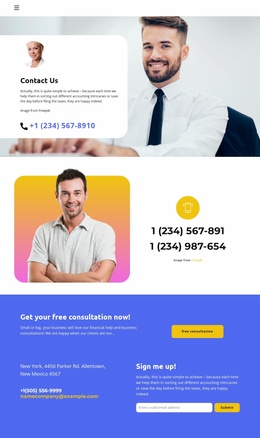
The second six-image gallery is tied to ethical practices, collaboration, and innovation. This makes it a useful structured region for values-oriented content that can be maintained separately from the introductory gallery. At the end, the blue contact section gathers the consultation call to action, phone and email channels, and the email signup form into one clearly identifiable response area. In a Joomla-managed project, these recurring informational regions can remain visually coordinated while their text, images, navigation labels, and contact content are organized as site material. The page therefore offers more than a visual homepage: it separates imagery, business explanation, values, and communication into content areas that can be maintained within a broader CMS-oriented site structure. Placeholder contact details should be replaced with verified project information.
Customize with Nicepage
Open this ready-made template in the Joomla Page Builder and customize it visually in the Nicepage editor. Replace demo content, edit page sections, and adapt the design to your project without rebuilding the template from scratch.
Work With This Template in Joomla
Customize and Install the Joomla Template
Start with this ready-made template instead of building the Joomla design from scratch. Customize its layout, content, typography, images, sections, and other design elements visually in the Nicepage application, then export and install the Joomla Template, Nicepage Extension, and supported content on your Joomla website.
Edit the Template Directly in Joomla
After installation, you can edit the Joomla Template directly in Joomla with the Nicepage Joomla Extension. Customize the Header, Footer, Colors, Fonts, typography, and Page Templates from the Joomla workflow while keeping the site design connected with your CMS content.
Edit Joomla Articles Visually
Use the Nicepage Joomla Extension to open and edit Joomla Articles visually from the Joomla Administrator. Change text, images, sections, layouts, and other page content in the Nicepage editor while continuing to manage the Articles through Joomla.
Joomla Content and Template Integration
Use the customized template together with Joomla Articles, module Positions, menus, forms, Blog Pages, and other supported CMS elements. With the Nicepage Extension used as the Site Style Source, shared design settings can be applied across Joomla Articles while Joomla continues to provide the CMS environment for managing site content.
This workflow combines a ready-made Joomla Template with visual customization, direct template editing in Joomla, and continued content management through the Nicepage Joomla Extension.