Your HR consultants Joomla Template



Edit Template Offline
2. Create new page and search for id 6400488
Edit Template Online
Create Awesome Websites


Free Nicepage Builder
Keywords
Service Categories and Reusable Contact Regions Suit Structured CMS Content
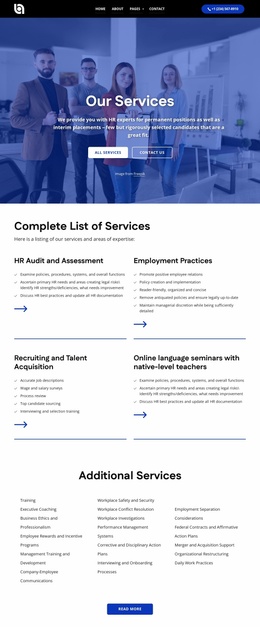
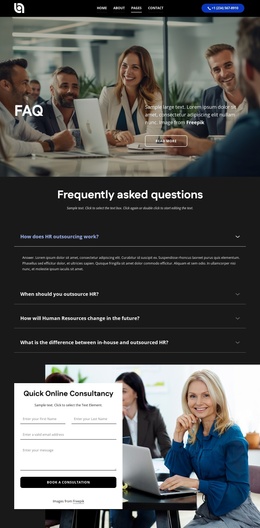
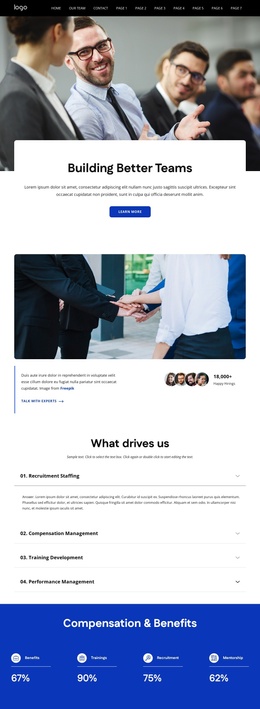
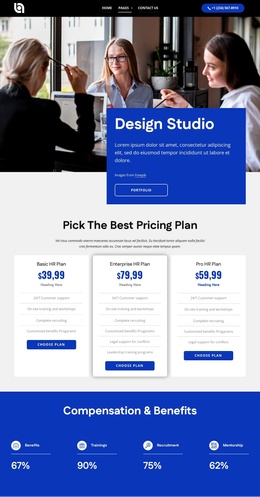
The six talent cards give the design a clear set of structured informational areas: executive search, HR recruitment, innovative HR solutions, screening of candidates, leadership training, and policy management. These categories can be treated as distinct content subjects while retaining the same image-led presentation. The four-topic accordion adds another organized layer around recruitment staffing, compensation management, training development, and performance management, making detailed HR information available without visually overwhelming the page.
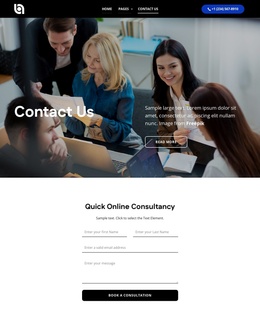
Navigation and shared contact regions support the broader site context. The header navigation and mobile navigation provide a route through the long presentation, while the contact form, social links, phone channel, and displayed Sydney, Melbourne, and Los Angeles locations define a consistent communication area. Partner logos, testimonials, and company-history slides can sit alongside these service regions as supporting content rather than being mistaken for the primary offering.
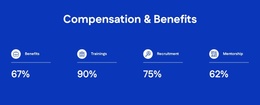
For a Joomla project, the value lies in the relationship between these recurring information areas and the shared visual frame. Service and management topics can remain organized as CMS-managed content, while the blue sections, white headings, card treatments, and photographic imagery keep them recognizable as one HR design. A Joomla implementation can use the design’s structured regions for articles, menus, and contact-oriented content without claiming that the sample names, addresses, or metrics represent verified business information.
Customize with Nicepage
Open this ready-made template in the Joomla Page Builder and customize it visually in the Nicepage editor. Replace demo content, edit page sections, and adapt the design to your project without rebuilding the template from scratch.
Work With This Template in Joomla
Customize and Install the Joomla Template
Start with this ready-made template instead of building the Joomla design from scratch. Customize its layout, content, typography, images, sections, and other design elements visually in the Nicepage application, then export and install the Joomla Template, Nicepage Extension, and supported content on your Joomla website.
Edit the Template Directly in Joomla
After installation, you can edit the Joomla Template directly in Joomla with the Nicepage Joomla Extension. Customize the Header, Footer, Colors, Fonts, typography, and Page Templates from the Joomla workflow while keeping the site design connected with your CMS content.
Edit Joomla Articles Visually
Use the Nicepage Joomla Extension to open and edit Joomla Articles visually from the Joomla Administrator. Change text, images, sections, layouts, and other page content in the Nicepage editor while continuing to manage the Articles through Joomla.
Joomla Content and Template Integration
Use the customized template together with Joomla Articles, module Positions, menus, forms, Blog Pages, and other supported CMS elements. With the Nicepage Extension used as the Site Style Source, shared design settings can be applied across Joomla Articles while Joomla continues to provide the CMS environment for managing site content.
This workflow combines a ready-made Joomla Template with visual customization, direct template editing in Joomla, and continued content management through the Nicepage Joomla Extension.