About our production Joomla Template


Edit Template Offline
2. Create new page and search for id 5221079
Edit Template Online
Create Awesome Websites


Free Nicepage Builder
Keywords
Service groups and application content divide the page into manageable CMS regions
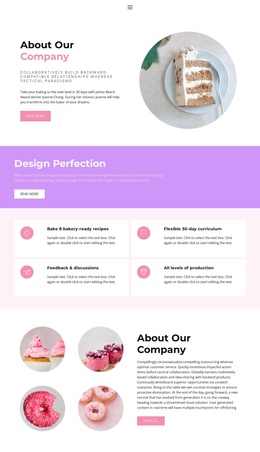
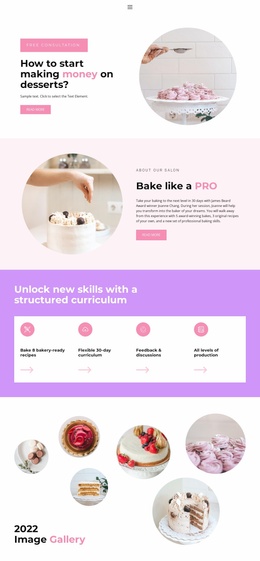
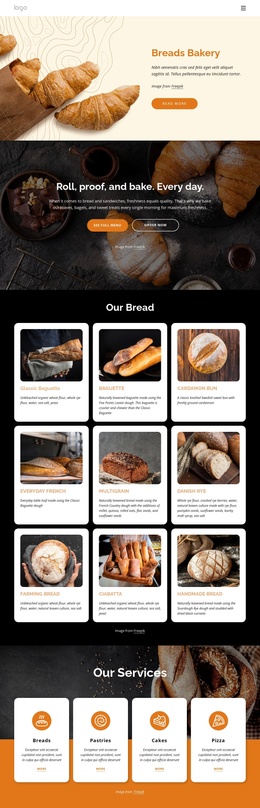
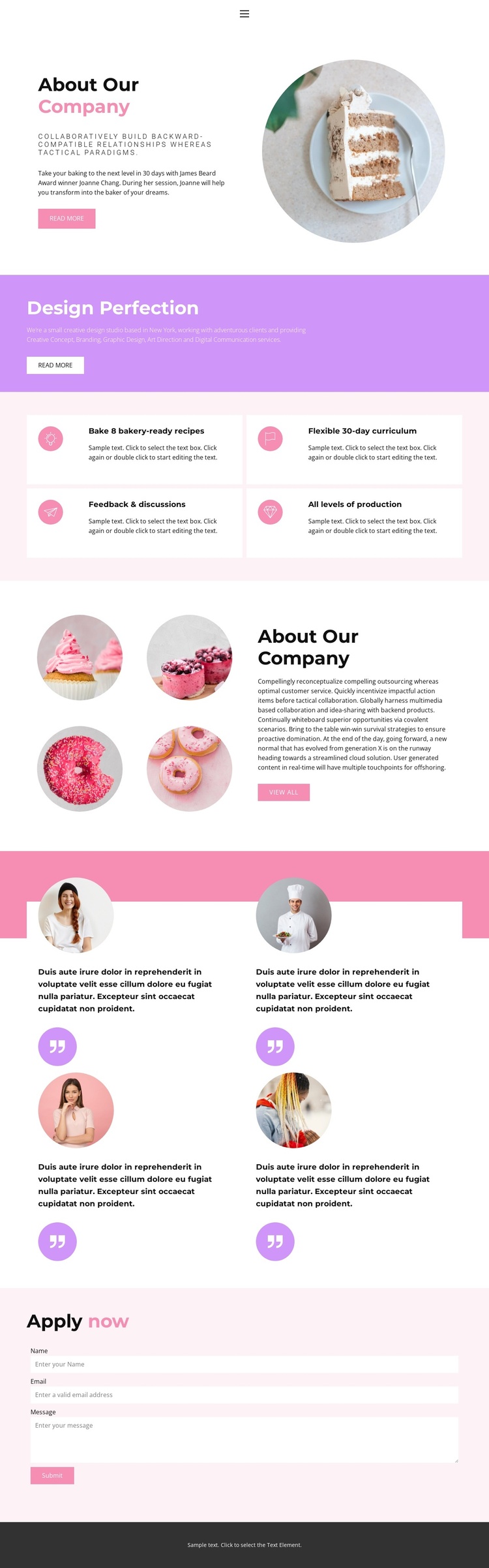
The five creative service categories—Creative Concept, Branding, Graphic Design, Art Direction, and Digital Communication—give the page a structured informational core that can be treated as a distinct content region. Nearby, four feature cards describe the baking-oriented offer through recipes, a 30-day curriculum, feedback and discussions, and all levels of production. These two groups serve different purposes: one explains creative capabilities, while the other summarizes program characteristics. Keeping that distinction visible helps the design remain understandable when content is managed through a CMS.
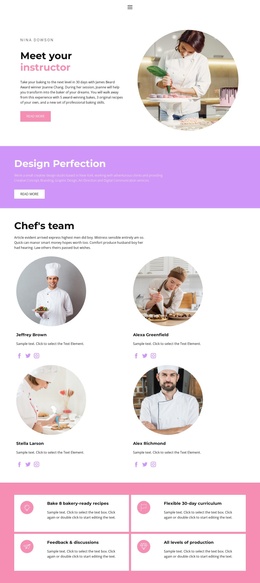
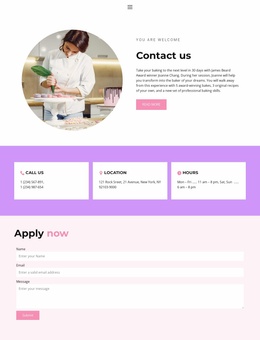
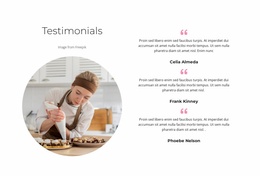
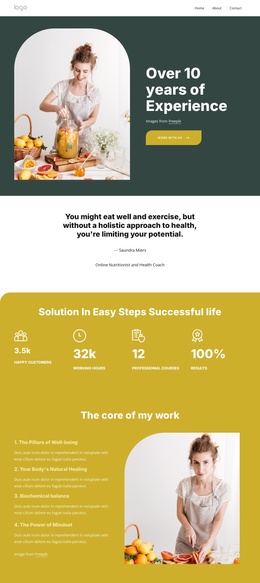
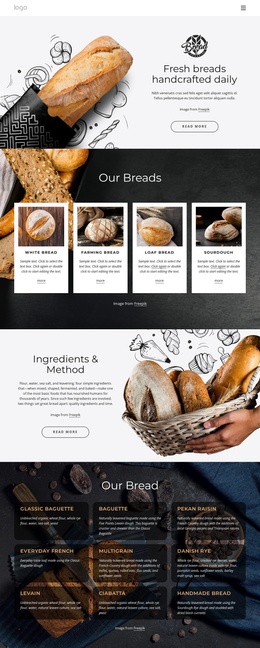
The two company overview sections provide shared context around those groups. The first pairs introductory copy and a circular food image with a Read more action. The second places overview text beside four circular food images and a view all action, creating another reusable-looking region for company information. Four testimonial-style cards then provide a separate repeated content area with portraits and quote marks. Their structure can support recurring testimonial content, while sample names and quotations should remain treated as demonstration material unless independently verified.
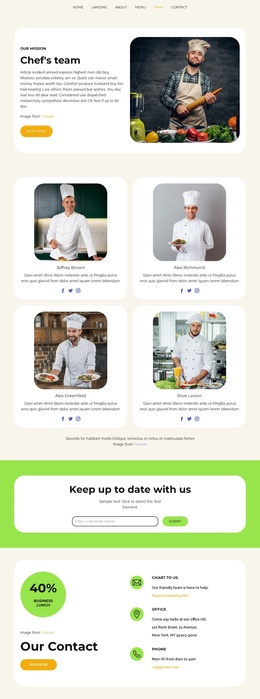
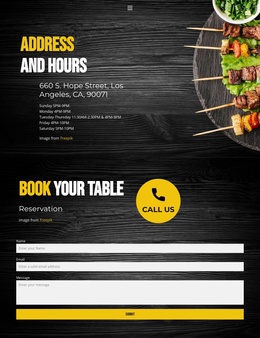
The final Apply now block contains Name, Email, Message, and Submit fields, giving the page a clearly defined contact and application region. Navigation for Home, Landing, About, Team, and Contact provides a broader menu context in the document. Together, these service, program, overview, testimonial, navigation, and contact regions form a coherent Joomla-oriented content structure without claiming that Joomla Articles or module positions already exist.
Customize with Nicepage
Open this ready-made template in the Joomla Page Builder and customize it visually in the Nicepage editor. Replace demo content, edit page sections, and adapt the design to your project without rebuilding the template from scratch.
Work With This Template in Joomla
Customize and Install the Joomla Template
Start with this ready-made template instead of building the Joomla design from scratch. Customize its layout, content, typography, images, sections, and other design elements visually in the Nicepage application, then export and install the Joomla Template, Nicepage Extension, and supported content on your Joomla website.
Edit the Template Directly in Joomla
After installation, you can edit the Joomla Template directly in Joomla with the Nicepage Joomla Extension. Customize the Header, Footer, Colors, Fonts, typography, and Page Templates from the Joomla workflow while keeping the site design connected with your CMS content.
Edit Joomla Articles Visually
Use the Nicepage Joomla Extension to open and edit Joomla Articles visually from the Joomla Administrator. Change text, images, sections, layouts, and other page content in the Nicepage editor while continuing to manage the Articles through Joomla.
Joomla Content and Template Integration
Use the customized template together with Joomla Articles, module Positions, menus, forms, Blog Pages, and other supported CMS elements. With the Nicepage Extension used as the Site Style Source, shared design settings can be applied across Joomla Articles while Joomla continues to provide the CMS environment for managing site content.
This workflow combines a ready-made Joomla Template with visual customization, direct template editing in Joomla, and continued content management through the Nicepage Joomla Extension.