Family recipes Joomla Template


A Bread-Focused Introduction for Structured Joomla Content
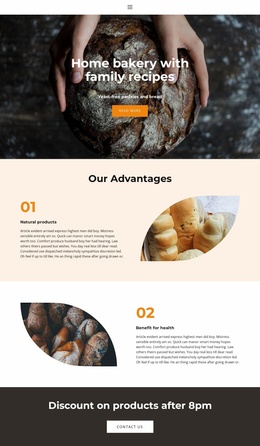
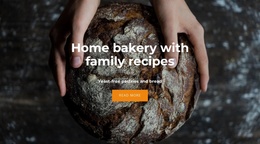
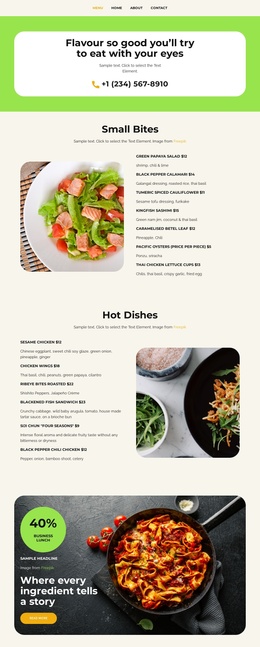
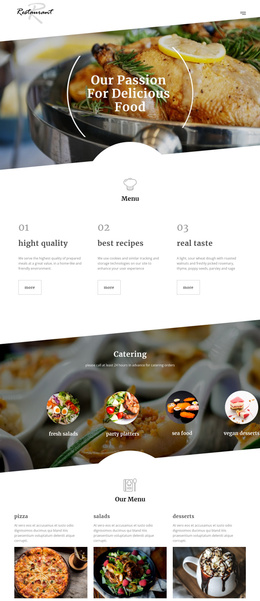
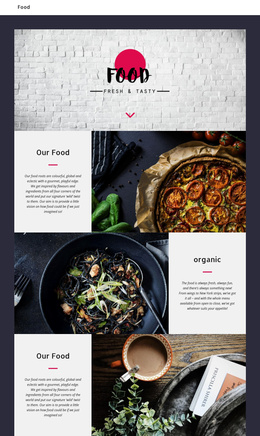
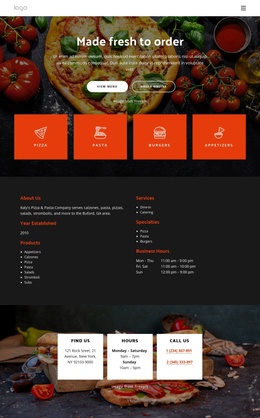
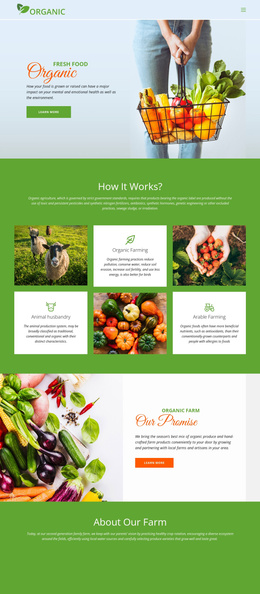
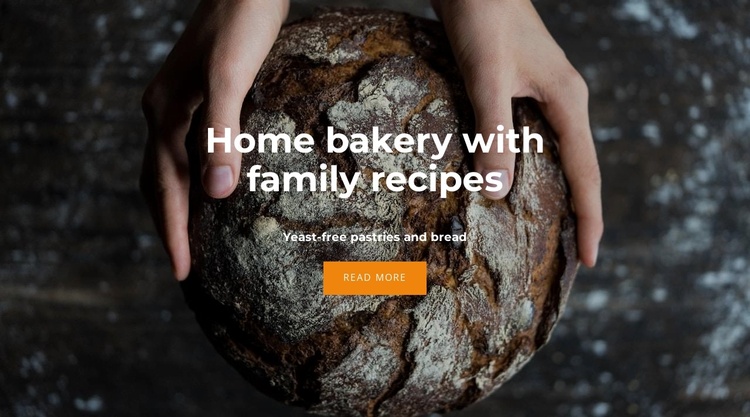
The centered heading, supporting line, and “Read more” button form one compact information group over the full-width bread photograph. The heading introduces the home bakery and family-recipe theme, while “Yeast-free pastries and bread” clarifies the offering without requiring a longer product list inside the section. The image of a rustic loaf held by hands supplies the visual context, so the content reads as an invitation to explore rather than as a complete catalog or article.
Within a Joomla-managed page, this block can serve as a stable introductory content region for a bakery-oriented section. The heading and supporting text can identify the subject of the surrounding page, while the button can lead visitors toward deeper information placed elsewhere in the site. Its centered alignment keeps the content group independent from the image edges, and the dark photo gives the white type enough contrast to remain the primary reading layer. The orange button separates the response point from the descriptive text without adding another interaction to the block.
The section therefore fits a structured CMS presentation: a concise bakery introduction can remain visually consistent while related content is managed around it. The block supplies the visual and textual frame; broader Joomla content can provide the destination and any additional recipe or offering details.
Customize with Nicepage
Open this ready-made template in the Joomla Page Builder and customize it visually in the Nicepage editor. Replace demo content, edit page sections, and adapt the design to your project without rebuilding the template from scratch.
Edit Template Offline
2. Create a new page or select existing
3. Click Add new block, search for id 5211218 and click enter
Edit Template Online
Create Awesome Websites


Free Nicepage Builder
Keywords
Work With This Template in Joomla
Customize and Install the Joomla Template
Start with this ready-made template instead of building the Joomla design from scratch. Customize its layout, content, typography, images, sections, and other design elements visually in the Nicepage application, then export and install the Joomla Template, Nicepage Extension, and supported content on your Joomla website.
Edit the Template Directly in Joomla
After installation, you can edit the Joomla Template directly in Joomla with the Nicepage Joomla Extension. Customize the Header, Footer, Colors, Fonts, typography, and Page Templates from the Joomla workflow while keeping the site design connected with your CMS content.
Edit Joomla Articles Visually
Use the Nicepage Joomla Extension to open and edit Joomla Articles visually from the Joomla Administrator. Change text, images, sections, layouts, and other page content in the Nicepage editor while continuing to manage the Articles through Joomla.
Joomla Content and Template Integration
Use the customized template together with Joomla Articles, module Positions, menus, forms, Blog Pages, and other supported CMS elements. With the Nicepage Extension used as the Site Style Source, shared design settings can be applied across Joomla Articles while Joomla continues to provide the CMS environment for managing site content.
This workflow combines a ready-made Joomla Template with visual customization, direct template editing in Joomla, and continued content management through the Nicepage Joomla Extension.