Healthy way of eating food Joomla Template


Edit Template Offline
2. Create new page and search for id 78417
Edit Template Online
Create Awesome Websites


Free Nicepage Builder
Keywords
Food Categories and Shared Regions Suit Organized Joomla Content
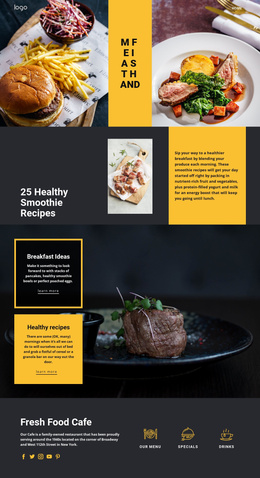
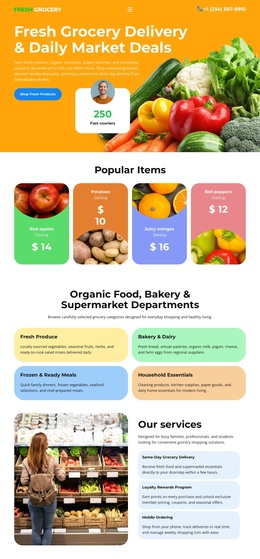
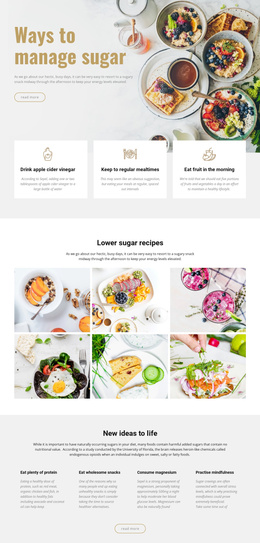
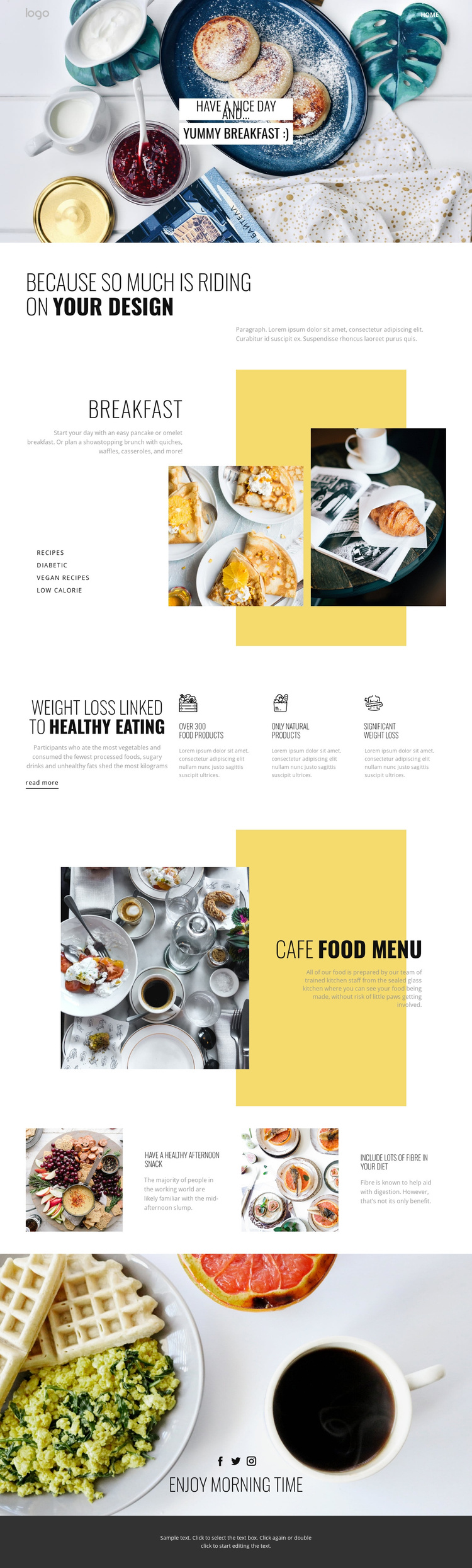
The breakfast category section divides the subject into recognizable content areas: recipes, diabetic, vegan recipes, and low calorie. That division is useful when a cafe or food project needs structured information rather than one uninterrupted paragraph. In a Joomla-managed site, these areas could correspond to separately maintained content while remaining visually coordinated inside the same breakfast presentation. The verified template shows the categories and links as design content; it does not prove that Joomla Articles or categories already exist.
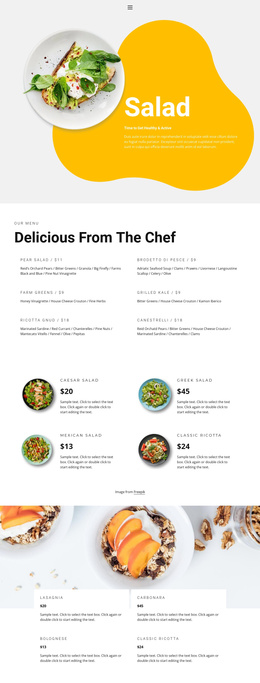
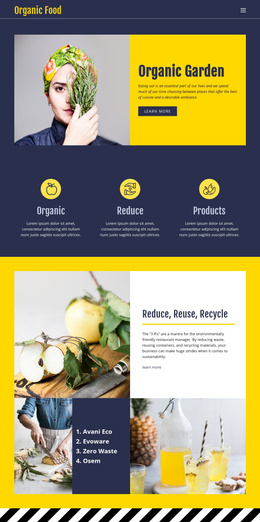
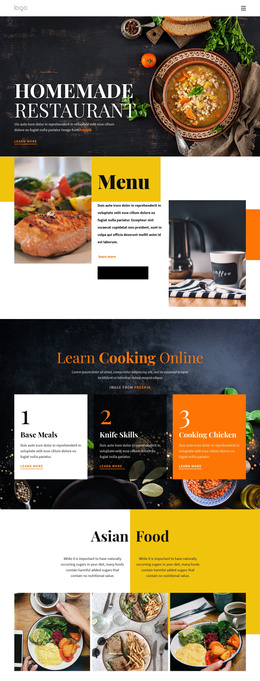
The cafe food menu provides a different structured region. A large food photograph is paired with a yellow-backed heading and description, making the menu promotion easy to distinguish from the healthy-eating material. The feature row and the two tip blocks can support additional informational content, but their sample statements should be replaced with verified project material rather than treated as real nutritional claims. This separation allows editorial explanations, menu information, and recipe-oriented content to occupy different roles.
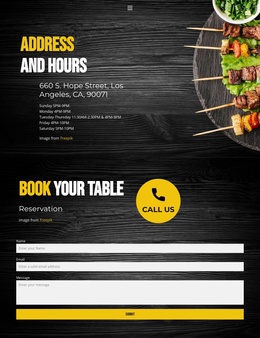
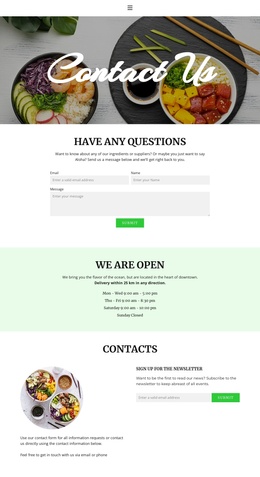
The HTML logo area, Home navigation, social links, and dark footer add shared site regions around the main content. Navigation can connect the page’s food topics, while the closing Facebook, Twitter, and Instagram links provide a defined social destination. The resulting arrangement is appropriate for a Joomla project that needs recurring food information, menu presentation, and contact or social-oriented regions managed within a consistent visual system, without asserting that any CMS content has already been installed.
Customize with Nicepage
Open this ready-made template in the Joomla Page Builder and customize it visually in the Nicepage editor. Replace demo content, edit page sections, and adapt the design to your project without rebuilding the template from scratch.
Work With This Template in Joomla
Customize and Install the Joomla Template
Start with this ready-made template instead of building the Joomla design from scratch. Customize its layout, content, typography, images, sections, and other design elements visually in the Nicepage application, then export and install the Joomla Template, Nicepage Extension, and supported content on your Joomla website.
Edit the Template Directly in Joomla
After installation, you can edit the Joomla Template directly in Joomla with the Nicepage Joomla Extension. Customize the Header, Footer, Colors, Fonts, typography, and Page Templates from the Joomla workflow while keeping the site design connected with your CMS content.
Edit Joomla Articles Visually
Use the Nicepage Joomla Extension to open and edit Joomla Articles visually from the Joomla Administrator. Change text, images, sections, layouts, and other page content in the Nicepage editor while continuing to manage the Articles through Joomla.
Joomla Content and Template Integration
Use the customized template together with Joomla Articles, module Positions, menus, forms, Blog Pages, and other supported CMS elements. With the Nicepage Extension used as the Site Style Source, shared design settings can be applied across Joomla Articles while Joomla continues to provide the CMS environment for managing site content.
This workflow combines a ready-made Joomla Template with visual customization, direct template editing in Joomla, and continued content management through the Nicepage Joomla Extension.