Successful buildings capture the spirit of their surroundings Joomla Template



The Six-Card Grid Creates a Structured Joomla Content Region
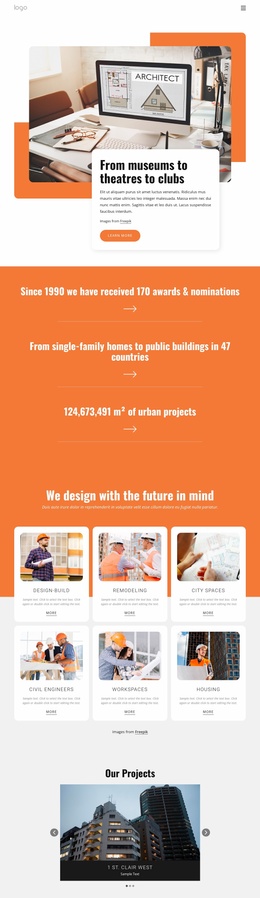
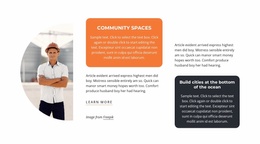
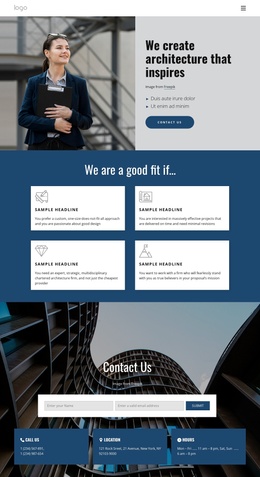
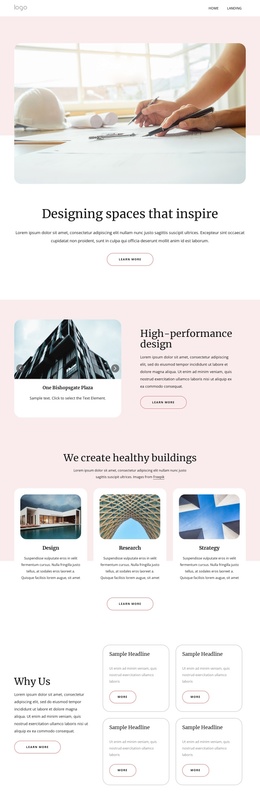
The orange introduction band gives the content region a clear editorial entry point: “We design with the future in mind” frames the six categories without turning the section into a single long article. Below it, Design-Build, Remodeling, City Spaces, Civil Engineers, Workspaces, and Housing are separated into six recognizable units. Each card combines an image, a category label, descriptive text, and a “more” link, making the information easy to maintain as a group of related architecture and building offerings in a Joomla-managed page.
The three-column grid across two rows also gives the content a predictable visual order. White rounded cards stand apart from the pale gray background, while centered typography keeps each category internally consistent. That structure can work as a stable CMS content region beside or between other page sections, with the wider Joomla project handling surrounding editorial material and navigation. The block does not need to act as a complete CMS template; its value is the defined relationship between the introductory message and the six categorized service areas. If category descriptions or destinations change later, the repeated card pattern provides a clear place for those updates while preserving the orange-to-gray visual transition and the section’s overall hierarchy.
Customize with Nicepage
Open this ready-made template in the Joomla Page Builder and customize it visually in the Nicepage editor. Replace demo content, edit page sections, and adapt the design to your project without rebuilding the template from scratch.
Edit Template Offline
2. Create a new page or select existing
3. Click Add new block, search for id 5094247 and click enter
Edit Template Online
Create Awesome Websites


Free Nicepage Builder
Keywords
Work With This Template in Joomla
Customize and Install the Joomla Template
Start with this ready-made template instead of building the Joomla design from scratch. Customize its layout, content, typography, images, sections, and other design elements visually in the Nicepage application, then export and install the Joomla Template, Nicepage Extension, and supported content on your Joomla website.
Edit the Template Directly in Joomla
After installation, you can edit the Joomla Template directly in Joomla with the Nicepage Joomla Extension. Customize the Header, Footer, Colors, Fonts, typography, and Page Templates from the Joomla workflow while keeping the site design connected with your CMS content.
Edit Joomla Articles Visually
Use the Nicepage Joomla Extension to open and edit Joomla Articles visually from the Joomla Administrator. Change text, images, sections, layouts, and other page content in the Nicepage editor while continuing to manage the Articles through Joomla.
Joomla Content and Template Integration
Use the customized template together with Joomla Articles, module Positions, menus, forms, Blog Pages, and other supported CMS elements. With the Nicepage Extension used as the Site Style Source, shared design settings can be applied across Joomla Articles while Joomla continues to provide the CMS environment for managing site content.
This workflow combines a ready-made Joomla Template with visual customization, direct template editing in Joomla, and continued content management through the Nicepage Joomla Extension.