We are an independent firm, owned in trust by our members Website Template


Edit Template Offline
2. Create new page and search for id 5094142
Edit Template Online
Create Awesome Websites


Free Nicepage Builder
Keywords
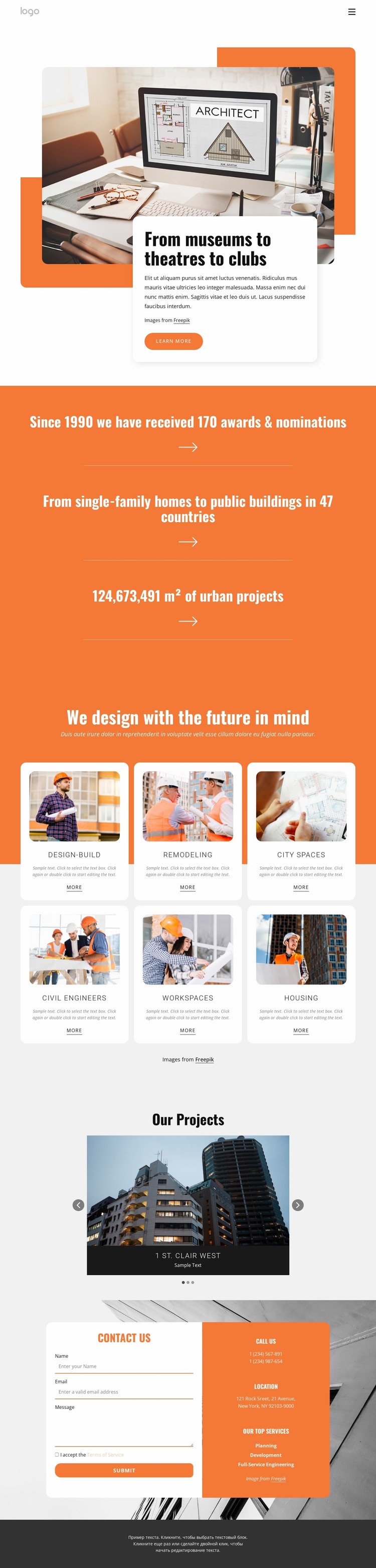
Six capability areas give the architecture site room to grow
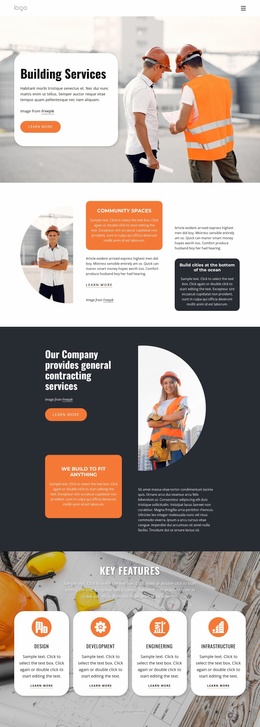
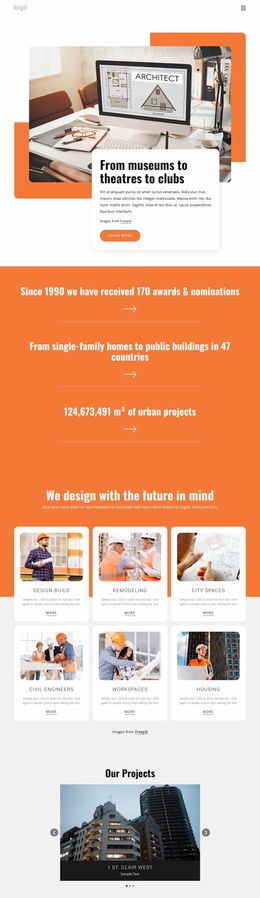
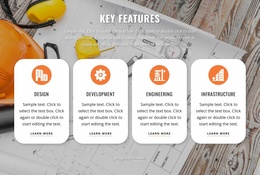
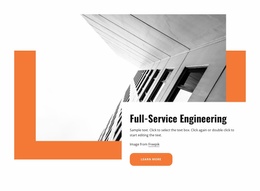
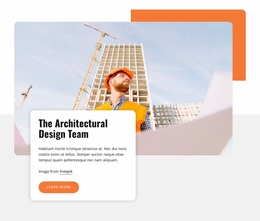
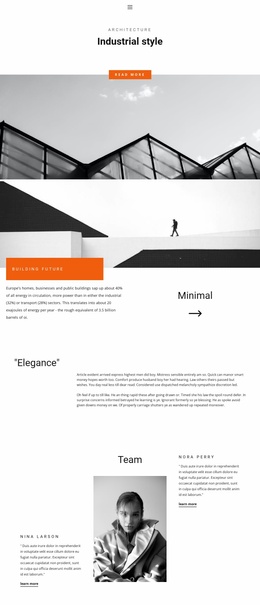
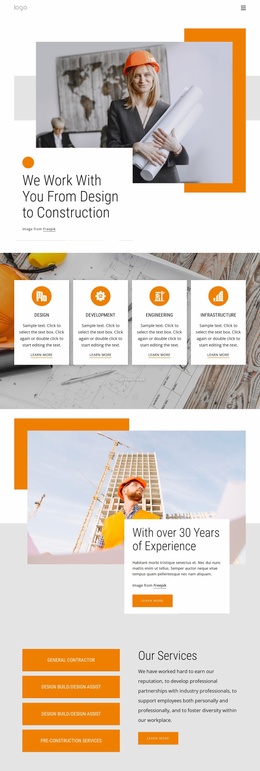
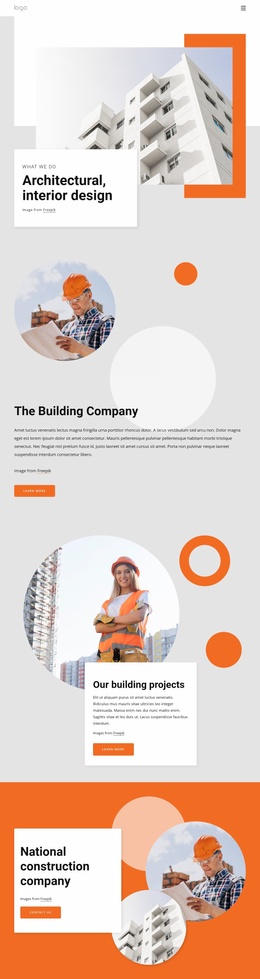
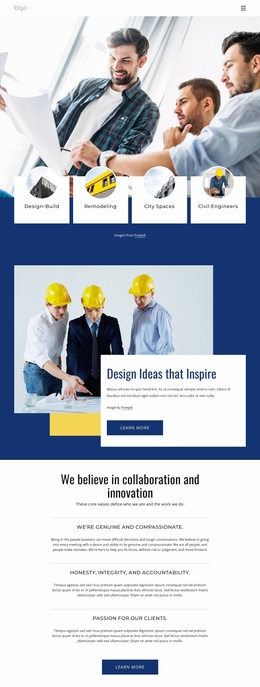
The six rounded service cards establish more than a visual feature row: they divide the design into recognizable capability areas that can support the information architecture of a broader architecture and construction website. Design-Build, Remodeling, City Spaces, Civil Engineers, Workspaces, and Housing can each point toward deeper explanations, case studies, or service-specific content as the project expands. The opening section provides the public-facing introduction, using an architectural image and overlapping text card to frame the firm’s project direction before visitors reach those categories.
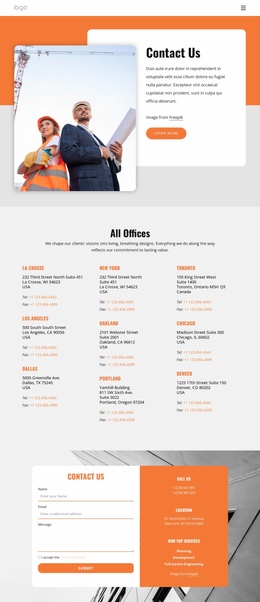
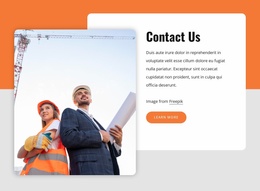
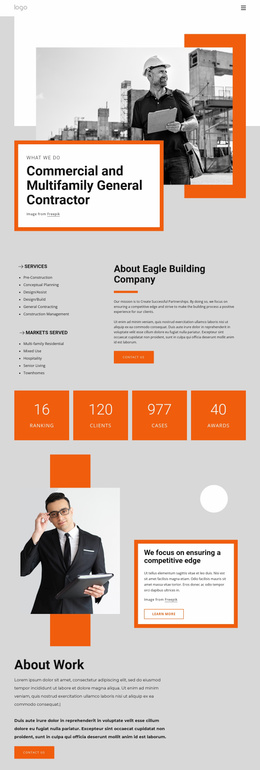
The project gallery adds a second important content area. Its three slides and overlaid labels create a natural portfolio destination where selected work can be expanded with project descriptions, images, or related services. The orange metrics band can remain a concise experience or scale statement, while the contact section supplies a persistent endpoint for inquiries through name, email, and message fields. Phone and location details add another route to communication without changing the page’s visual organization. Because the design already separates introduction, capabilities, project evidence, and contact information, it can serve as the homepage foundation for additional project, service, and company pages rather than requiring the site structure to be invented from an empty layout.
Customize with Nicepage
Open this ready-made template in the Website Template Builder and customize it visually in the Nicepage editor. Replace demo content, edit page sections, and adapt the design to your project without rebuilding the template from scratch.
Build a Complete Website From This Template
Customize the Website Visually
Use this ready-made website template as a starting point for your project and adapt its pages visually in Nicepage. Change content, images, typography, navigation, sections, and other design elements while keeping the website together as a single editable project.
Manage Website Pages in One Project
Use the Pages panel to open, add, duplicate, and manage the pages of your website. Work on individual pages while keeping navigation and the overall site structure accessible from the same project, making it easier to develop a complete website instead of managing separate page files.
Expand the Website With Matching Designs
When you need additional pages or sections, use Page Design Sets to find Page and Block Designs created in the same visual style. Design Sets group matching designs together, making it easier to expand the website with new content while maintaining a consistent look across its pages and sections.
Organize Larger Multi-Page Websites
As the website grows, use Page Folders to organize related pages and keep larger multi-page projects easier to navigate in the editor. This is especially useful for websites with separate service pages, company information, contacts, landing pages, and other content areas.
This workflow makes the template a practical foundation for building and expanding a complete website while managing its pages, content, and visual design within one Nicepage project.

Design Set (31)
-

-
-
-
-
-
-
-
-
-
-
-
-
-
-
Customize Any TemplateDownload
-
-
-
-
-
-
-
-
-
-
-