We offer homemade pizza Joomla Template


Classic and specialty varieties create a structured Joomla content region
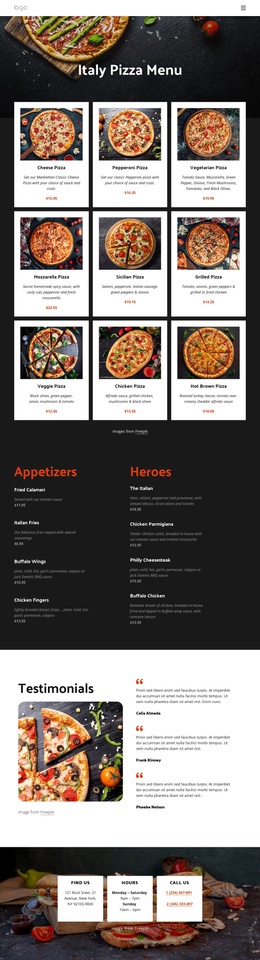
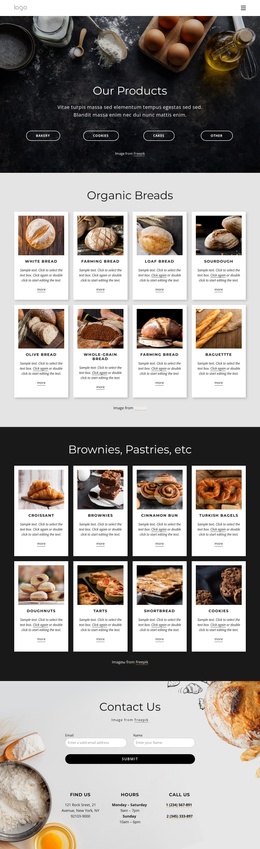
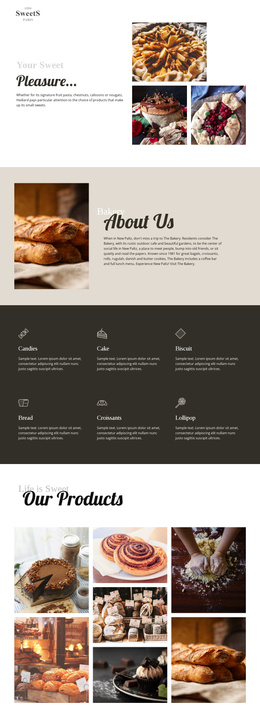
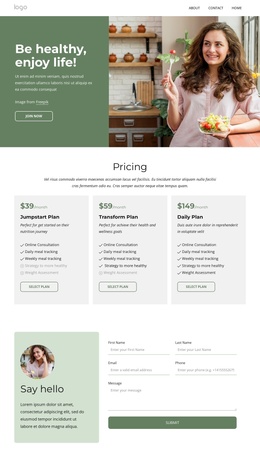
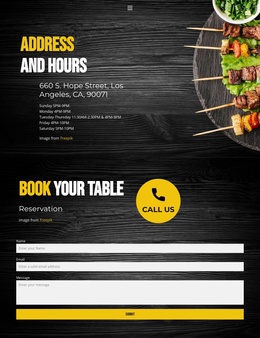
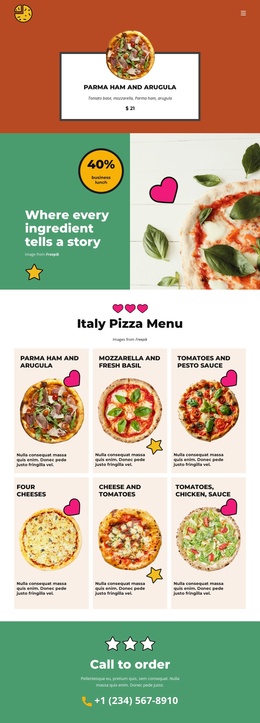
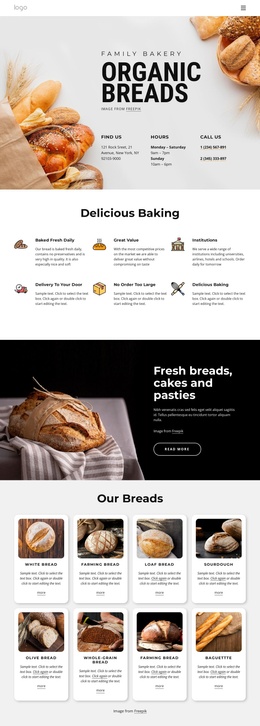
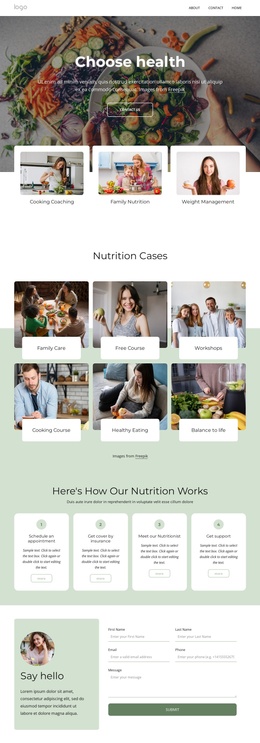
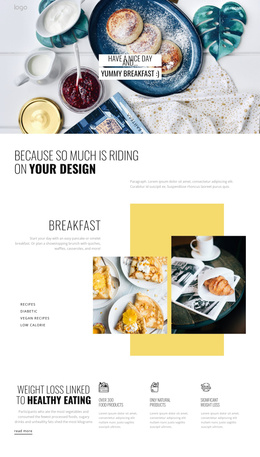
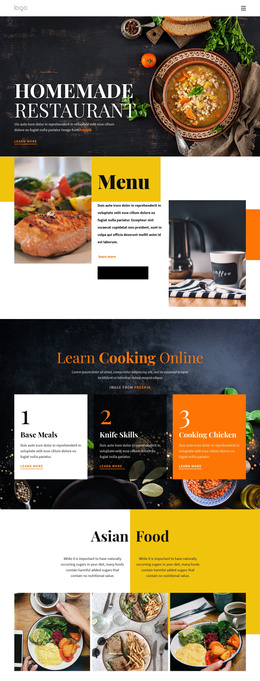
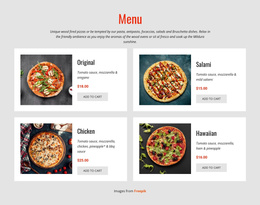
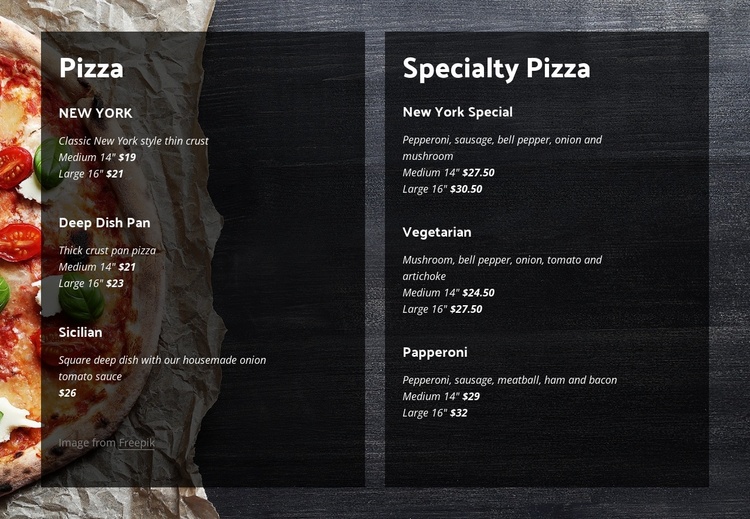
The two headings divide the section into clear informational groups that can be understood as separate restaurant content areas. “Pizza” leads into three classic items: New York, described as a thin-crust style, Deep Dish Pan, described as a thick-crust pan pizza, and Sicilian, presented as a square deep-dish option with onion and tomato sauce. “Specialty Pizza” introduces three further entries—New York Special, Vegetarian, and Papperoni—whose descriptions emphasize their ingredient combinations. Every item follows the same descriptive and size-price pattern, making the menu easy to scan as a unified content region.
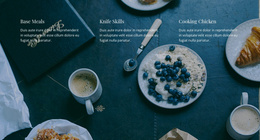
Within a Joomla-managed page, this block can serve as a stable visual section for structured offering information while the broader project handles other restaurant content around it. The two tall columns keep the classic and specialty groups distinct, and the dark translucent panels separate the text from the close-up food image behind them. White headings and italicized light descriptions reinforce the hierarchy without adding interaction; the section remains a static presentation of menu choices.
The displayed medium and large prices function as part of the menu layout, not as claims about an ongoing offer. A Joomla-oriented restaurant page could place this section alongside introductions, location information, or inquiry content, allowing the block to retain its specific pizza-menu role. Its repeated item structure also makes the section recognizable as a reusable content area rather than a complete CMS site or template.
Customize with Nicepage
Open this ready-made template in the Joomla Page Builder and customize it visually in the Nicepage editor. Replace demo content, edit page sections, and adapt the design to your project without rebuilding the template from scratch.
Edit Template Offline
2. Create a new page or select existing
3. Click Add new block, search for id 4694522 and click enter
Edit Template Online
Create Awesome Websites


Free Nicepage Builder
Keywords
Work With This Template in Joomla
Customize and Install the Joomla Template
Start with this ready-made template instead of building the Joomla design from scratch. Customize its layout, content, typography, images, sections, and other design elements visually in the Nicepage application, then export and install the Joomla Template, Nicepage Extension, and supported content on your Joomla website.
Edit the Template Directly in Joomla
After installation, you can edit the Joomla Template directly in Joomla with the Nicepage Joomla Extension. Customize the Header, Footer, Colors, Fonts, typography, and Page Templates from the Joomla workflow while keeping the site design connected with your CMS content.
Edit Joomla Articles Visually
Use the Nicepage Joomla Extension to open and edit Joomla Articles visually from the Joomla Administrator. Change text, images, sections, layouts, and other page content in the Nicepage editor while continuing to manage the Articles through Joomla.
Joomla Content and Template Integration
Use the customized template together with Joomla Articles, module Positions, menus, forms, Blog Pages, and other supported CMS elements. With the Nicepage Extension used as the Site Style Source, shared design settings can be applied across Joomla Articles while Joomla continues to provide the CMS environment for managing site content.
This workflow combines a ready-made Joomla Template with visual customization, direct template editing in Joomla, and continued content management through the Nicepage Joomla Extension.