Romantic holiday packages Joomla Template


Edit Template Offline
2. Create new page and search for id 6069685
Edit Template Online
Create Awesome Websites


Free Nicepage Builder
Keywords
Travel Experience Cards Create Clear Joomla Content Areas
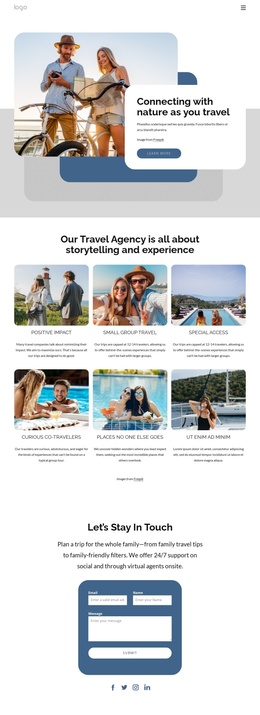
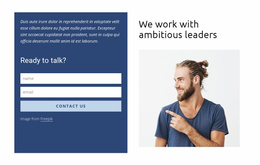
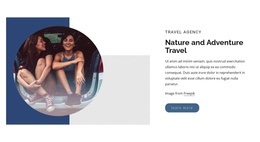
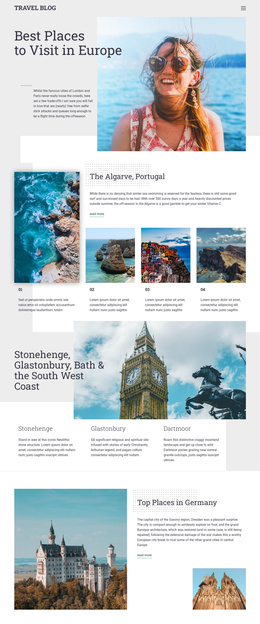
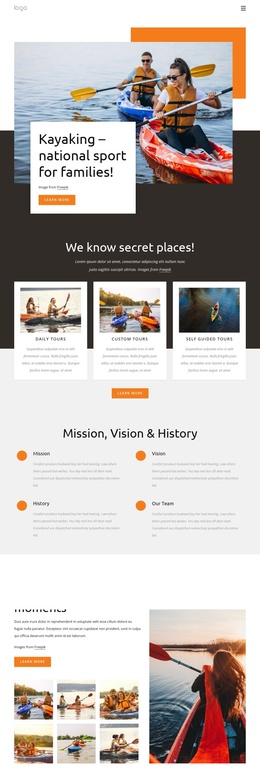
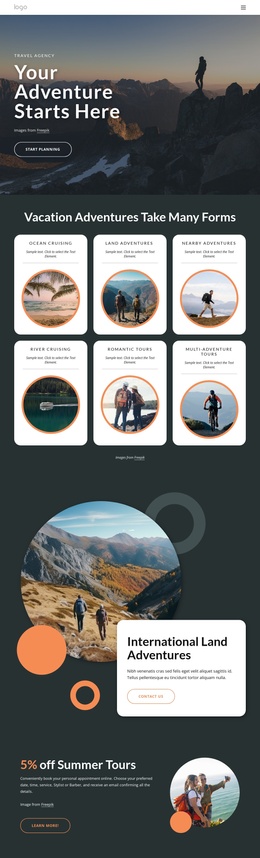
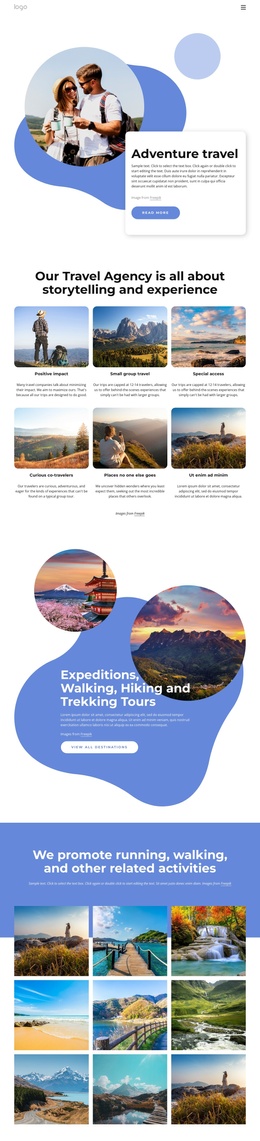
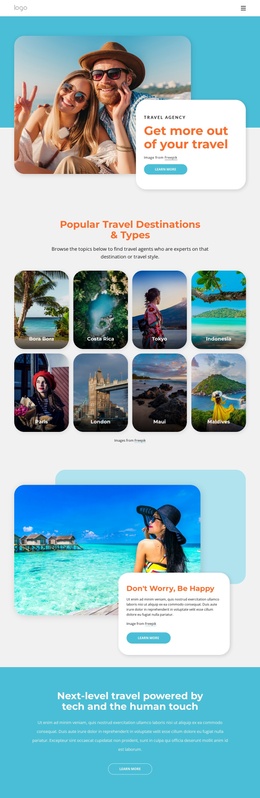
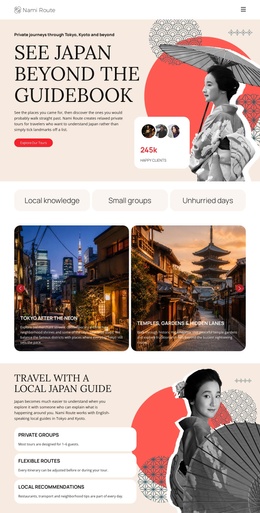
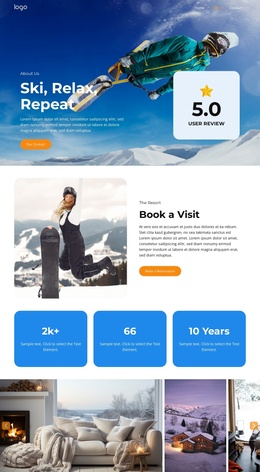
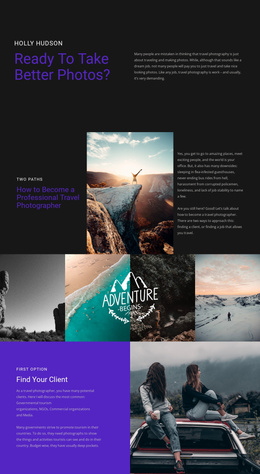
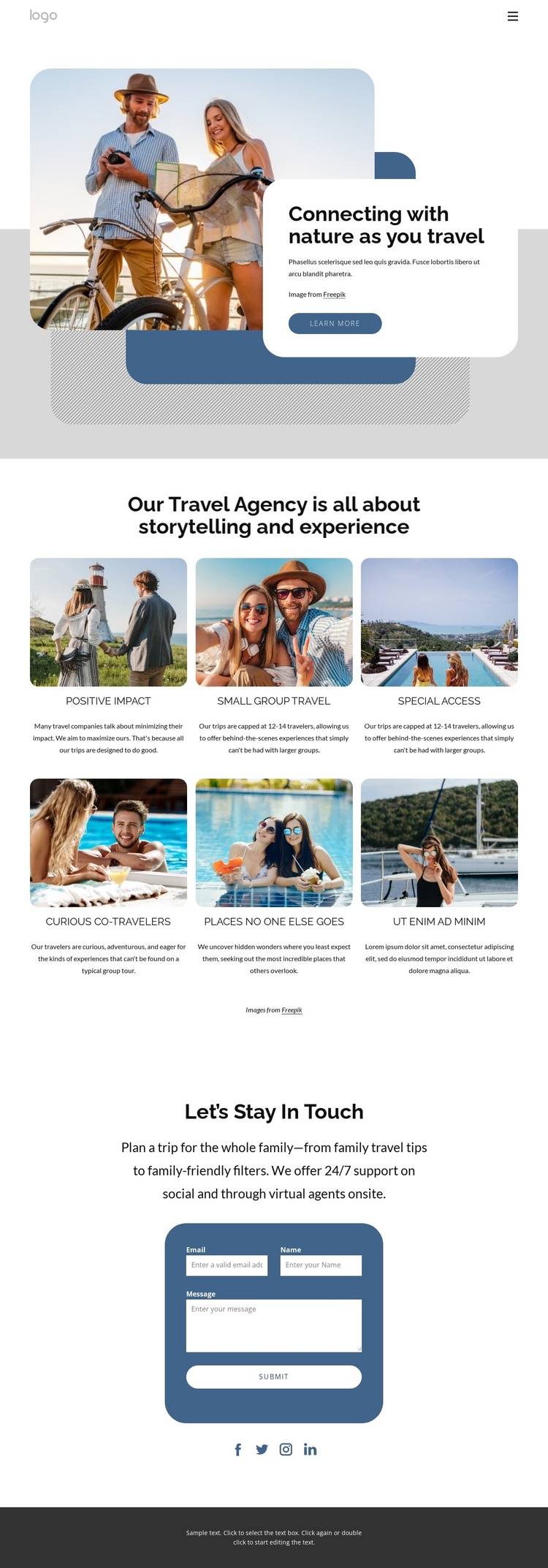
The six image-led experience cards divide the central presentation into recurring informational areas that can be treated as structured travel content. Each card connects a visual impression with a specific idea, including small-group travel, special access, positive impact, curious co-travelers, and places no one else goes. That repeated pattern gives a Joomla-managed project a coherent way to organize related descriptions without losing the common visual direction. The cards also sit between a strong introduction and a focused contact section, so the content has a clear beginning and response-oriented conclusion.
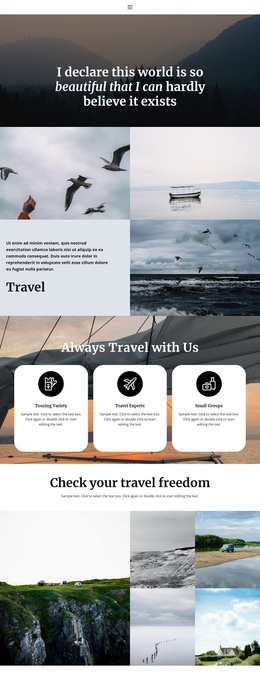
The hero contributes a separate navigation and presentation region: its nature photograph, introductory heading, overlapping shapes, white text card, and Learn more action establish the page context before visitors reach the feature content. At the end, the contact block provides name, email, and message fields, while the social links extend the page’s connection points beyond the form. These distinct regions can correspond to managed site content and shared navigation areas in a Joomla project without claiming that specific Joomla Articles or modules already exist. The design’s value lies in the way its travel information is already separated into recognizable, reusable sections.
Customize with Nicepage
Open this ready-made template in the Joomla Page Builder and customize it visually in the Nicepage editor. Replace demo content, edit page sections, and adapt the design to your project without rebuilding the template from scratch.
Work With This Template in Joomla
Customize and Install the Joomla Template
Start with this ready-made template instead of building the Joomla design from scratch. Customize its layout, content, typography, images, sections, and other design elements visually in the Nicepage application, then export and install the Joomla Template, Nicepage Extension, and supported content on your Joomla website.
Edit the Template Directly in Joomla
After installation, you can edit the Joomla Template directly in Joomla with the Nicepage Joomla Extension. Customize the Header, Footer, Colors, Fonts, typography, and Page Templates from the Joomla workflow while keeping the site design connected with your CMS content.
Edit Joomla Articles Visually
Use the Nicepage Joomla Extension to open and edit Joomla Articles visually from the Joomla Administrator. Change text, images, sections, layouts, and other page content in the Nicepage editor while continuing to manage the Articles through Joomla.
Joomla Content and Template Integration
Use the customized template together with Joomla Articles, module Positions, menus, forms, Blog Pages, and other supported CMS elements. With the Nicepage Extension used as the Site Style Source, shared design settings can be applied across Joomla Articles while Joomla continues to provide the CMS environment for managing site content.
This workflow combines a ready-made Joomla Template with visual customization, direct template editing in Joomla, and continued content management through the Nicepage Joomla Extension.