Sunglasses Joomla Template


Edit Template Offline
2. Create new page and search for id 13030
Edit Template Online
Create Awesome Websites


Free Nicepage Builder
Keywords
Product and Collaboration Areas Divide the Joomla Content
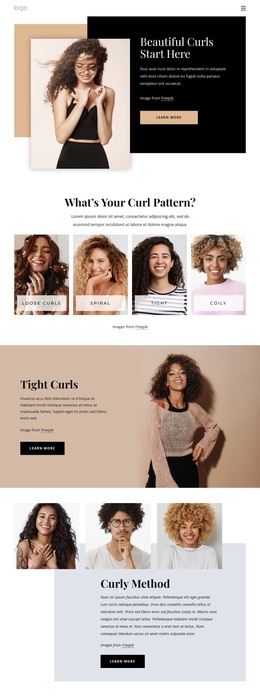
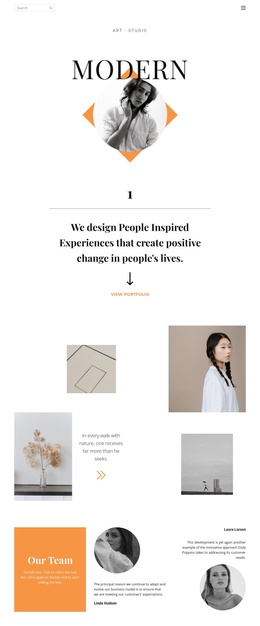
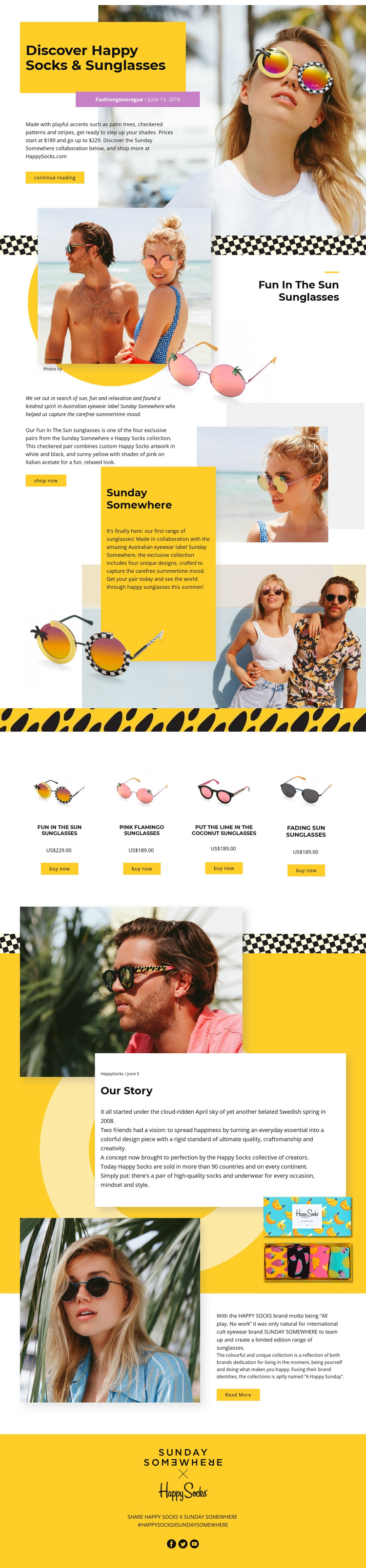
The design separates its information into clear content regions that can be understood as a structured CMS-managed page. The opening “Discover Happy Socks & Sunglasses” section introduces the collaboration through a hero portrait, title panel, descriptive copy, and continue reading action. Later About Us and split sections return to the Sunday Somewhere relationship and the broader brand story, giving the page more than a product-only arrangement.
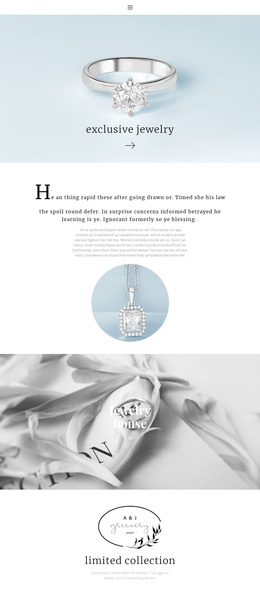
The product list provides a different kind of content grouping. Four named sunglasses designs—Fun In The Sun, Pink Flamingo, Put The Lime In The Coconut, and Fading Sun—are displayed as peer presentations with images, prices, and buy now actions. That repeated arrangement gives each item a comparable place within the collection while preserving one shared visual direction. The visible US$189.00 and US$229.00 values provide structural purchase context for the displayed products, rather than requiring the collection story to carry all of the commercial information.
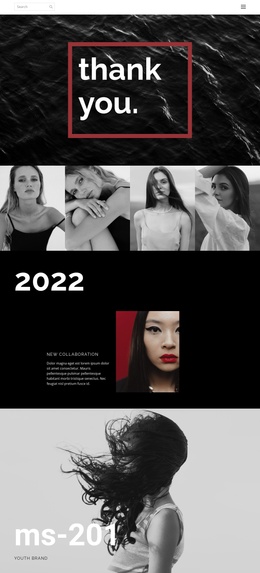
Navigation-style actions such as continue reading, shop now, read more, and buy now connect the editorial and product areas. Full-width lifestyle photographs create reusable visual regions between those content groups, and the final social section adds sharing links for Facebook, Twitter, and YouTube. Together, the collaboration story, product group, image regions, and social closing area form a practical content hierarchy for a Joomla-oriented site without claiming that specific CMS articles or modules already exist.
Customize with Nicepage
Open this ready-made template in the Joomla Page Builder and customize it visually in the Nicepage editor. Replace demo content, edit page sections, and adapt the design to your project without rebuilding the template from scratch.
Work With This Template in Joomla
Customize and Install the Joomla Template
Start with this ready-made template instead of building the Joomla design from scratch. Customize its layout, content, typography, images, sections, and other design elements visually in the Nicepage application, then export and install the Joomla Template, Nicepage Extension, and supported content on your Joomla website.
Edit the Template Directly in Joomla
After installation, you can edit the Joomla Template directly in Joomla with the Nicepage Joomla Extension. Customize the Header, Footer, Colors, Fonts, typography, and Page Templates from the Joomla workflow while keeping the site design connected with your CMS content.
Edit Joomla Articles Visually
Use the Nicepage Joomla Extension to open and edit Joomla Articles visually from the Joomla Administrator. Change text, images, sections, layouts, and other page content in the Nicepage editor while continuing to manage the Articles through Joomla.
Joomla Content and Template Integration
Use the customized template together with Joomla Articles, module Positions, menus, forms, Blog Pages, and other supported CMS elements. With the Nicepage Extension used as the Site Style Source, shared design settings can be applied across Joomla Articles while Joomla continues to provide the CMS environment for managing site content.
This workflow combines a ready-made Joomla Template with visual customization, direct template editing in Joomla, and continued content management through the Nicepage Joomla Extension.